GAIT TRAINER 3 (v3.X SOFTWARE) 71
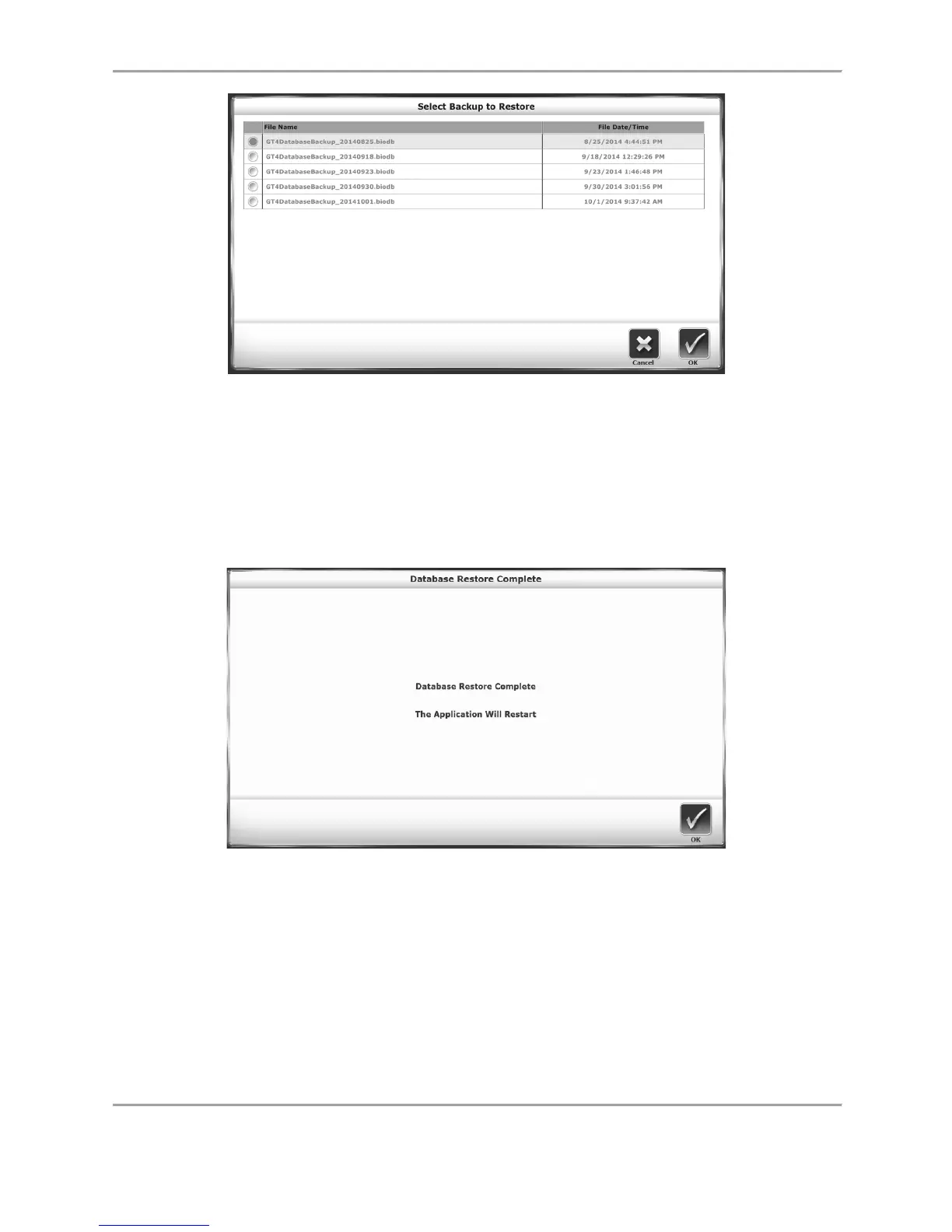
Figure 8.25. Restore from USB Screen.
The Select Backup to Restore screen displays a list of backed up databases that have been
created. The most recently backed up database will be the top row of the list. Select the
database to restore as the Gait Trainer’s current data set, and select the <OK> icon. The
Database Restore Complete screen is displayed as illustrated below:
Figure 8.26. Restore from USB Confirmation Screen.
Depending on the size of the database, it can take some time to reach the Database Restore
Complete screen. The Gait Trainer application will restart once <OK> is touched.
The Backup operation makes a backup of the entire system — not just the database. All system
selections and settings will be backed up and the Restore operation will restore all of these
settings in addition to the patient data. This includes the backup and restoration of the facility
name. Also, for added safety/security, all backup data is encrypted.



 To Next Page