4.
Select which set of harness connection holes on
the patient harness bar should be used to
secure the patient to the
NxStep. Release the quick release clips on the harness, slide them
into the proper holes, and snap the clips closed.
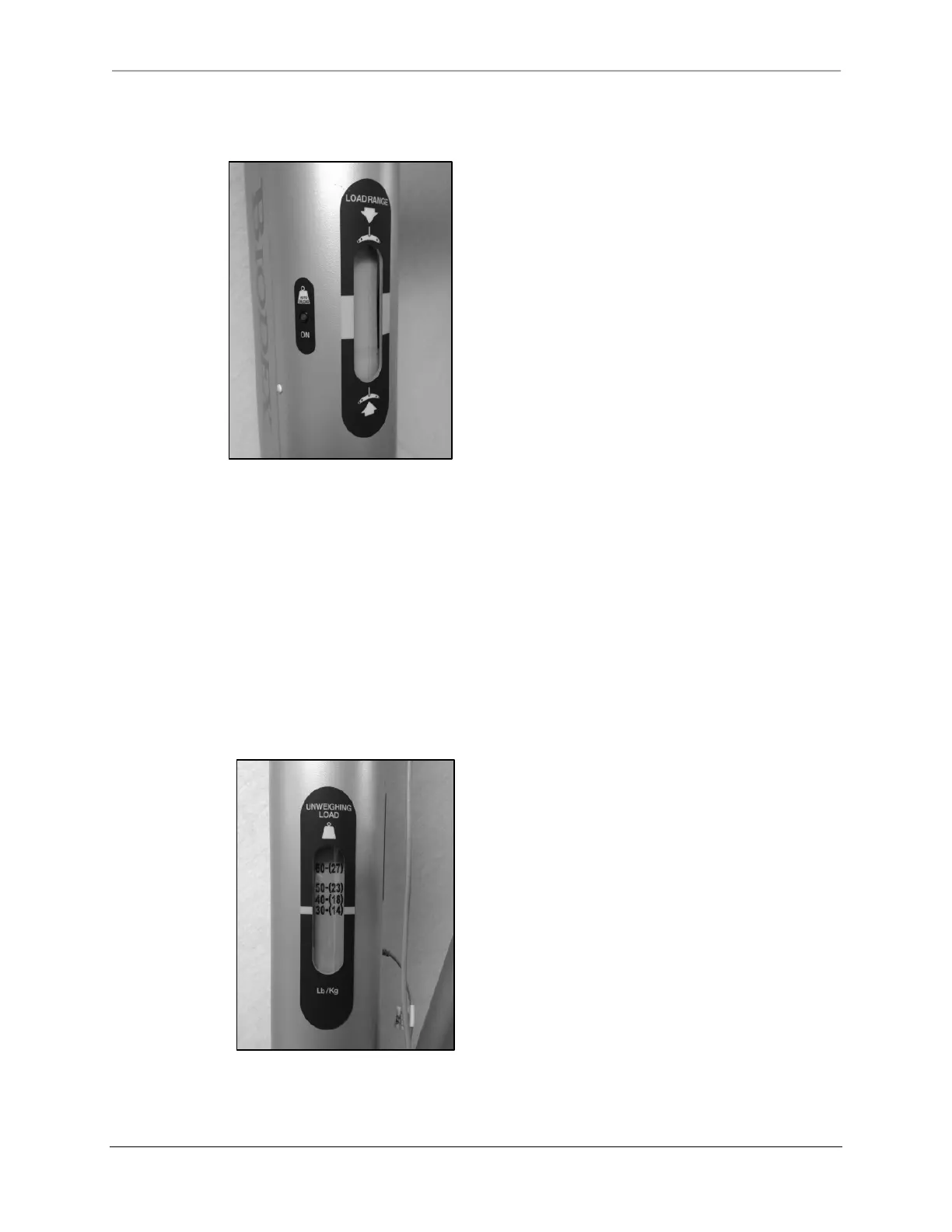
Figure 3.12. The Unweighing Load Range Scale is Located on the Main Column.
NOTE: To view a video detailing harness fitting and adjustment, visit:
www.biodex.com/harness.
5.
Using the hand-held controller, set the unweigh load for the patient with the UNWEIGH LOAD
<UP> or <DOWN> buttons.
The unweigh load will be displayed in the UNWEIGHING LOAD
scale on
the main column of the system.
6.
Using the BAR HEIGHT <UP> button on the hand pendant, raise the patient harness bar to
begin applying unloading the selected weight. Continue pressing the BAR HEIGHT <UP>
button until the indicator is in the center (green zone) of the load range scale located on the
main column (Figure 3.13). At this point the set unloading amount is accurately applied to
the patient.
Figure 3.13. Unweighing Load Scale.



 To Next Page