MetaBird-v1-03/15/20 Page 7 on 30
Detecting the bird: Launch the application (or click on
“FIND BIRD” in the NEST) and turn on the bird. The
“scanning bird” screen above will appear. The bird will
be detected immediately.
Its name will appear on the screen (by default “Bionic
Bird”), and you just need to click it.
NB: If more names appear, it’s because more birds have
been detected nearby. Choose your bird.
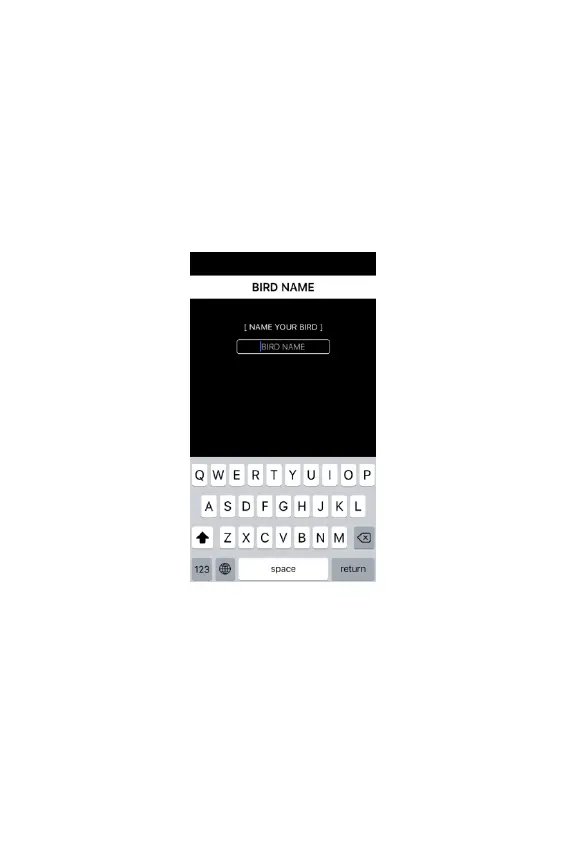
If this is the first time you use it, another screen appears
to name your MetaBird. Next time, it will be recognized
automatically with its name, and this screen will be
skipped.
NB: The bird detection process lasts a maximum of 5
seconds. If your bird isn’t detected during this time, the
“NEST” screen will appear. Use the “find bird” button to
access the bird detection screen and restart the
detection process.



 To Next Page