MetaBird-v1-03/15/20 Page 8 on 30
ttttt
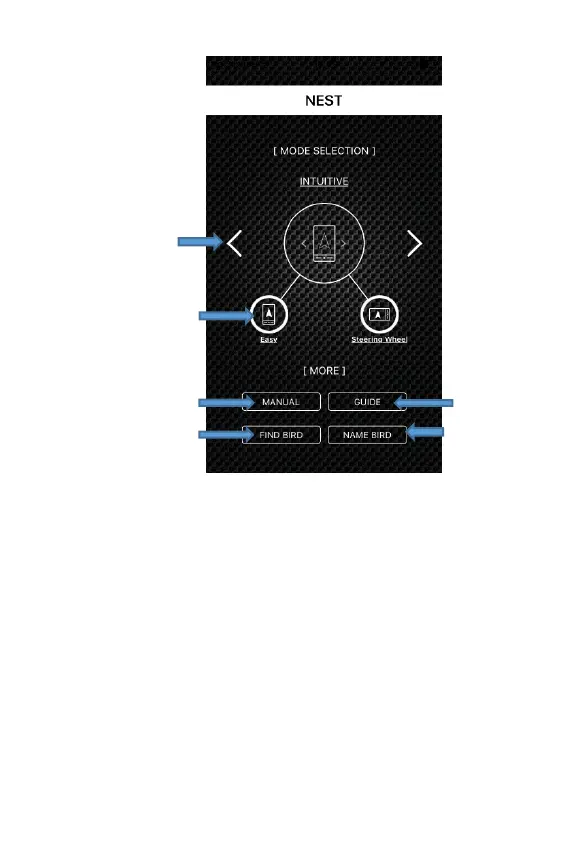
“NEST” screen:
The “NEST” will appear, which is the screen for choosing
the type of command and flying interface on the app.
The four flying interfaces are as follows:
- The “intuitive” interfaces:
• Easy (portrait screen mode) – An interface
where only the throttle is controlled by a touch
slider on the screen using the thumb. Turning
is controlled by tilting your hand. Everything is
controlled with a single hand.
• Steering Wheel (landscape screen mode) – An
interface where only the throttle is controlled
by a touch slider, and changes in direction are



 To Next Page