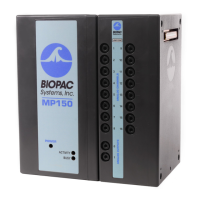
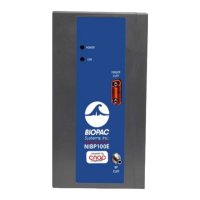
7
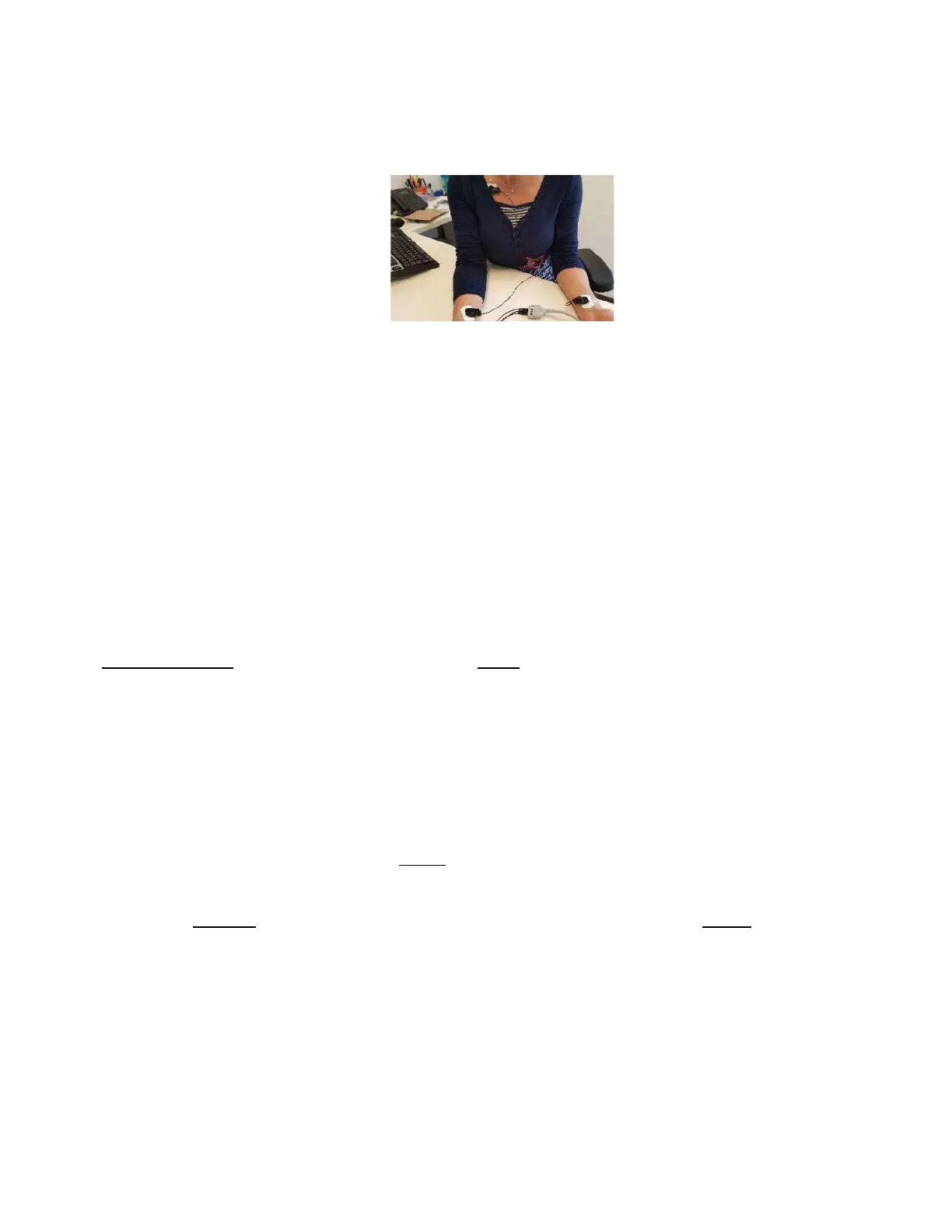
Place the transducer's positive and negative leads on the hands of the subject and the
transducer's grounding on the upper part of the chest
(see Figure 10).
Figure 10. Attaching the ECG Transducer
After you finished to setup all the modules, verify that you receive clear and appropriate signals from
each channel in the Acknowledge software. An illustration of expected signals is shown in the next
section.
Recording with Acknowledge
This section goes over the basic information you need to know about the software.
1. To start recording: recording starts only after the "start" button is pressed on the Acknowledge screen.
To start the recording with the MRI's trigger, you need to choose the option of “trigger external”. Go to
MP150 > Set up Data Acquisition>Analog>Trigger>External. Then press the "start" button. Recording of
data will start with the first EPI trigger.
2. If everything is connected properly and the sensors are placed correctly, then the signals should be
easily visible and distinguishable.
The measurement units are (see also figure 11): EDA (microSiemens
per second), ECG (mV per second), RSP (Volts per second) HLT->Oxy Spo
2
(mmHg) and heart rate (BPM).
3. After the experiment ends, press the "stop" button to stop the recording. Recording will not stop
automatically, even in trigger external mode, unless you press "stop".
4. EXPORT OF the data: Go to FILE > SAVE AS and enter a filename. IMPORTANT: do not save your data
on the computer, use a disc on key. Files left on the computer may be erased from time to time. There
are several possible types of files you can save as: text, mat, etc.


 To Next Page
 Loading...