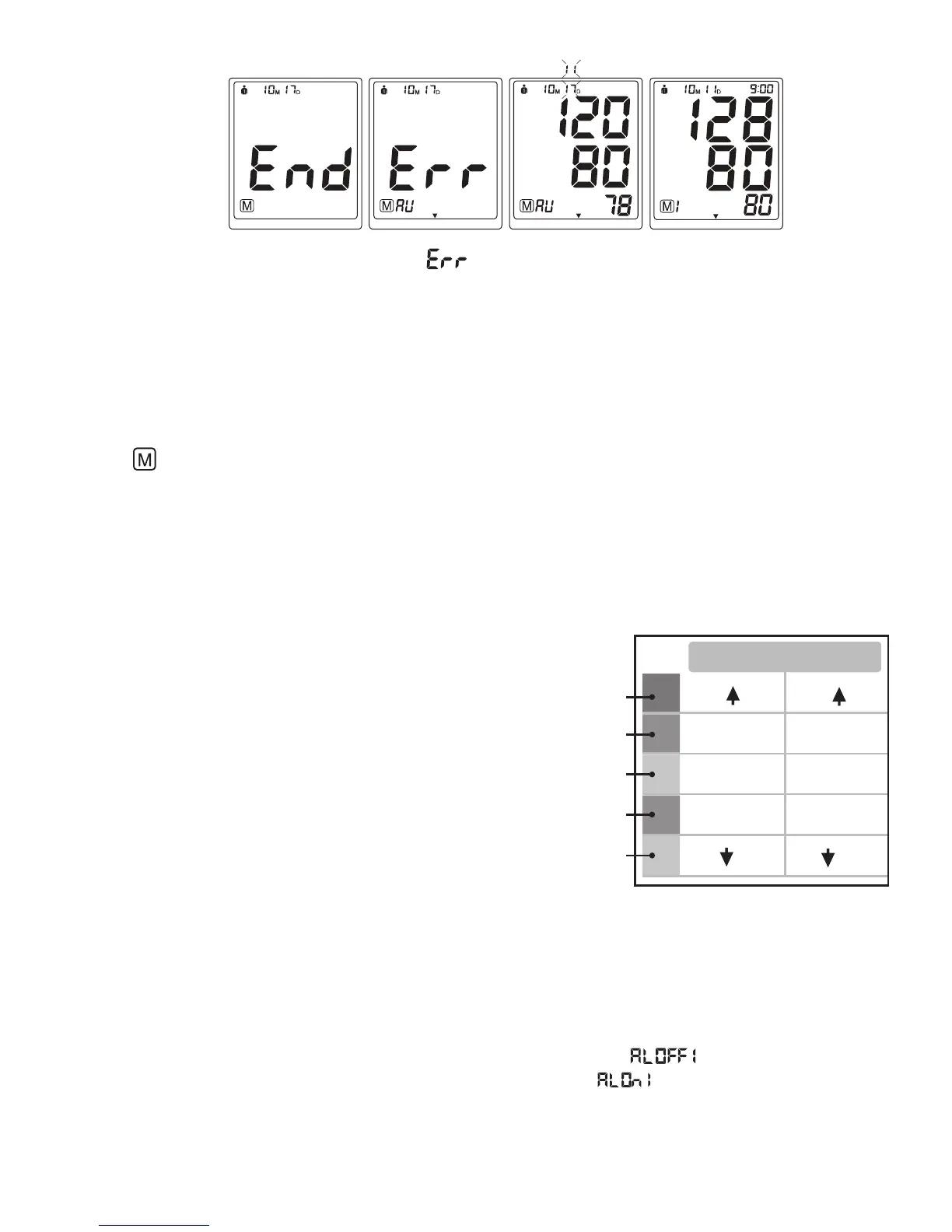
Reasons why the Protocol Software is displaying
- Not enough measurements have been saved in memory. For the Protocol Software to work there needs to be
28 measurements saved in memory, 4 measurements taken for 7 days.
#LEAR-EASUREMENTS&ROM-EMORY
If you are sure that you want to permanently remove all stored memories, first choose the mode you want to delete
the memory from, then press the SET button 9 times until “CL” appears when the power is off. Press the34!24
34/0button until “CL” flashes 3 times to clear the memory. After this, press either the “+” or “-” button, the
symbols “ ” and “no” will appear on the screen. This means that the memory has successfully cleared.
"0!SSESSMENT)NDICATOR
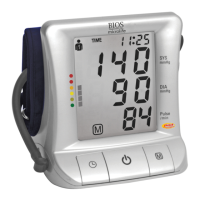
The bars on the left hand side of the display show you the range within which the indicated blood pressure
values lies. Depending on the height of the bar, the readout value is either within the normal (green), borderline
(yellow) or danger (red) range.
The classification is based on standards adopted by Hypertension
Canada.
The indicator bar rises according to your measurement.
s)FYOURMEASUREMENTHASONLYONEORTWOBARSYOUR
measurement is in the green zone, or “Normal”.
s)FYOURMEASUREMENTHASTHREEBARSITISINTHEYELLOWZONEOR
“High Normal”.
s)FYOURMEASUREMENTHASFOURBARSITISINTHEREDZONEh(IGH
Blood Pressure with Self / Home Monitoring”.
s)FYOURMEASUREMENTHASlVEBARSITISINTHEREDZONEOR
“Moderate to Severe Hypertension”.
3ETTINGTHE!LARM
This blood pressure monitor allows you to set two alarm times at which an alarm signal will then be triggered.
This can be a useful aid, for instance as a reminder to take your measurements for the Protocol Software (7D
Mode) or to remind you to take medication.
1. To set the alarm, while the monitor is OFF, press the SET button 8 times, “
vWILLmASHPRESSTHE“+”
or “-“ buttons to switch between the alarm being OFF or ON. Select “
” and press the SET button. The
(/523WILLBEGINTOmASHPRESS“+” or “-“ buttons to change the HOUR digits, press SET button to confirm.
.EXTTHE-).54%DIGITSWILLmASHPRESSTHE“+” or “-“ buttons to change the digits, press SET to confirm.
3. Once Alarm 1 is set, you can follow the same steps above to set Alarm 2.


 To Next Page