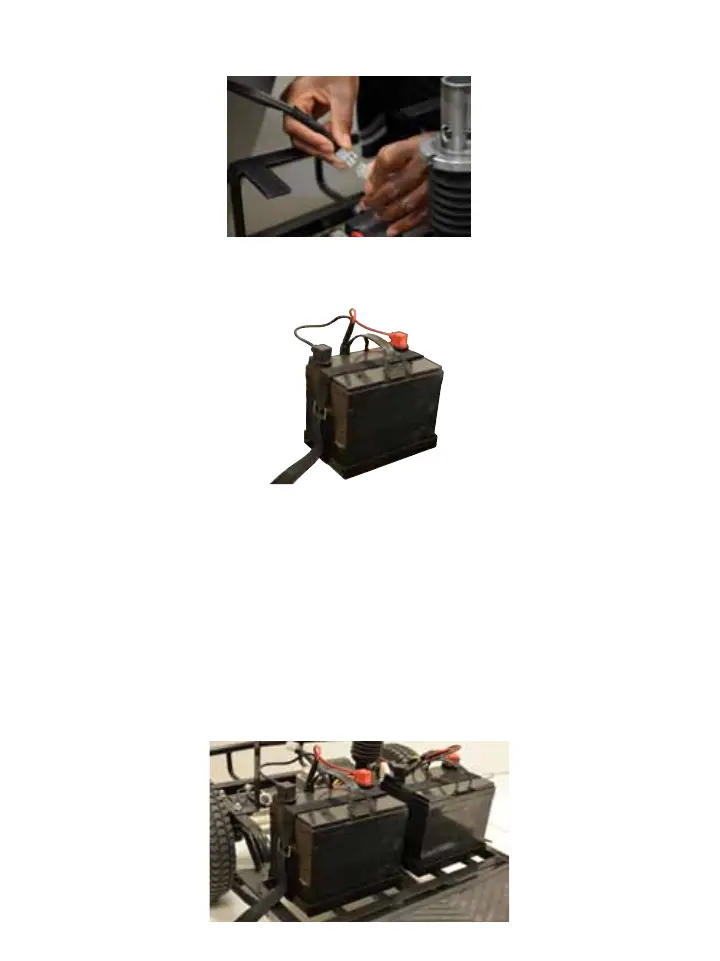
2. Disconnect the shroud connectors.
3. Place the new batteries into the battery wells, with the terminals
facing towards the front of the scooter.
4. Connect the red cable to the positive (+) battery terminal (red to
red).
5. Connect the black cable to the negative (-) battery terminal
(black to black).
6. Reconnect and tighten all screws that hold the battery terminals.
7. Ensure that the battery terminal boots are covering the battery
terminals.
8



 To Next Page