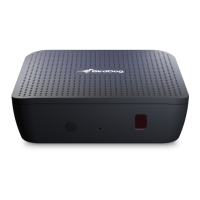
WELCOME TO PLAY.
LET’S GET YOU SET UP
STEP ONE
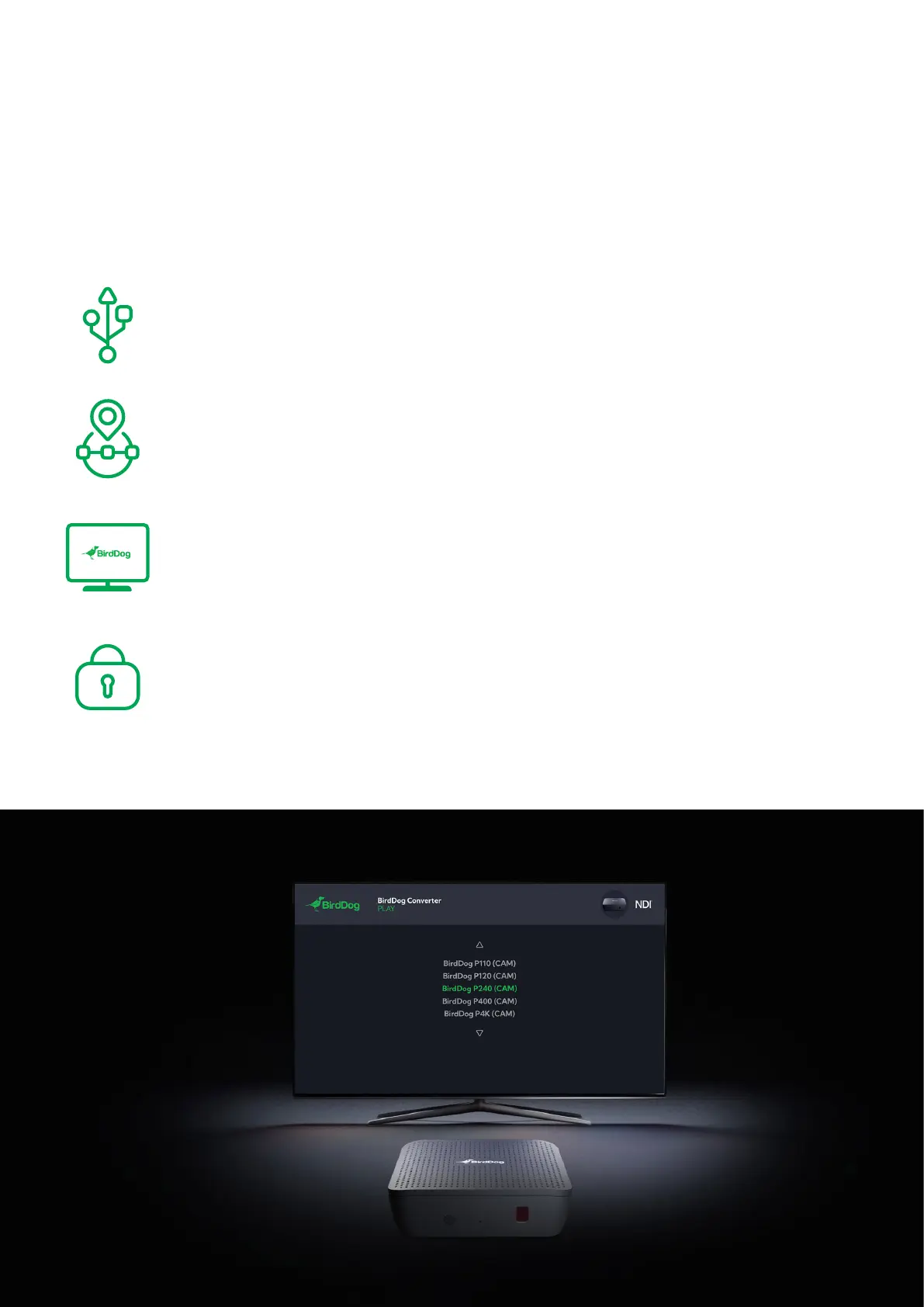
Connect play to USB power, HDMI to the TV Screen, and to
your network via the Ethernet port.
STEP TWO
After a few seconds you will see a BirdDog splash-screen with
an IP address in the top left corner.
STEP THREE
With a browser enabled device connected to the same
network, type in the IP address and hit enter. You will see the
BirdUI interface.
STEP FOUR
Type in the password to login to the BirdUI. The default
password is birddog, all lower case.
You can change the password once you login.


 To Next Page
 Loading...