Powering Options
PoE Power over Ethernet (802.11af/at)
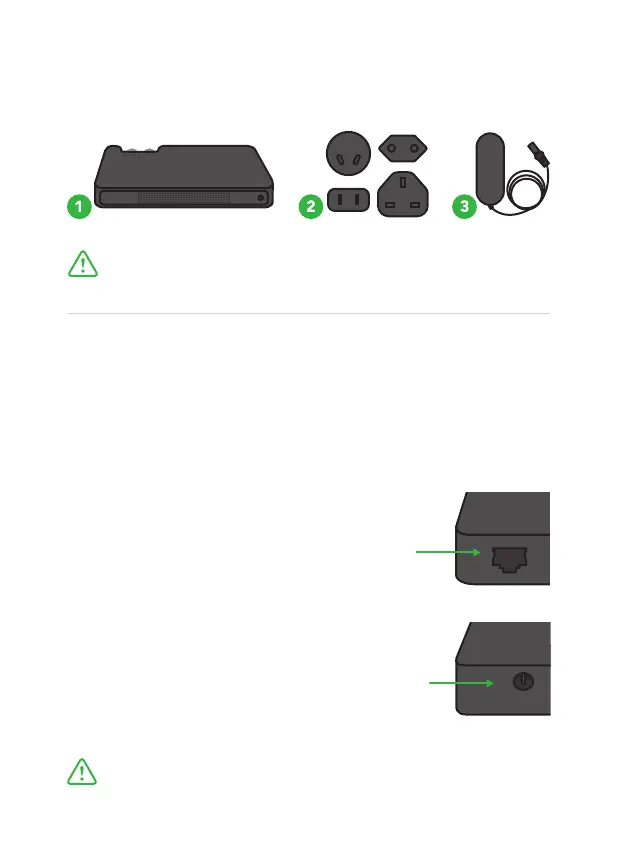
Studio NDI can receive power and data through a single Ethernet
cable. Always use a certified 802.11af/at switch with minimum 12w
port power capacity.
Always use geniune BirdDog power adapters.
3rd party products can cause permanent damage.
Dc Power (strictly 5-18v)
Once a DC cable is connected the unit
will automatically power on.
Once PoE Ethernet cable is inserted the unit
will automatically power on.
Please take time to ensure all items are incuded in your
BirdDog product package.
What’s in the box
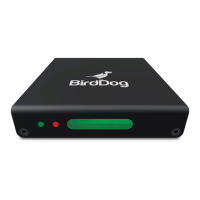
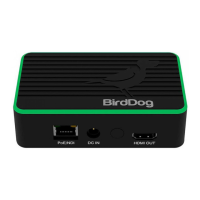
1. Studio NDI Main Unit 2. International Adapters 3. AC/DC Power Adapter



 To Next Page