QUICK TIP. If both HDMI and 3G-SDI inputs are present
simultaneously, Studio NDI will default to 3G-SDI input.
Determining video input
Displaying current video input
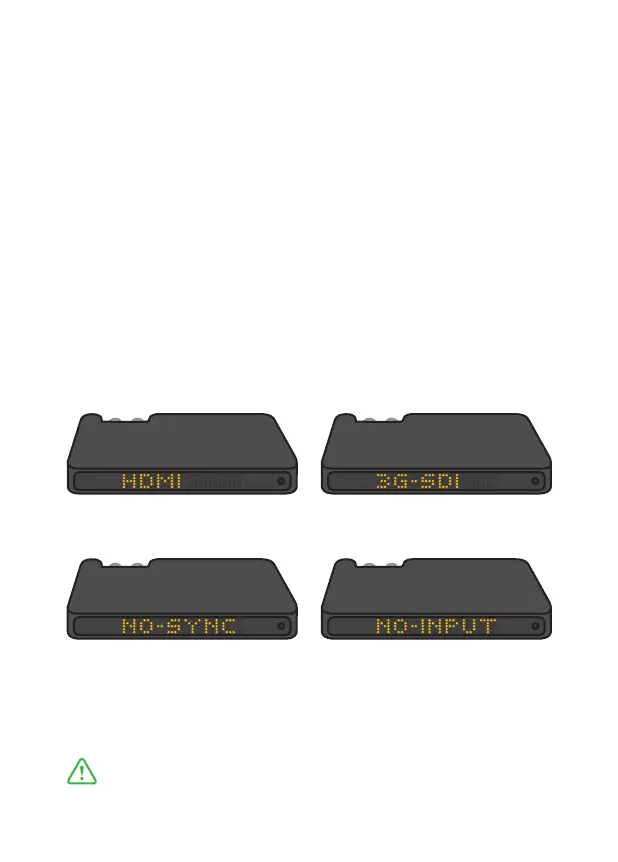
Studio NDI will auto-detect the video input as soon as it becomes
active. Once video is synchronised a display will appear confirming
the video input is active and being encoded to NDI in realtime.
1-2
If a video input is present but not compatible with Studio NDI a
message will appear “NO-SYNC”.
3
If there are no valid inputs connected to Studio NDI a message will
appear “NO-INPUT”.
4
1 1
3 4



 To Next Page