EasyManua.ls Logo

Bissell 9595 - User Manual

Bissell 9595
16 pages
Print Icon
To Next Page IconTo Next Page
Loading...
9595, 1816, 3918, 4207,
24101, 7482, 2412 SERIES
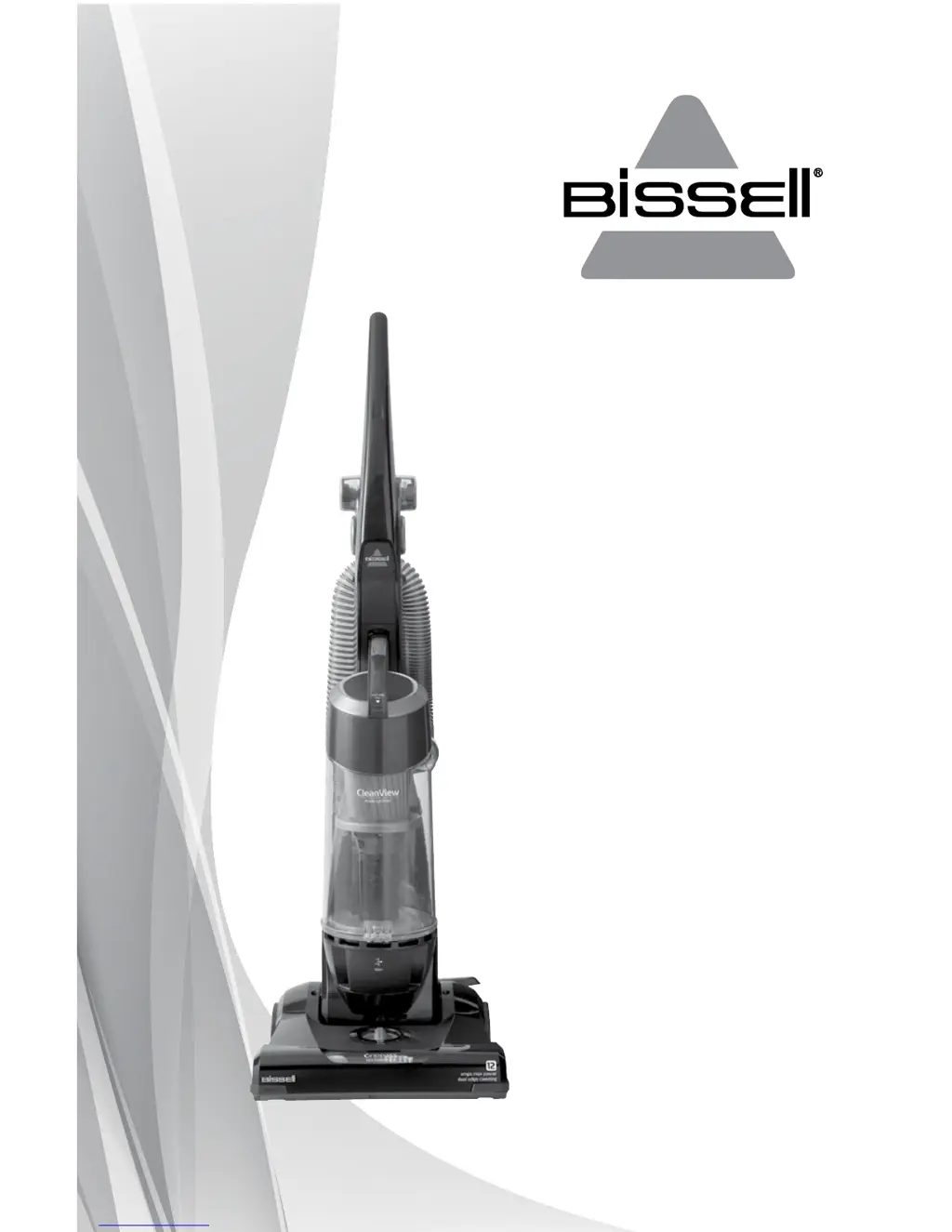
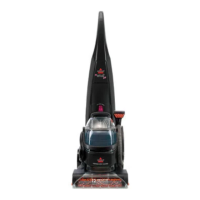
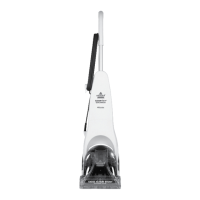
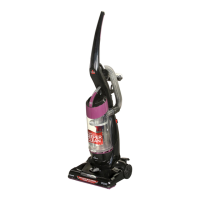
*Product images may vary
CLEANVIEW
®
USER GUIDE

Questions and Answers

  • L
    Laura EatonAug 6, 2025
    How to fix a Bissell Vacuum Cleaner that won't turn on?
    • T
      tylerhansonAug 6, 2025
      If your Bissell Vacuum Cleaner won’t turn on, the possible causes include: * The power cord may not be plugged in, so check the electrical plug. * A fuse may be blown, or a breaker tripped; check and replace the fuse or reset the breaker.
  • R
    richardclarkAug 12, 2025
    What to do if my Bissell Vacuum Cleaner tool won't pick up?
    • M
      Mackenzie DunnAug 12, 2025
      If the tool on your Bissell Vacuum Cleaner isn’t picking up, it could be due to several reasons: * There might be a crack or hole in the hose; check the hose and replace it if needed. * There could be a clog in the vacuum; follow the instructions for clearing clogs. * The dirt tank may be full or not installed properly; empty the dirt tank and ensure it is correctly positioned and locked in place. * The filters might be dirty; check and clean or replace the pre-motor and post-motor filters.
  • J
    Jonathan WheelerAug 18, 2025
    Why is dirt escaping from my Bissell Vacuum Cleaner?
    • K
      kari90Aug 18, 2025
      If you see dirt escaping from your Bissell Vacuum Cleaner, it might be because: * The dirt tank is full; empty the dirt tank. * The filters are missing or installed incorrectly; check the pre-motor and post-motor filters to ensure they are installed correctly.
  • N
    Natalie RoseAug 25, 2025
    How to make my Bissell Vacuum Cleaner easier to push?
    • F
      Francis GomezAug 25, 2025
      If your Bissell Vacuum Cleaner is difficult to push, it may be due to incorrect height adjustment. Adjust the powerfoot to the correct height setting.
  • A
    Amy MercadoOct 30, 2025
    Why is my Bissell 9595 Vacuum Cleaner not picking up dirt?
    • K
      kpriceOct 30, 2025
      If your Bissell Vacuum Cleaner isn’t picking up dirt, there are several potential causes: * The height adjustment may be incorrect; adjust the powerfoot to the correct height setting. * The hose might not be properly attached; firmly push the hose wand into the hose wand base. * There could be a crack or hole in the hose; inspect and replace if needed. * The dirt tank might be full, or not installed correctly; empty the tank, and ensure it’s correctly positioned and locked in place. * The filters could be dirty; check, clean, or replace the pre-motor and post-motor filters. * There may be a clog in the vacuum or the rotating floor brush could be jammed. Clear any clogs and remove the brush to clean debris from brush ends. * The drive belt may be broken or worn, or the rotati...

Summary

Important Safety Instructions

Warning to Reduce Risks

Safety precautions to reduce the risk of fire, electric shock, or injury during vacuum cleaner operation.

Save These Instructions

Instruction to retain safety guidelines for future reference.

Polarized Plug Information

Explanation of the appliance's polarized plug for reducing electric shock risk.

Quick Start Guide

Carton Contents Overview

Lists all the components included in the vacuum cleaner's packaging.

Assembly Instructions

Step-by-step guide on how to assemble the vacuum cleaner.

Product View

Product Components Overview

Detailed list and identification of all parts and features of the vacuum cleaner.

Assembly

Attaching the Handle

Procedure for securely attaching the vacuum cleaner's handle to the base.

Attaching Hose, Clips, and Tools

Steps for connecting the hose, clips, and mounting accessory tools.

Operations

Power Switch Operation

Instructions on how to use the power switch for different model series.

Handle Positions

Description of the three cleaning positions for the vacuum handle.

Height Adjustment

Guidance on adjusting the vacuum cleaner's height for different floor types.

Operations

Brush Roll On;Off Control

How to engage or disengage the rotating brush roll for specific models.

Transporting the Cleaner

Methods for moving the vacuum cleaner between rooms.

Suction Power Indicator

Explanation of the indicator that signals reduced airflow due to clogs or dirty filters.

Operations

Special Tools for Above-Floor Cleaning

Guidance on using various attachments for cleaning above the floor.

Maintenance & Care

Emptying the Dirt Tank

Instructions on how and when to empty the vacuum cleaner's dirt tank.

Cleaning Pre-Motor Filter and Inner Cyclone

Steps for cleaning the pre-motor filter and the inner cyclone component.

Maintenance & Care

Empty Dirt Tank Details

Detailed instructions for emptying and washing the dirt tank.

Pre-Motor Filter and Inner Cyclone Cleaning Details

Comprehensive guide for cleaning the pre-motor filter and inner cyclone.

Maintenance & Care

Replacing the Post-Motor Filter

Instructions on how to replace the post-motor filter for clean air return.

Checking Rotating Floor Brush and Drive Belt

Guidance on inspecting and cleaning the brush and drive belt for optimal performance.

Maintenance & Care

Replacing the Drive Belt

Step-by-step instructions for replacing the vacuum cleaner's drive belt.

Clearing a Clog

Procedure to identify and clear clogs causing low suction or poor pickup.

Troubleshooting

Common Vacuum Cleaner Issues

Addresses problems like not turning on, poor suction, difficulty pushing, and dirt escaping.

Tool Performance Issues

Covers troubleshooting for tools not picking up dirt effectively.

Contacting BISSELL for Assistance

Provides information on what to do if the product needs service.

Replacement Parts

Available Replacement Parts

List of part numbers and names for vacuum cleaner replacement components.

Accessories

Available Accessories

List of part numbers and names for compatible vacuum cleaner accessories.

Warranty

Limited Three-Year Warranty Details

Information regarding the terms, conditions, and duration of the limited warranty.

Service

How to Obtain Service

Instructions on how to contact BISSELL for product service and support.

Product Registration and Consumer Care

Benefits of Product Registration

Details advantages like earning points, faster service, and special promotions.

How to Contact BISSELL Consumer Care

Provides phone numbers and mailing address for service and warranty inquiries.

Recording Your Product Information

Prompts users to record model number and purchase date for warranty claims.

Bissell 9595 Specifications

General IconGeneral
BrandBissell
Model9595
CategoryVacuum Cleaner
LanguageEnglish

Related product manuals