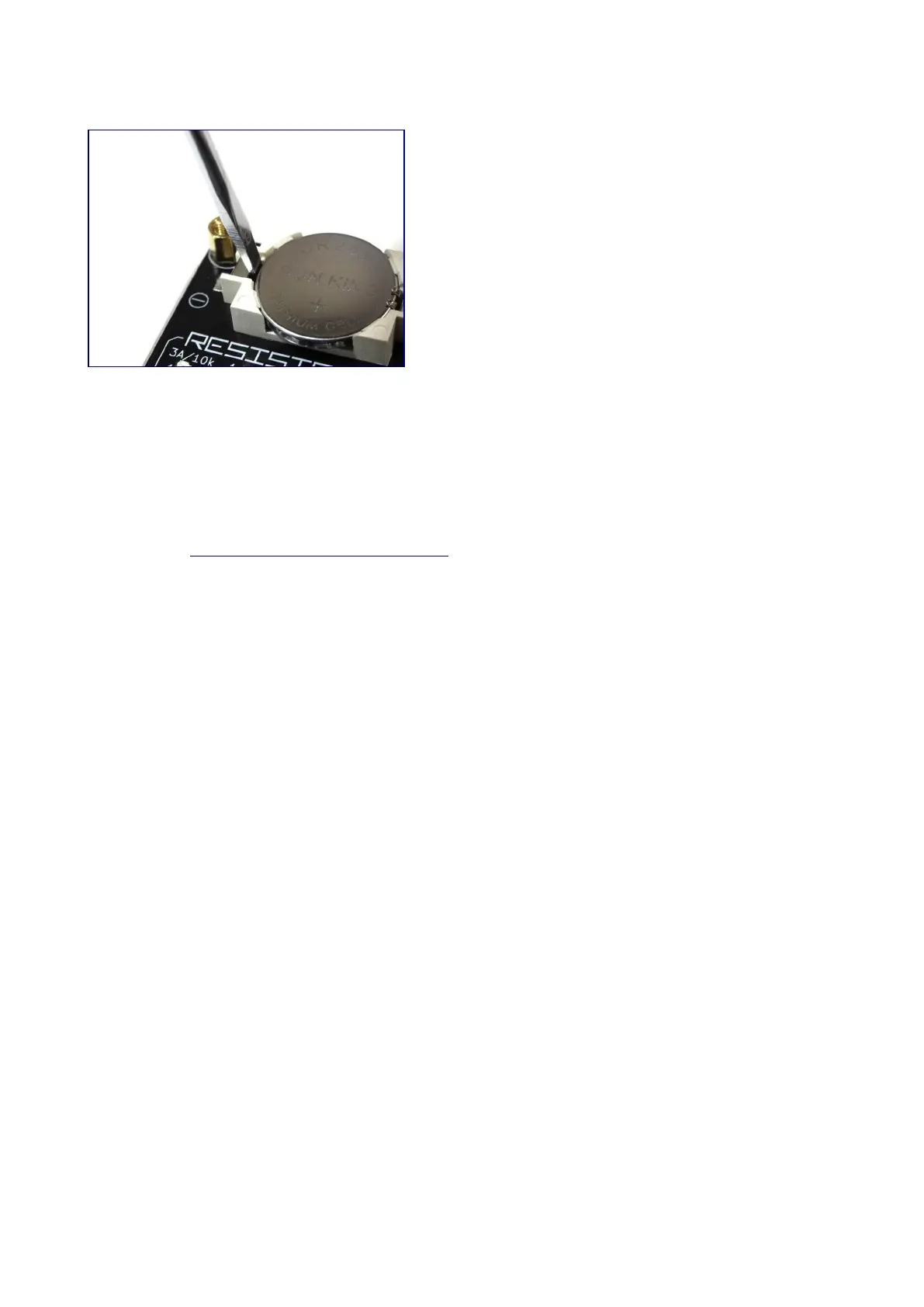
Battery replacement method
When "LOW BATTERY" is displayed on the OLED display at startup, it is time to replace the
batteries.
As shown in the image above, slide the tip of the flathead screwdriver into the gap between the
negative terminal and the battery and use the principle of leverage to remove it.
Then install the new CR2032 battery with the positive side facing up.
Official page http://bit-trade-one.co.jp/adusbcim



 To Next Page