Need help?
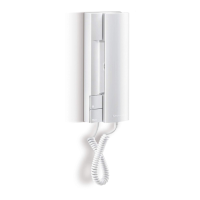
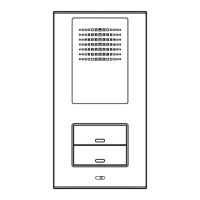
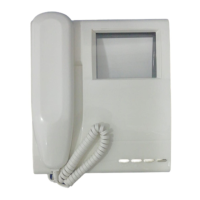
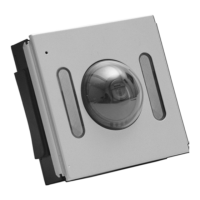
Do you have a question about the Bitron Video AV1407/005 and is the answer not in the manual?
Details the function of the door opener button on the device.
Explains the operation of the '.' button for auto-on functionality.
Describes how to adjust the ringer volume and mute the door phone.
Covers receiving calls and the video/audio transfer function.
Details how to perform an auto-on function on the master door unit.
Explains how to forward intercom calls to multiple users.
Describes the function for connecting and using a floor call button.
Details the programming of buttons for intercom calls.
Explains how to configure intercom calls between multiple users.
Outlines the default configurations for the B-fast system.
Guides on programming intercom calls within a single apartment.
Describes how to select the desired floor call tone.
Explains how to select call tones for door phone and intercom calls.
Instructions for clearing all optional programming data.
 General
| Category | Intercom System |
|---|---|
| Model | AV1407/005 |
| Type | Video Intercom |
| Operating Temperature | -10°C to +50°C |
| Camera Angle | 90° |
| Night Vision | Yes |
| Microphone Sensitivity | -42 dB |
| Speaker Output | 1W |
| Housing Material | Plastic |
| Connectivity | Wired |
| Current Consumption | 500mA |
| Humidity | Up to 85% non-condensing |
| Video Resolution | 640 x 480 |
| Installation | Wall Mount |
| Display Size | 7-inch |

 To Next Page