Rev. 1.00
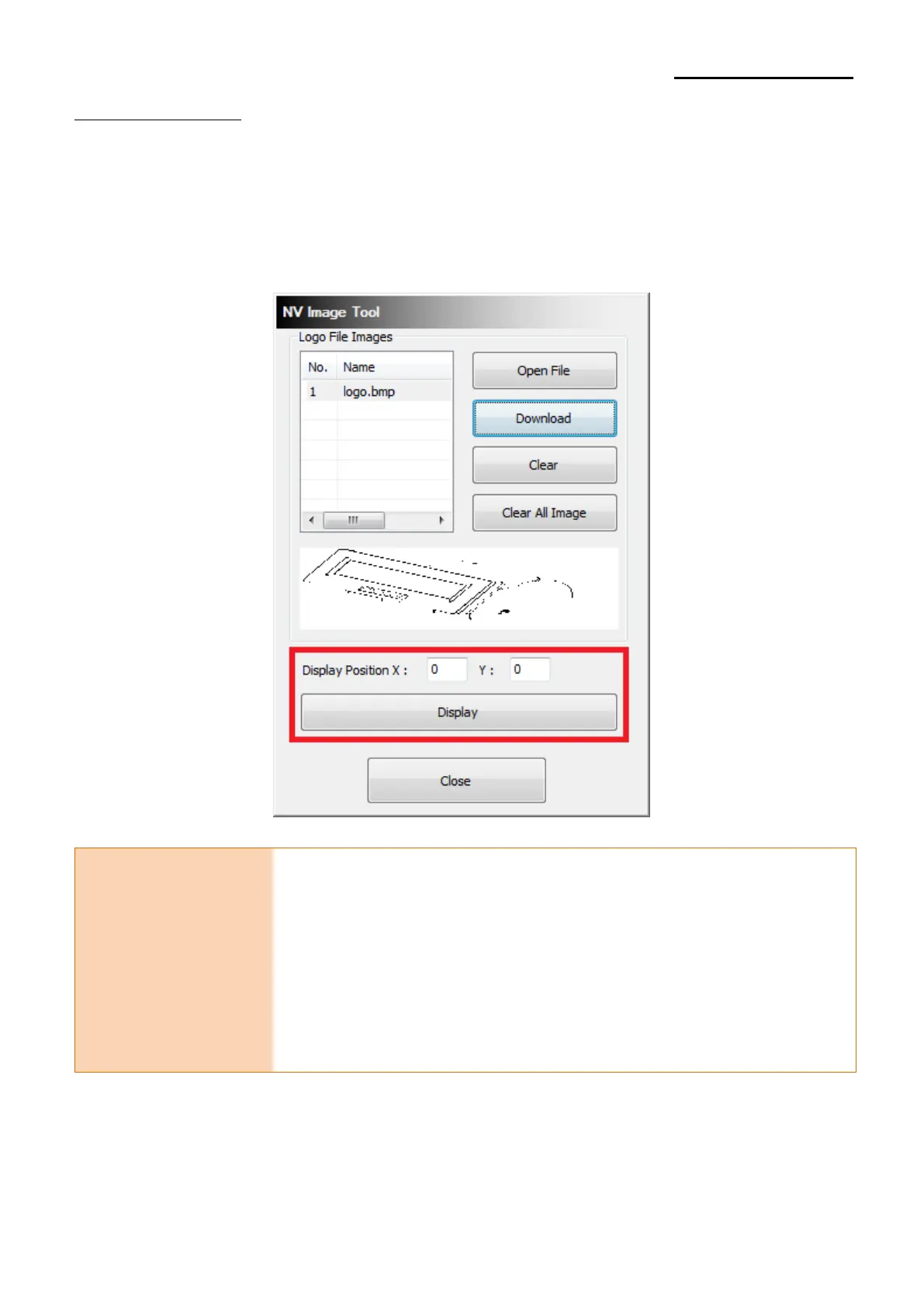
2-2-3 Image Display
1) The screen will display saved images thereby using "Display" button.
2) It is possible to fix the coordinates of the origin for an image you output among images
saved in the customer display.
Caution or Warning
- If the image size is bigger than specification, the image does not
show on the display
[BCD-2000]
Display Position X + image width < 240
Display Position Y + image height < 64
[BCD-3000]
Display Position X + image width < 160
Display Position Y + image height < 32



 To Next Page
 Loading...


