Labeling
Operating instructions GLP
2 -- 20
6.562.98.5.01.18
2.5.6 Labeling fixed weight articles
If the labeling mode ”Fixed weight” is preset, all packages are labeled with the
same fixed weight. If a unit price is preset, the unit price and the calculated price
are printed out on the label.
If the unit price is equal to zero, only the fixed weight will be printed on the label.
.
In fixed weight labeling, the text ”Fixed weight” must be preprinted
on the label or printed on blank labels during label printing (see page
3 -- 139).
Labeling: see description under ”
Fixed price labeling”
on page 2 -- 19.
In the total window of the GT 240 display, the number of labeled
packages as well as their weight total are continuously displayed
(for description, see page 3 -- 169).
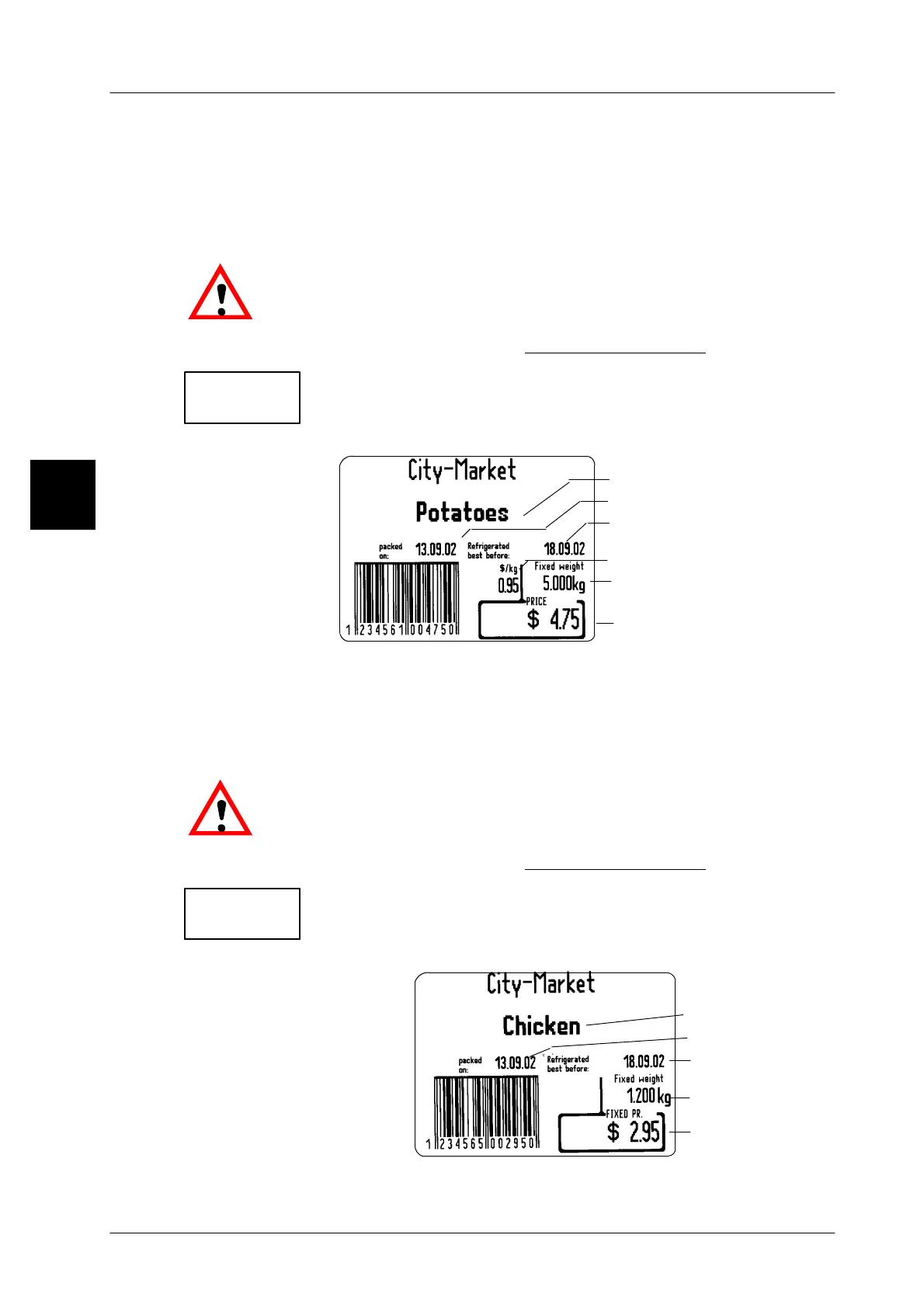
Label example:
Article description
Packing date
Sell--by date
Price
Fixed weight
Unit price
2.5.7 Labeling fixed value articles
If the labeling mode ”Fixed value” is preset, all packages are labeled with the
same fixed weight and fixed price.
.
In fixed value labeling, the text ”Fixed weight” must be preprinted
on the label or printed on blank labels during label printing (see page
3 -- 139).
Labeling: see description under ”
Fixed price labeling”
on page 2 -- 19.
In the total window of the GT 240 display, the number of labeled
packages as well as their weight total are continuously displayed
(for description, see page 3 -- 169).
Label example:
2
*1: 10
kg 50.000
*1: 10
kg 12.000
Article description
Packing date
Sell--by date
Fixed price
Fixed weight



 To Next Page