Presettings for labeling
Operating instructions GLP
3 -- 56
6.562.98.5.01.18
3.4.7 Printing totals 1 and 2 in the total preselection matrix
(on GT--CT)
If in mode level 5 under “Totalization/Totaliz. mode” the PLU or weight class--
specific totalization is set, the accumulated total 1 and total 2 must be printed di-
rectly in the total preselection matrix.
Operating sequence: Description
------------------------------------------------------------------------------------------------------------------------------------------------------
[MODE] 2
Release
total
Tot.pres.
column
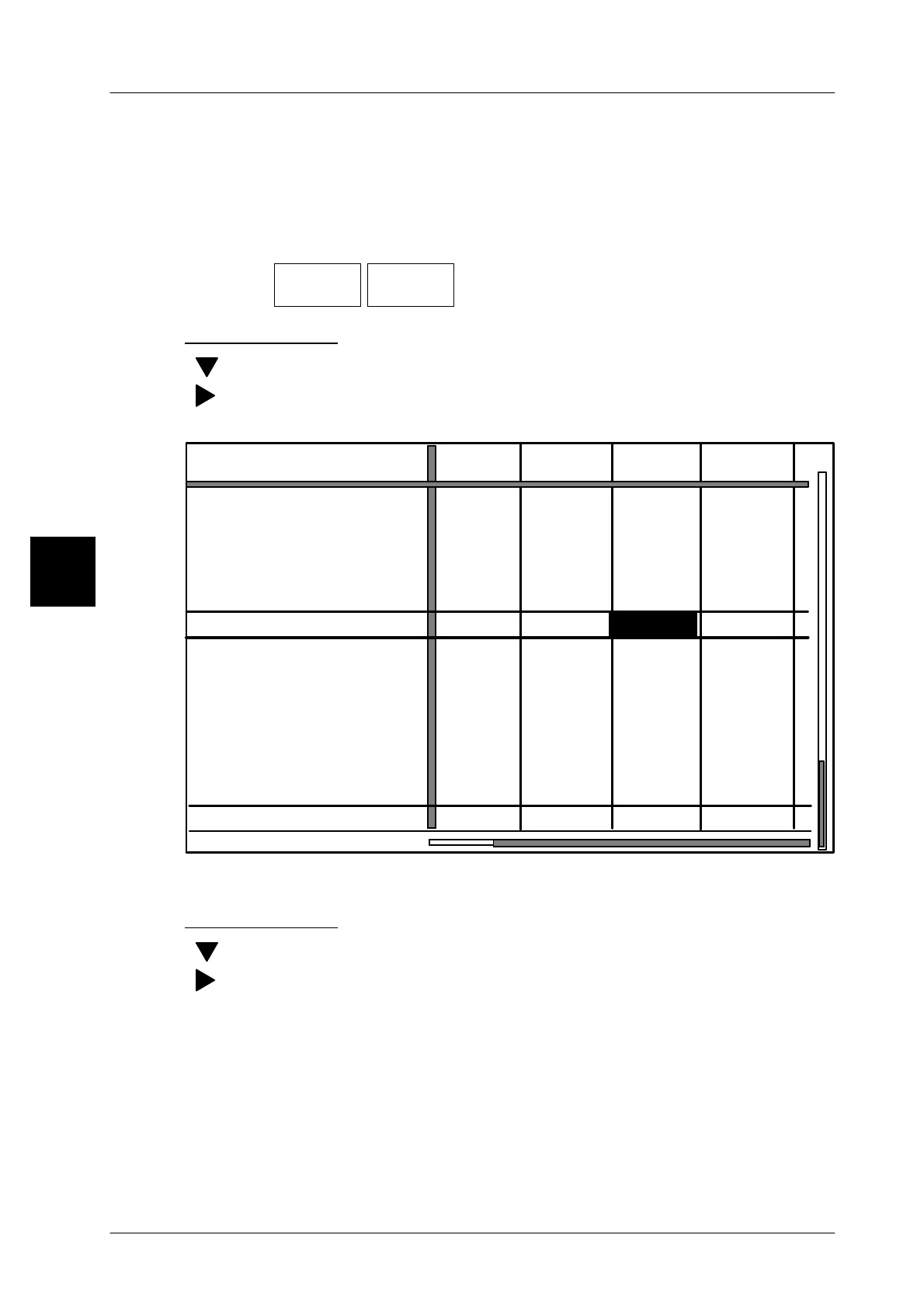
-- Call up ’Preselect tot. matrix’.
Printing total 1
[ ] -- Position the cursor in the selection field on ’Print total 1’.
[ ] -- Using the cursor key, move to the selection field to the column
of the relevant article, e. g. PLU number 30.
PLU number
Print total 1 and delete
50,000 kg 100,000 kg 40,000 kg
--- --- ---
0,000 kg
0,000 kg
0,000 kg
Customer number
---
---
82,255 kg
100 pcs
50,000 kg 100,000 kg 40,000 kg
--- --- ---
--- --- ---
0,000 kg 0,000 kg 0,000 kg
---
---
100 pcs
82,255 kg
--- --- ---
0 0 0
0
Presection type:
Presel. total 1 Weight
Price
Pcs
Total 1 value
Weight
Price
Pcs
Preset total 2:
Total 2 value
Print total 2 and delete
Number *1
Presection type:
Weight
Price
Pcs
Weight
Price
Pcs
Number *1
Weight Weight Weight Number *1
0 pcs. 0 pcs. 0 pcs. 100 pcs
0 pcs. 0 pcs. 0 pcs. 1000 pcs.
$ 0.00 $ 255.20
$ 0.00
$ 0.00
$ 0.00 $ 255.20
$ 0.00 $ 0.00
Weight Weight Weight Number *1
1020
2000
1030
1040 1050
2000
2000
2000
0 pcs. 0 pcs. 0 pcs.
[SELECT] -- Activate the printout of total 1 for the article selected.
Printing total 2
[ ] -- Position the cursor on ’Print total 2’ in the selection field.
[ ] -- Using the cursor key, move to the selection field to the column
of the relevant article, e. g. PLU number 30.
[SELECT] -- Activate the printout of total 2 for the article selected.
[ENTER] -- Exit the total preselection function.
-- Acknowledge the label removal if necessary
(see section 3.4).
3



 To Next Page