Presettings for labeling
Operating instructions GLP
3 -- 62
6.562.98.5.01.18
3.4.11 Print out total evaluation A or B or C
If the customer--specific total evaluations A--C have been created in the database
in mode level 5, then the relevant total evaluations can be printed out in the mode
level 2 totals menu. The desired print range can be preset before printing out. If
a non--configured total evaluation is called, the message: ”Tot. eval. X can not
be executed!”. It is also possible to print out the total evaluation in the database
of mode level 5. In doing so, various additional parameters such as grouping the
printout according to different criteria etc. can be entered or changed. The total
memory is not deleted during the total evaluation printout. The customer--speci-
fic total memory is deleted manually or automatically after the expiry of a specific
time in accordance with the presets in mode level 5.
Operating sequence: Description
------------------------------------------------------------------------------------------------------------------------------------------------------
[MODE] 2
Release
total
[ETC]
Evaluation
of total
Evaluation
total A
-- e.g. print total evaluation A
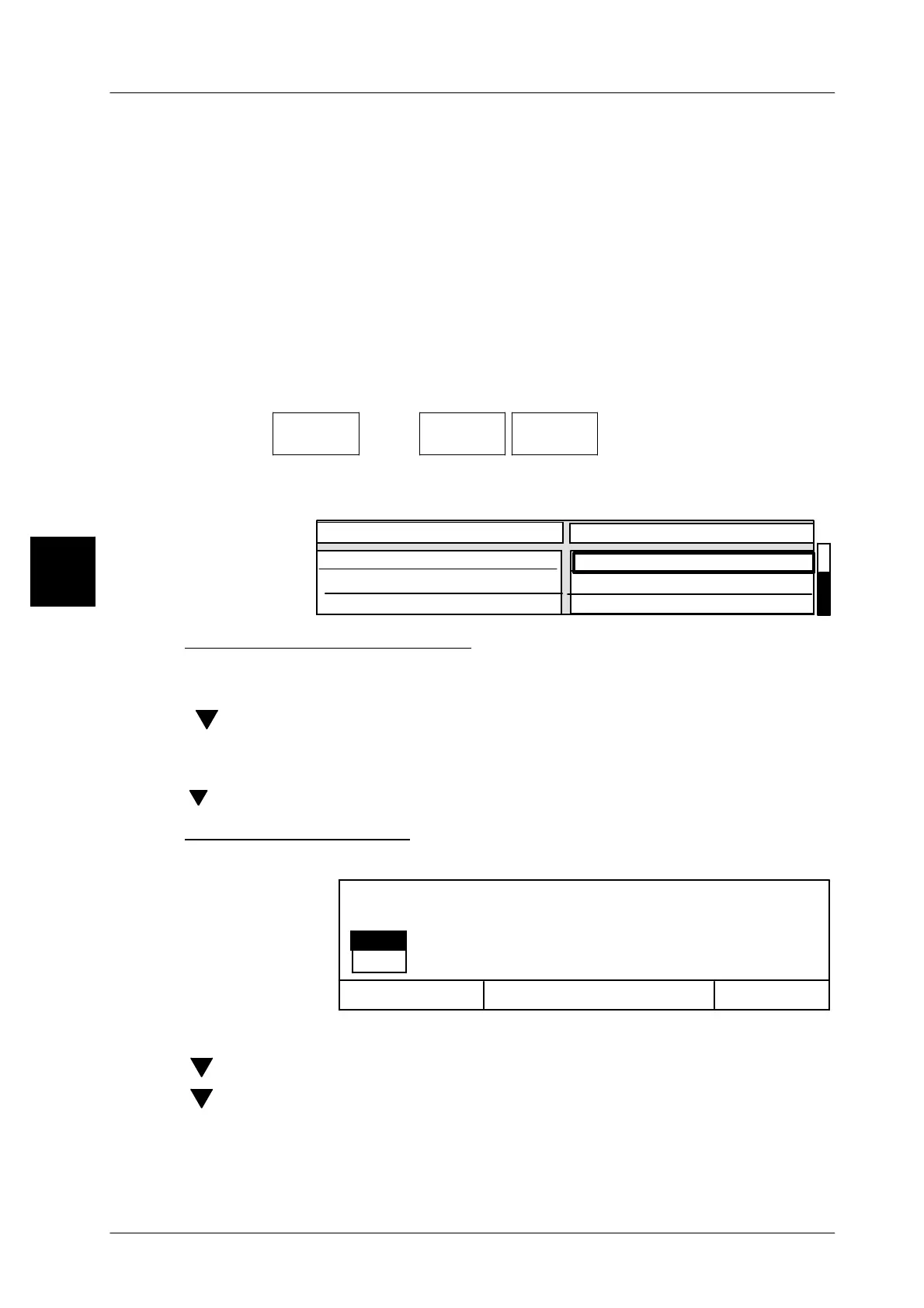
The printout range is subsequently displayed in a table.
If required, the presets can be changed before the printout.
Value
9999999
aktiv
0
0
from P L U
until P L U
from Cust. number
Printout Evaluation of total A
1. Preset range to be printed out
[SELECT] -- Activate input.
xx [ENTER] -- Enter start of PLU number range under “from P L U”
[ ] -- Select input field “until P L U”
[SELECT] -- Activate input.
xx [ENTER] -- Enter end of PLU number range under “to P L U”
[ ] xx [ENTER]
If necessary, select Input Customer Number and preset values.
Print out total evaluation:
[ENTER] -- Printing can be started after all parameters are preset.
OK <ENTER>
si
no
Cancel<ESC>
Editor being exited.
Print selection?
[ENTER] -- Confirm “yes” if you want to start printing.
[ ] [ENTER] --or select “no” if you do not want to print.
[ ] [ENTER] --or select “Return” if you want to return to the editor.
Example prints are described on the next two pages.
3


 To Next Page
 Loading...

