Presettings
Operating instructions GLP
3 -- 80
6.562.98.5.01.18
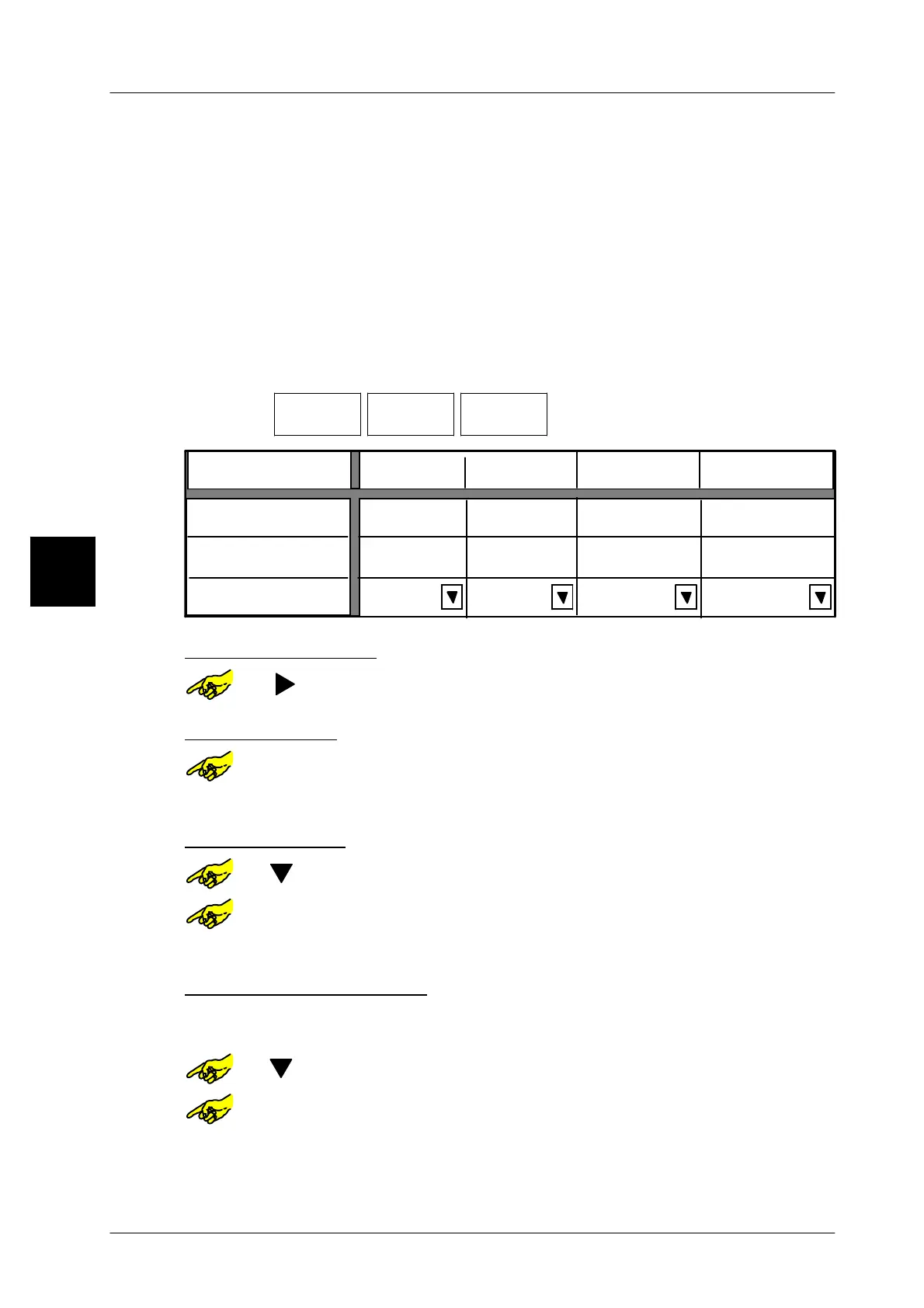
3.5.4.3 Selection statistics report
Here it is possible to create two freely configurable statistics, those limits are indi-
pendent from a possible weight class. The free statistics can also be selected for
the display as described on page 3 -- 86. The release of the respective statistics
report is preset accordingly in mode level 5.
The display statistics can only be displayed (see page 3 -- 86). The entered
weight range is calculated for the histogram display (9 bars) so full bars are dis-
played after storing.
Example: Lower limit 100g, upper limit 200g. Conversion to 97g and 204g. The dis-
play statistics can be canceled as described on page 3 -- 86.
Operating sequence: Description
------------------------------------------------------------------------------------------------------------------------------------------------------
[MODE] 2
Processing Wgt class
statistics
Select stat.--
report
-- Call up the selection menu.
Content. of stat.display
Main statistic
Free statistic 1
Lower limit
Upper limit
Statistics report
0,000 kg
0,000 kg
default
default default
Marg. statist.
default
0,000 kg
0,000 kg
0,000 kg
0,000 kg
0,000 kg
0,000 kg
Free statistics 2
Select statistics type:
or [ ] -- Select respective statistics type.
Enter lower limit:
or [SELECT] -- Open input field “Lower limit”.
xxxx [ENTER] -- Enter value for lower limit and acknowledge.
Enter upper limit::
or [ ] -- Select input field ”Upper limit”.
or [SELECT] -- Open input field ”Upper limit”.
xxxx [ENTER] -- Enter value for upper limit and acknowledge.
Allocating statistics report:
Here it is possible to preset the statistics report to be used to send the data of the
free statistics. No report possible for display statistics!
or [ ] -- Select table field ”Statistics report”.
or [SELECT] -- Open selection field ”Statistics report”.
To be continued on next page!
3.



 To Next Page