Display and operation
Operating instructions GLP
1 -- 79
6.562.98.5.01.18
1.4.13.10
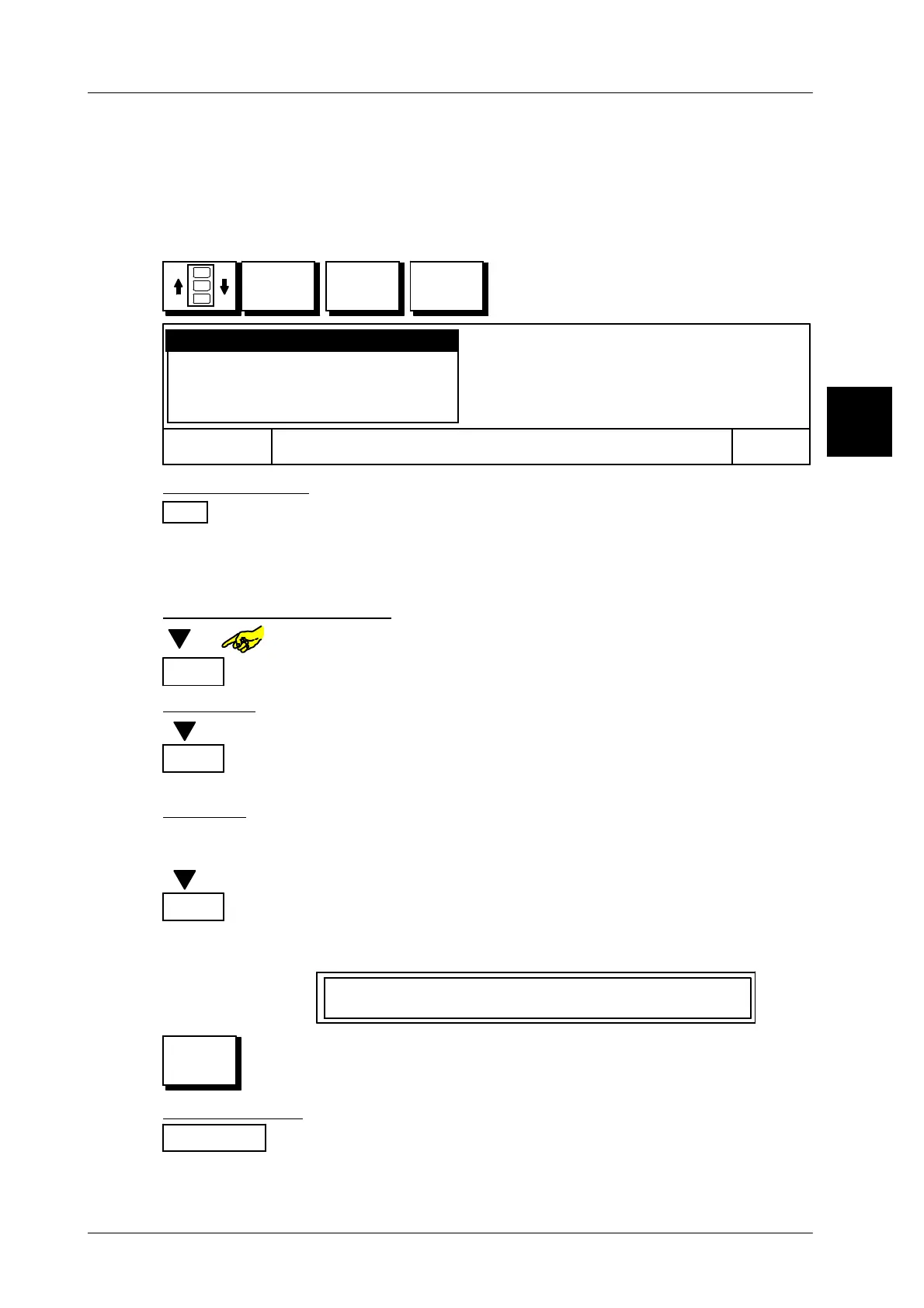
Change presettings for article or Gx--Net keys
If necessary, the presettings for the article keys can be changed or keys cleared,
copied, deactivated or reactivated. If a Gx net command is assigned to a key, it
is not possible to change this key into a PLU key!
Operating sequence Description
------------------------------------------------------------------------------------------------------------------------------------------------------
Quick
keyboard
SET
xxxxx
-- Call up quick button to be changed
Cancel OK
Deactivate key
Delete key
Copy key
Re--program key
Re--program key
OK
or [ENTER]
confirm function “Re--program key”, if you want to change the
presettings of a key.
-- Subsequently, as described on page 1 -- 73 change the speci-
fic presettings of the operated key.
Deactivate or activate key
[ ] or -- Select presetting “
Deactivate key
or Activate key”.
OK
or [ENTER] -- Activate respective function.
Delete key
[ ] [ENTER] -- Select “Delete key” function
OK
or [ENTER] Activate the function “Delete key”.
Text and presettings of the key are deleted!
Copy key
If you want to use the presettings of one key to program a new key, you can copy
the key and change the values accordingly.
[ ] [ENTER] -- Select the “Copy key” function
OK
or [ENTER] Activate function “Copy key”.
Subsequently the Quick keyboard is displayed together with
the following operating advice.
Press target key
-- Operate another free key onto which the copied contents is to
be copied. Subsequently the article text concerned is dis-
played in it and contains the presettings in question.
Cancel function
Cancel
or [ESC]
You can cancel the presettings called up by using one of
these keys.
1.4



 To Next Page