68
numeric keypad or rotary knob. Then press to confirm and save all settings to
the selected program number. The display will not return to the PROGRAM menu.
Recall and Run Program
The following is a procedure to recall and run a saved test program.
Recall a Program
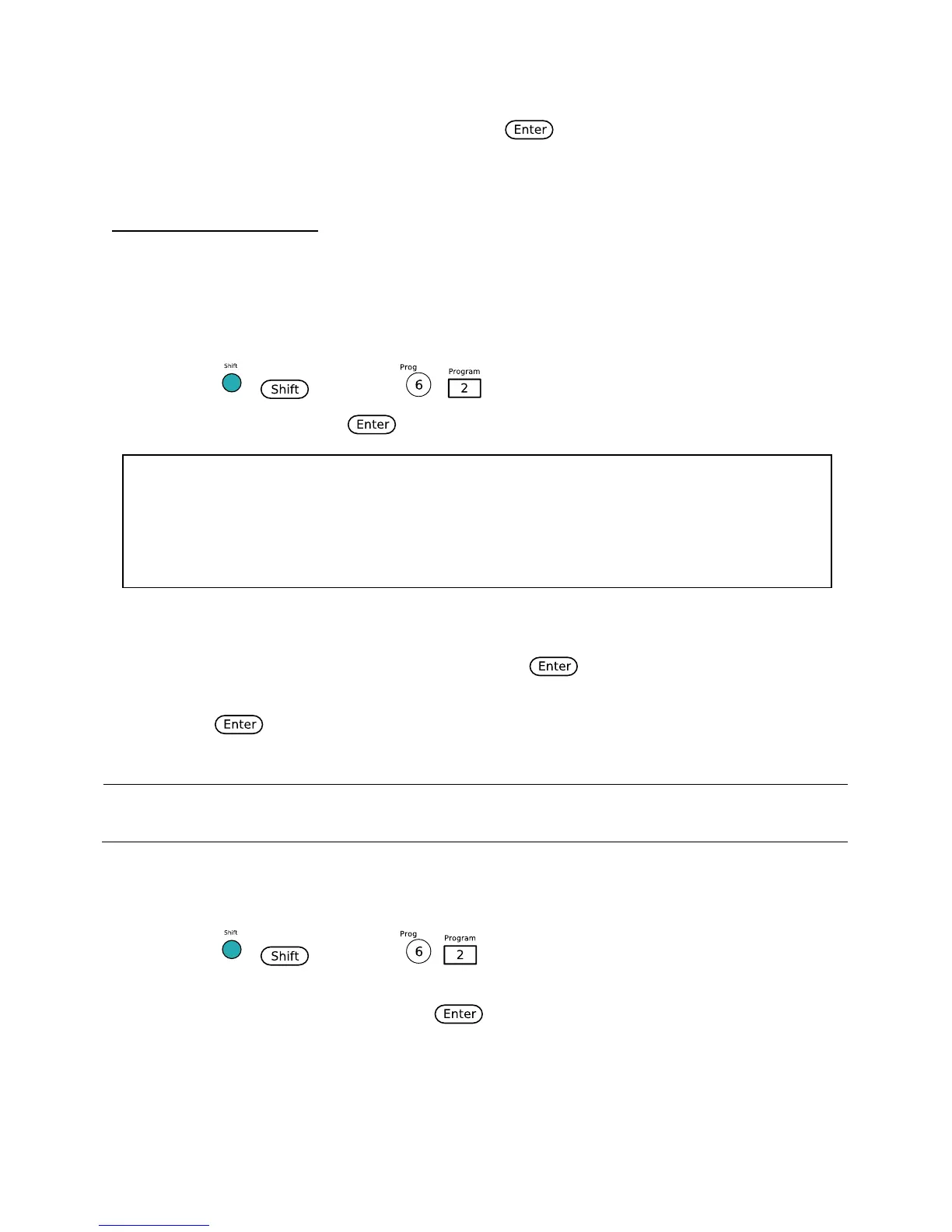
1. Press ( ) and then ( ) to enter the Program menu.
2. Select Recall and press . The display will be shown as below:
3. Use the numeric keypad or rotary to select the program number to recall from memory.
Enter a number between 1 and 10. Then press .
4. The display go back to the Program menu. To view the recalled settings, select Edit and
press .
Note: If you recall a program from an empty location, it will give you an error message, and
all settings viewed under the Edit option will be reset to default values.
Run a Program
1. Press ( ) and then ( ) to enter the Program menu.
2. Make sure the program you want to run has already been recalled from the previous
instructions. Select Run and press .
3. The display will show the following:












 To Next Page