EasyManua.ls Logo

Black & Decker BDJS350AU - User Manual

Black & Decker BDJS350AU
4 pages
Print Icon
To Next Page IconTo Next Page
Loading...
8 1
Cat. # BDJS350AU/BDJS450AU September 2016
RD091216 Printed in China
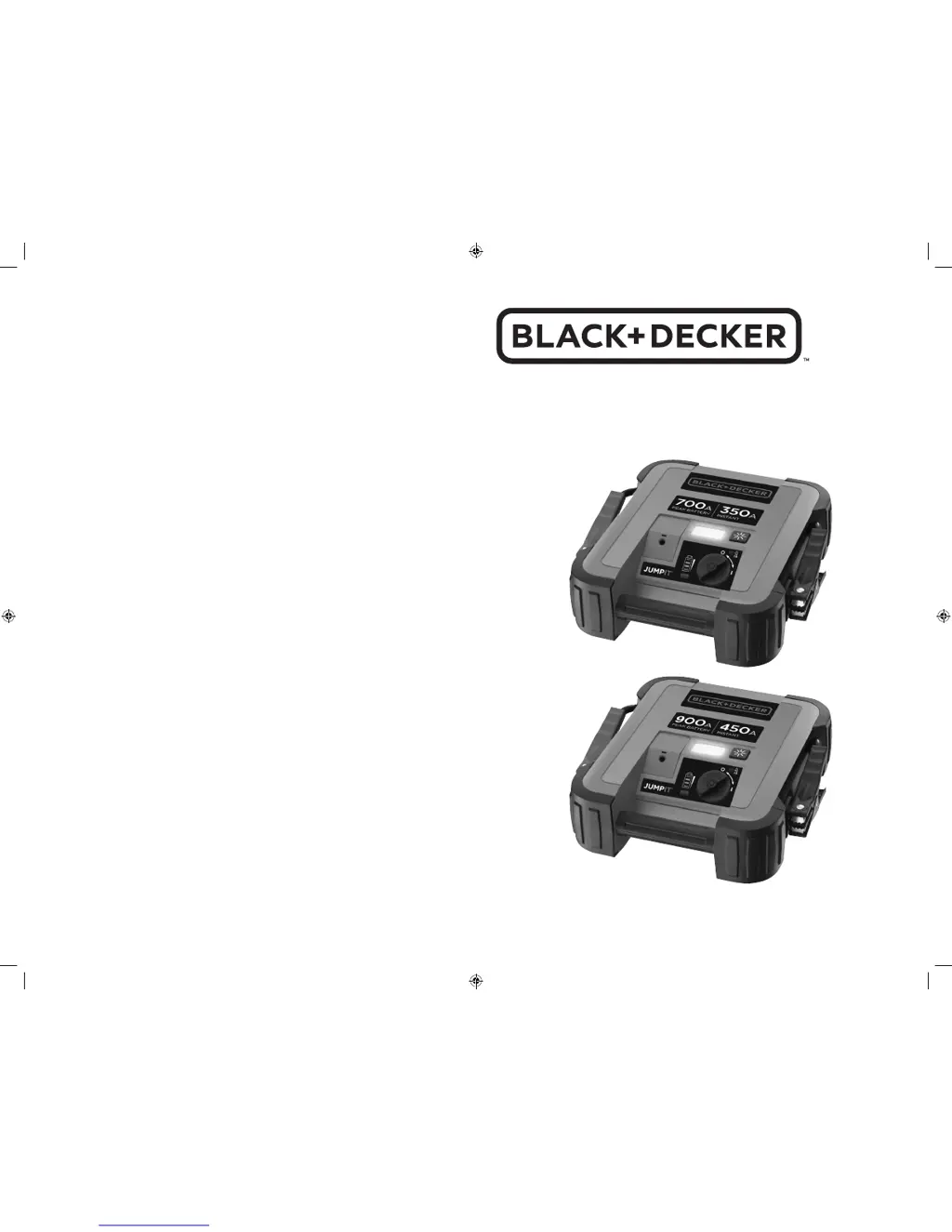
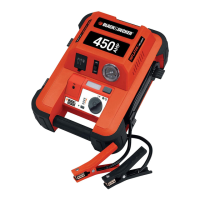
350 AMP / 450 AMP
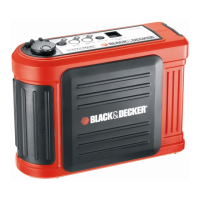
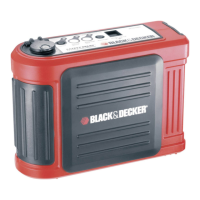
SLIM JUMP STARTER
INSTRUCTION MANUAL
BDJS350_450AU_Manual_091216.indd 8-1 9/12/2016 10:59:24 AM

Questions and Answers

  • J
    Julia AustinAug 3, 2025
    What to do if my Black & Decker BDJS350AU unit fails to jump-start?
    • J
      James JonesAug 3, 2025
      If your Black & Decker Remote Starter fails to jump-start, ensure that the jump-starter on/off switch is in the on position and that a proper polarity cable connection has been established. Also, check that the unit has a full charge, and recharge it if necessary.
  • A
    Alicia DorseyAug 12, 2025
    How to fix a Black & Decker Remote Starter that will not charge?
    • I
      Ian PerezAug 12, 2025
      If your Black & Decker Remote Starter unit will not charge, make sure the power switch is in the off position. Also, ensure that the jack of the mains charging adapter is properly connected to both the unit and a functioning mains power socket.
  • M
    msantanaAug 23, 2025
    Why won't the LED area light come on in my Black & Decker BDJS350AU?
    • J
      Jordan CookAug 23, 2025
      If the LED area light on your Black & Decker Remote Starter does not come on, first ensure that the LED area light button is turned on. Also, check that the unit has a full charge and recharge it if necessary.

Summary

Instruction Manual

Intended Use

Describes the product's intended purpose and household consumer use.

Safety Instructions

Provides essential safety precautions for using battery-powered appliances.

Specific Safety Instructions for Jump Starters

Details safety measures specific to jump-starting vehicles.

Features and Charging

Features Overview

Lists and describes the main components and indicators of the jump starter.

Charging the Unit

Instructions on how to charge the jump starter using the mains adapter.

Using and Maintaining the Jump Starter

Using the Jump Starter

Step-by-step guide on how to connect and use the jump starter to start a vehicle.

Troubleshooting

Solutions for common issues like unit not charging or failing to jump-start.

Maintenance

Guidelines for proper care and cleaning of the jump starter.

Product Information and Warranty

Protecting the Environment

Guidelines for environmentally responsible disposal of the product.

Technical Data

Specifications and technical details of the jump starter.

Warranty

Information regarding the product's warranty coverage and claims.

Black & Decker BDJS350AU Specifications

General IconGeneral
BrandBlack & Decker
ModelBDJS350AU
CategoryRemote Starter
LanguageEnglish

Related product manuals