6
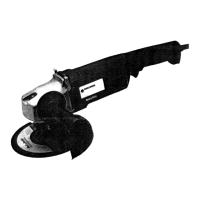
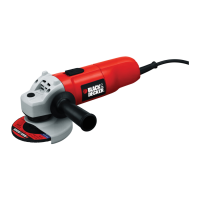
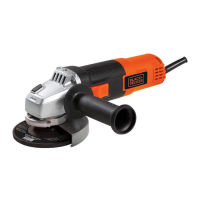
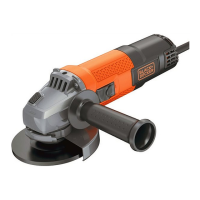
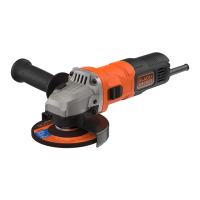
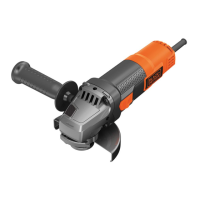
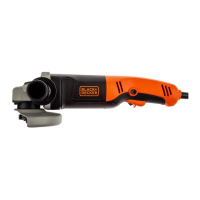
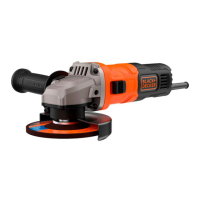
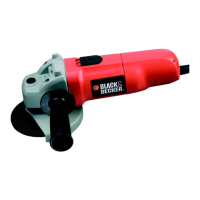
FEATURES
1. Slider switch
2. Cable
3. Wheel guard
4. Body grip
5. Side handle (2 positions)
6. Spindle lock button (KG75 only)
OPERATING YOUR ANGLE GRINDER
To switch your
angle grinder on,
push the slider
switch forward.
To switch your
angle grinder off,
press the rear of
the slider switch.
Spring action returns the switch to the off position.
FITTING THE WHEEL GUARD
Place the angle
grinder on a table,
spindle up.
Align the lug with
the slot in the
bracket.
Press the guard
down and turn it
in the direction of
the arrow.
Note: The guard locking pin prevents the guard from
coming loose.
FITTING THE DISCS
Grinding and finishing
Use a rigid abrasive disc with a depressed centre for
surface grinding and finishing. The maximum diameter
ENGLISH
• The product has not been subjected to misuse
or neglect.
• The product has not sustained any damage through
foreign objects, substances or accidents.
• Repairs have not been attempted by anyone other
than our authorised repair distributors.
This guarantee is offered as an extra benefit and is
additional to your statutory rights.
AFTER SALES SERVICE FOR YOUR BLACK & DECKER
PRODUCT (UK, AUSTRALIA AND NEW ZEALAND ONLY)
Black & Decker offers a nationwide network of
authorised service agents. The use of other than
genuine Black & Decker accessories and parts may
damage or reduce the performance of your Black &
Decker product and may also endanger the user. The
terms and conditions of the warranty may also be
effected.
OUR AFTER SALES SERVICE POLICY (UK, AUSTRALIA
AND NEW ZEALAND ONLY)
It is our aim that all Black & Decker customers should
be totally satisfied with their Black & Decker product
and after sales service, but if help or advice is needed
please contact a local Black & Decker authorised
repair agent manager who will be happy to help.
Full details of our unique after sales service can be
obtained from any of our Black & Decker authorised
repair agents.
ACCESSORIES
The performance of any power tool is dependent upon
the accessory used. Black & Decker accessories are
engineered to high quality standards and are designed
to enhance the performance of the power tool. Buying
a Black & Decker accessory will ensure that you get
the very best from your Black & Decker power tool.
Black & Decker accessories available include metal
and stone cutting discs, grinding discs, wire brushes
and sanding discs.
TECHNICAL DATA
The level of sound pressure of this tool is in
accordance with EEC legislation. You must wear ear
protection when using this tool.
CD500 KG68 KG75
Disc diameter 115mm 115mm 115mm
Power input 680W 680W 750W
No load speed 10,000rpm 10,000rpm 10,000rpm
Spindle size M14 M14 M14
Cable length 2m 3m 3m
6
5
2
1
4
5
3
•
•
•
•
•
•
•
CD500/KG68-75 UK p01-12.pm.65 17/12/99, 1:34 pm6


 To Next Page
 Loading...