EasyManua.ls Logo

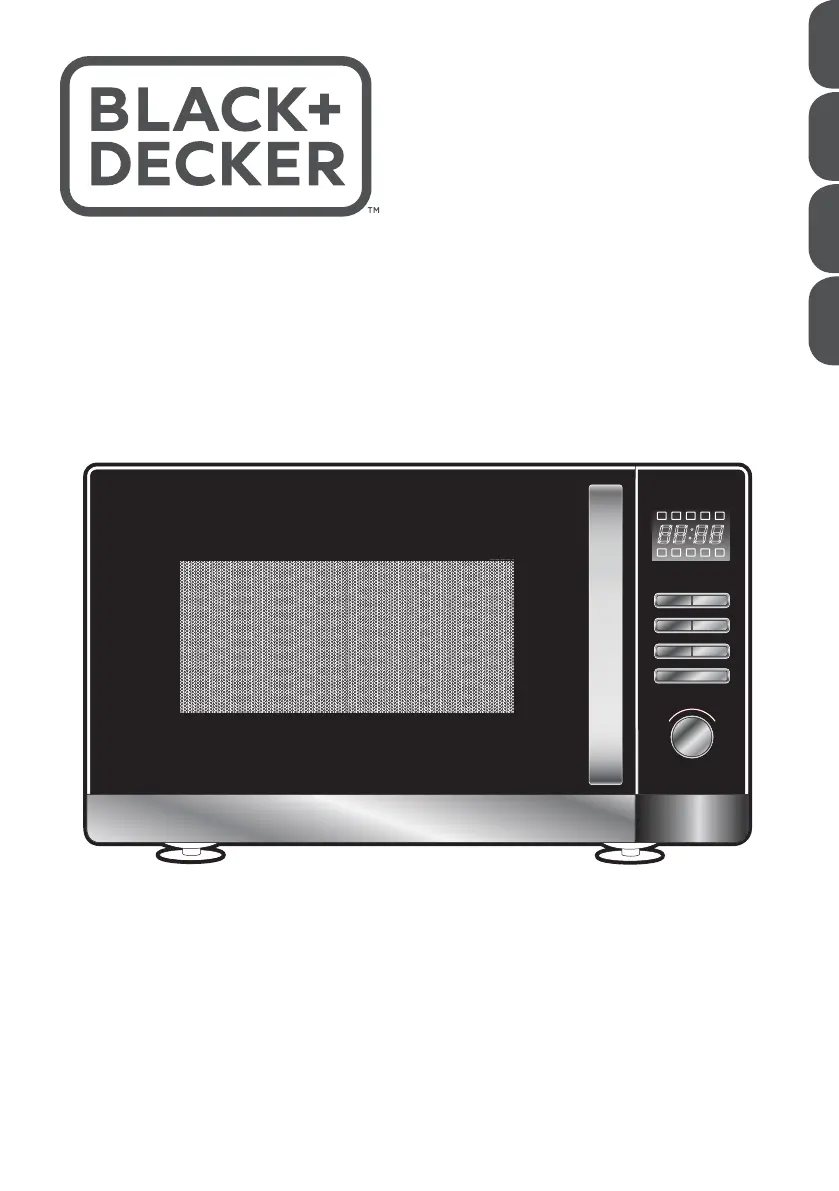
Black & Decker MZ30PGSS - User Manual

Black & Decker MZ30PGSS
40 pages
Print Icon
To Next Page IconTo Next Page
Loading...
www.blackanddecker.ae
MZ30PGSS
AR PT FR EN
T
i
m
e
r
W
e
i
g
h
t
A
u
t
o
m
e
n
u
Start/
+30Sec/Confirm
Weight Defrost Time Defrost
Kitchen Timer/
Clock
Stop/Clear
Microwave Grill Combi

Questions and Answers

  • N
    normanricardoAug 9, 2025
    What to do if my Black & Decker MZ30PGSS will not start?
    • M
      Morgan BerryAug 9, 2025
      If your Black & Decker Microwave Oven isn't starting, there might be a few reasons: * The power cord may not be properly connected. Try unplugging it and plugging it back in. * A fuse might have blown. Replace the fuse and reset the circuit breaker. * There could be an issue with the outlet. Test the outlet by plugging in another electrical appliance.
  • A
    Ashley ArroyoAug 18, 2025
    How to fix glass turntable noise in Black & Decker MZ30PGSS Microwave Oven?
    • F
      farmerjasonAug 18, 2025
      If the glass turntable in your Black & Decker Microwave Oven is making noise, it's likely due to dirt accumulation on the turntable rollers. Please refer to the 'Cleaning and Maintenance' section for instructions on cleaning these parts.
  • J
    Joshua PowellAug 28, 2025
    Why is there steam on the door of my Black & Decker Microwave Oven?
    • C
      cunninghamemilyAug 28, 2025
      It is normal for steam to accumulate on the door and hot air to escape from the vents of your Black & Decker Microwave Oven, as steam may escape from food during cooking.

Black & Decker MZ30PGSS Specifications

General IconGeneral
BrandBlack & Decker
ModelMZ30PGSS
CategoryMicrowave Oven
LanguageEnglish

Related product manuals