EasyManua.ls Logo

Black & Decker WM1404S - User Manual

Black & Decker WM1404S
7 pages
Print Icon
To Next Page IconTo Next Page
Loading...
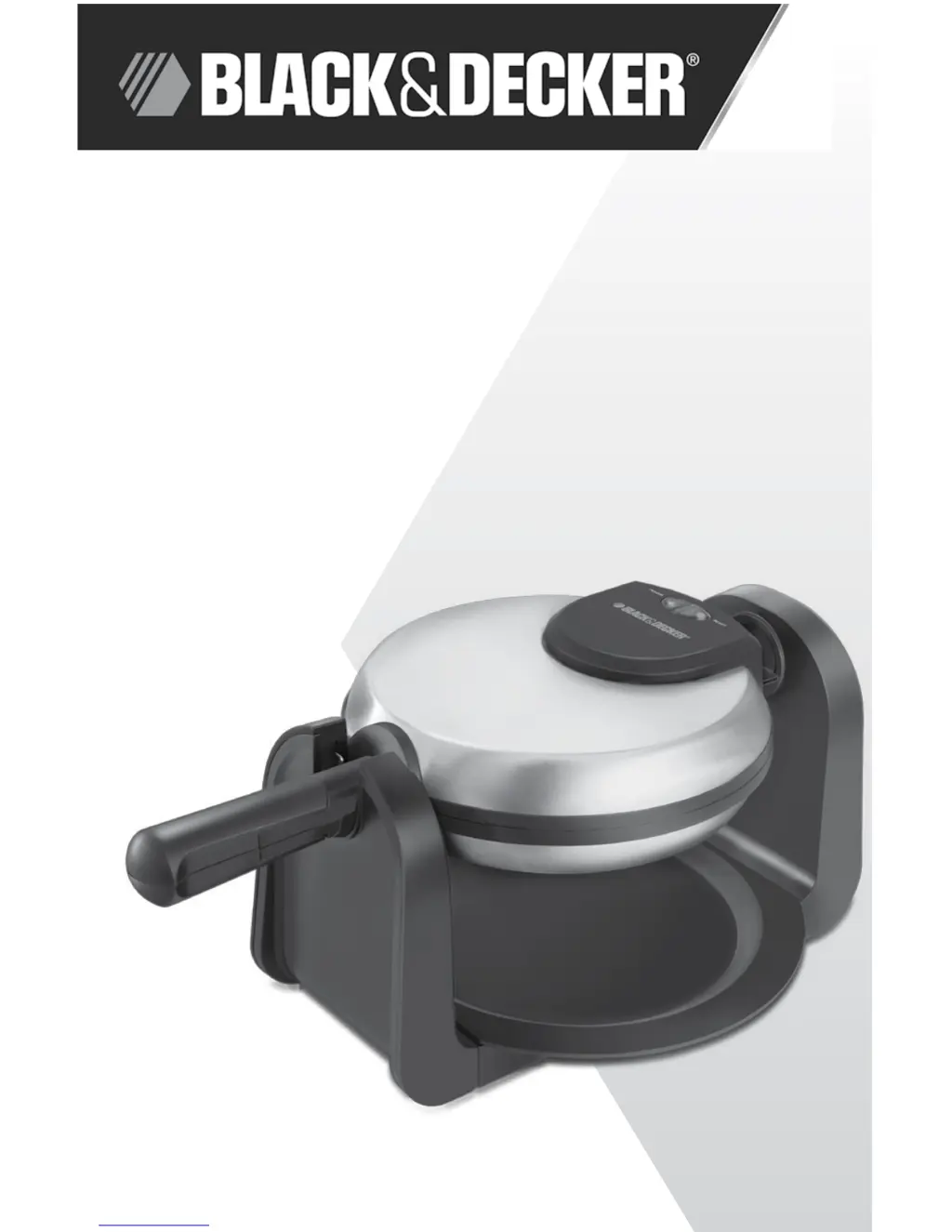
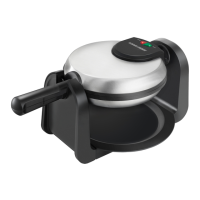
FLIP WAFFLE MAKER
MODEL
WM1404S
Customer Care Line:
USA 1-800-231-9786
Accessories/Parts (USA)
1-800-738-0245
For online customer service
and to register your product, go to
www.prodprotect.com/applica

Questions and Answers

  • J
    Jay MurphyJul 26, 2025
    Why does the temperature light keep going on and off on my Black & Decker WM1404S?
    • M
      Matthew MartinezJul 26, 2025
      The temperature ready indicator light signals that the waffle plates have reached the appropriate cooking temperature. The light will cycle on and off, which is normal operation. The ready light does not indicate when the waffle is fully cooked.
  • H
    Heather ThompsonAug 1, 2025
    What to do if waffles are sticking to my Black & Decker WM1404S Waffle Maker?
    • M
      Michelle WalkerAug 1, 2025
      Waffles may be sticking to your Black & Decker Waffle Maker because the batter doesn't contain enough oil. Try adding one or two more tablespoons of oil to the batter.
  • J
    Jennifer BensonAug 7, 2025
    Why are my waffles too dark in my Black & Decker Waffle Maker?
    • J
      Joshua PriceAug 7, 2025
      If your waffles are too dark when using the Black & Decker Waffle Maker, it might be because they've been cooked for too long. Also, batters with high sugar or fruit content tend to cook faster. Remember, the waffle ready indicator light on the flip side shows when the waffle is done.
  • A
    Ashley ThompsonAug 13, 2025
    Why are my waffles too light in my Black & Decker WM1404S?
    • T
      Tara TylerAug 13, 2025
      If your waffles are too light using the Black & Decker Waffle Maker, they may not have been cooked completely. The cooking time depends on the ingredients, temperature, and batter amount. If needed, cook them longer.
  • C
    cooperjenniferAug 19, 2025
    Why are my waffles thin or uneven in my Black & Decker Waffle Maker?
    • A
      Allison BowmanSep 12, 2025
      The waffles may be thin or uneven because the Black & Decker Waffle Maker was not rotated during cooking. Rotate the waffle maker ten seconds after it starts cooking.

Summary

IMPORTANT SAFEGUARDS

POLARIZED PLUG (120 V Models Only)

Explains the polarized plug feature to reduce electric shock risk.

TAMPER-RESISTANT SCREW

Warns against removing the outer cover due to a tamper-resistant screw.

ELECTRICAL CORD

Details safety guidelines for power-supply cords and extension cords.

SAVE THESE INSTRUCTIONS

How to Use

GETTING STARTED

Initial setup steps including removing packing, saving literature, and registering product.

PREHEATING THE WAFFLE MAKER

Instructions for conditioning nonstick plates and preheating the appliance before first use.

BAKING WAFFLES

Care and Cleaning

CLEANING

Procedures for cleaning the waffle maker, emphasizing not to immerse in water.

STORAGE

Instructions on how to store the waffle maker, including folding the handle.

TROUBLESHOOTING

Common Waffle Maker Problems

Lists common issues and solutions for the waffle maker.

RECIPES

Raspberry Almond Waffles

Provides ingredients and instructions for Raspberry Almond Waffles.

Bacon Orange Waffles

Provides ingredients and instructions for Bacon Orange Waffles.

French Toasted Waffles

Recipe for making French toast waffles using bread slices.

NEED HELP?

TWO-YEAR LIMITED WARRANTY

Details the terms and coverage of the appliance's two-year limited warranty.

Black & Decker WM1404S Specifications

General IconGeneral
ModelWM1404S
TypeWaffle Maker
BrandBlack & Decker
Non-Stick PlatesYes
ColorSilver
Power1000 Watts
Voltage120V
Indicator LightsYes
Weight3.5 lbs
Cord Length30 inches

Related product manuals