143
1.8 7 7. 8 7 7. 2 2 69 BLACKBOX.COM
NEED HELP?
LE AVE THE TECH TO US
LIVE 24/7
TECHNICAL
SUPPORT
1.8 7 7.8 7 7.2269
CHAPTER 4: CONFIGURATION
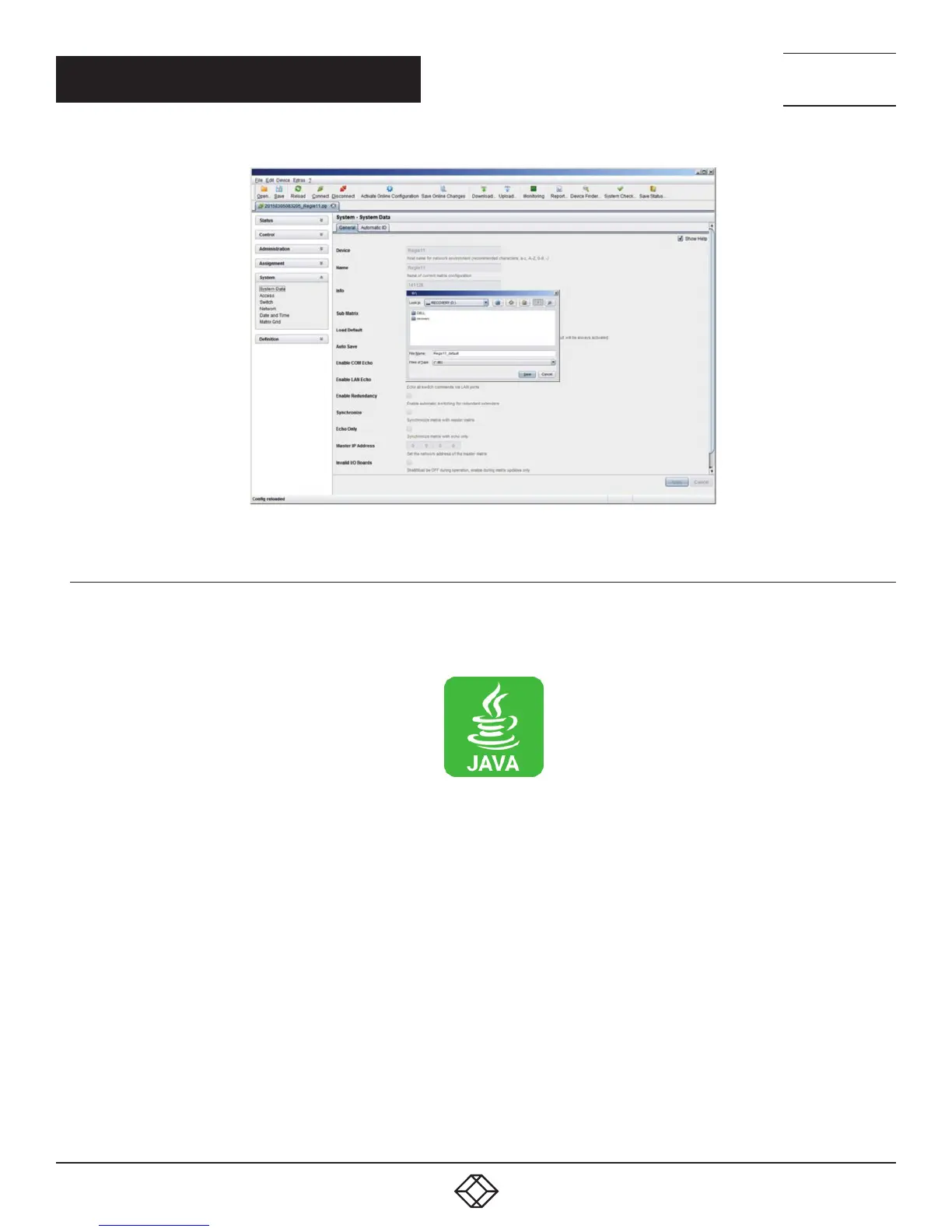
FIGURE 4-57. FILE—SAVE AS
4.12.5 LOADING CONFIGURATIONS (EXTERNAL)
Externally saved configurations are opened and activated in this menu.
You have the following option to load configurations from files.
1. Select File > Open… during offline mode and select the storage location of the configuration file that has to be opened.
2. Open the configuration by pressing the Open button.
3. Select File > Upload in the menu bar to transfer the opened configuration to the matrix. Enter the necessary parameters.
4. Select Matrix > Connect in the menu bar to make a connection between the matrix and the Java tool. Enter the necessary
parameters.
5. Select Administration > Activate Configuration and select the configuration to be activated.
6. Confirm the process with the Activate button.
The opened configuration is activated.



 To Next Page