724-746-5500 | blackbox.com Page 3
PCI-E Network Adapter Quick Installation Guide
STEP 4.
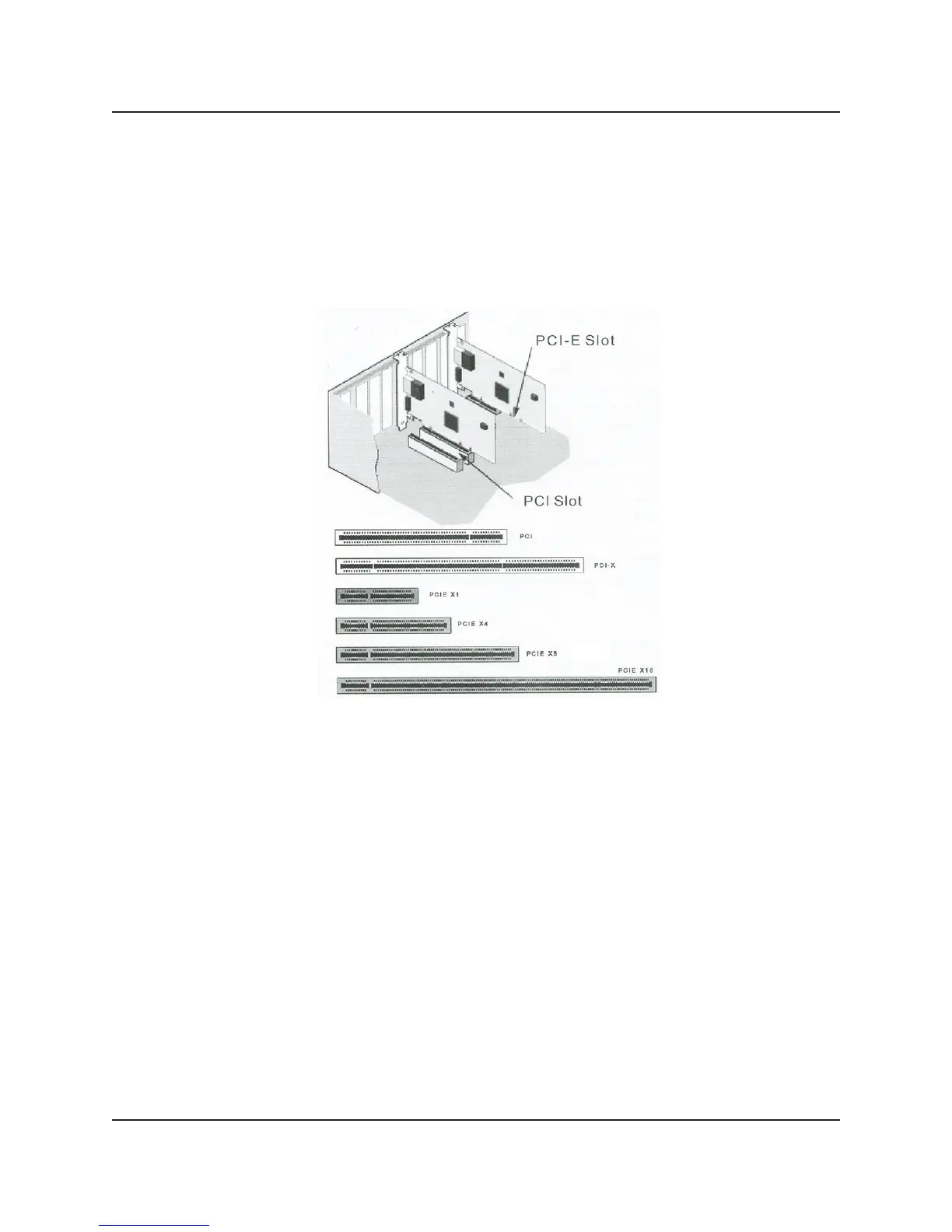
Firmly insert the adapter into the selected slot. Push down to ensure the adapter
is fully seated. If you install the adapter in a PCI-Express or PCI slot, make sure
the exposed end of the connector does not touch any part of the motherboard.
Secure the bracket to the chassis.
STEP 5.
Replace the computer cover and plug in the power cord.



 To Next Page