EasyManua.ls Logo

BLACK DECKER FP4200 - User Manual

Default Icon
40 pages
Print Icon
To Next Page IconTo Next Page
Loading...
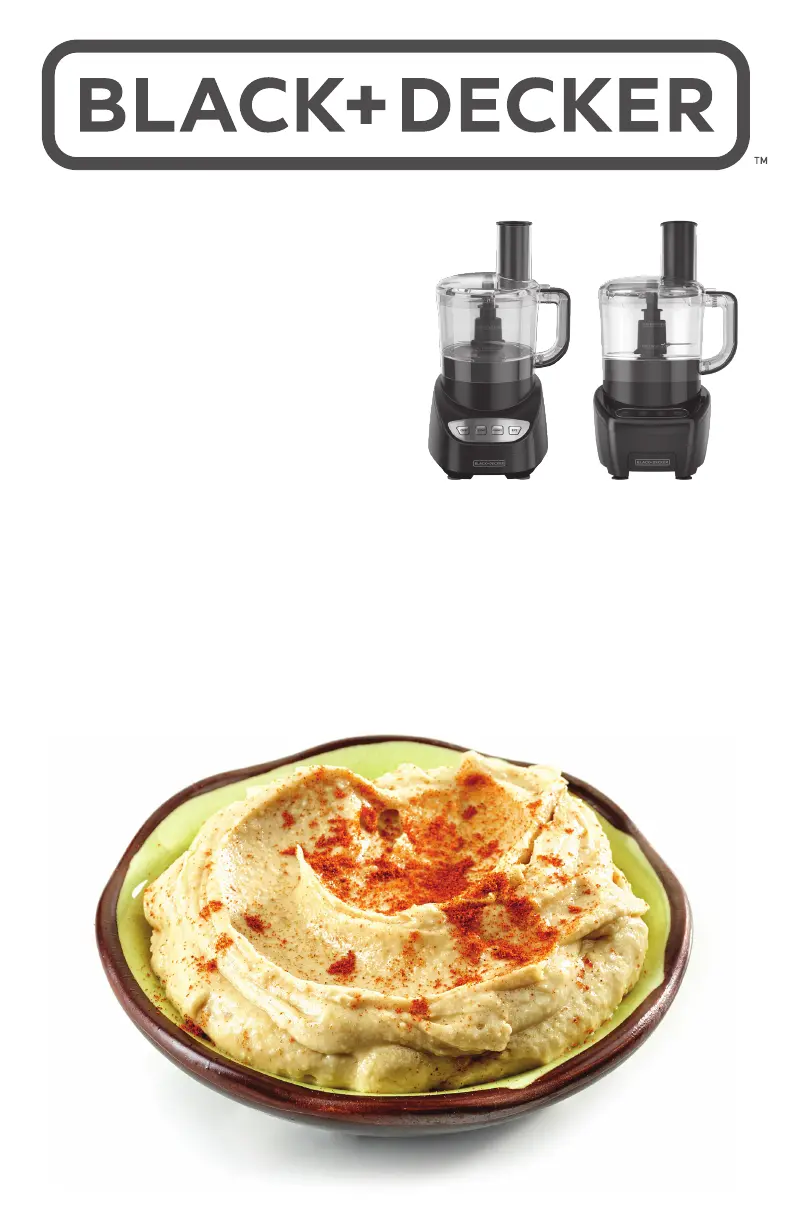
EASY ASSEMBLY
8-CUP FOOD PROCESSOR
(1.9 LITERS)
ENSAMBLAJE FÁCIL
DEL PROCESADOR
DE 8 TAZAS (1,9 LITROS)
ROBOT CULINAIRE
DE 8 TASSES (1,9 LITRE)
FACILE À ASSEMBLER
FP4100
FP4200

Questions and Answers

  • A
    Aaron KeithAug 7, 2025
    What to do if my BLACK+DECKER Food Processor doesn’t run?
    • R
      reedpatriciaAug 7, 2025
      First, ensure that both the bowl and lid are correctly aligned and securely in place. Next, verify that your BLACK+DECKER Food Processor is properly connected to a power outlet. If you have a circuit breaker, check to confirm that the circuit is closed. As a final step, try unplugging the food processor and then plugging it back into the outlet.
  • C
    Crystal AndersonAug 21, 2025
    Why is my BLACK+DECKER Food Processor not shredding or slicing properly?
    • A
      amandabeltranAug 21, 2025
      Ensure that the disc or blade is installed correctly in your BLACK+DECKER Food Processor. Also, verify that the ingredients you are using are appropriate for slicing or shredding.

Summary

Important Safeguards

Polarized Plug

Safety information regarding the polarized plug design.

Tamper-Resistant Screw

Warning about the tamper-resistant screw and user serviceability.

How to Use

Assembling the Food Processor

Step-by-step instructions for assembling the appliance.

Control Panel

Using the Chopping Blade

Using the Slicing;Shredding Disc

Care and Cleaning

Cleaning

Procedures for washing removable processor parts.

Troubleshooting

Warranty and Customer Service Information

BLACK DECKER FP4200 Specifications

General IconGeneral
BrandBLACK DECKER
ModelFP4200
CategoryFood Processor
LanguageEnglish

Related product manuals