5
Trouble Shooting Guide
1) Nozzle and / or end of
coil is obstructed or
clogged.
1a) Clean and / or remove
any obstructions from
the nozzle orifice.
1b) Remove carbon build-
up from inside the coil
by removing the nozzle
and cleaning out the tip
of the coil using a
brush, piece of wire, or
pipe cleaner. Be sure
to reinstall the nozzle
after cleaning.
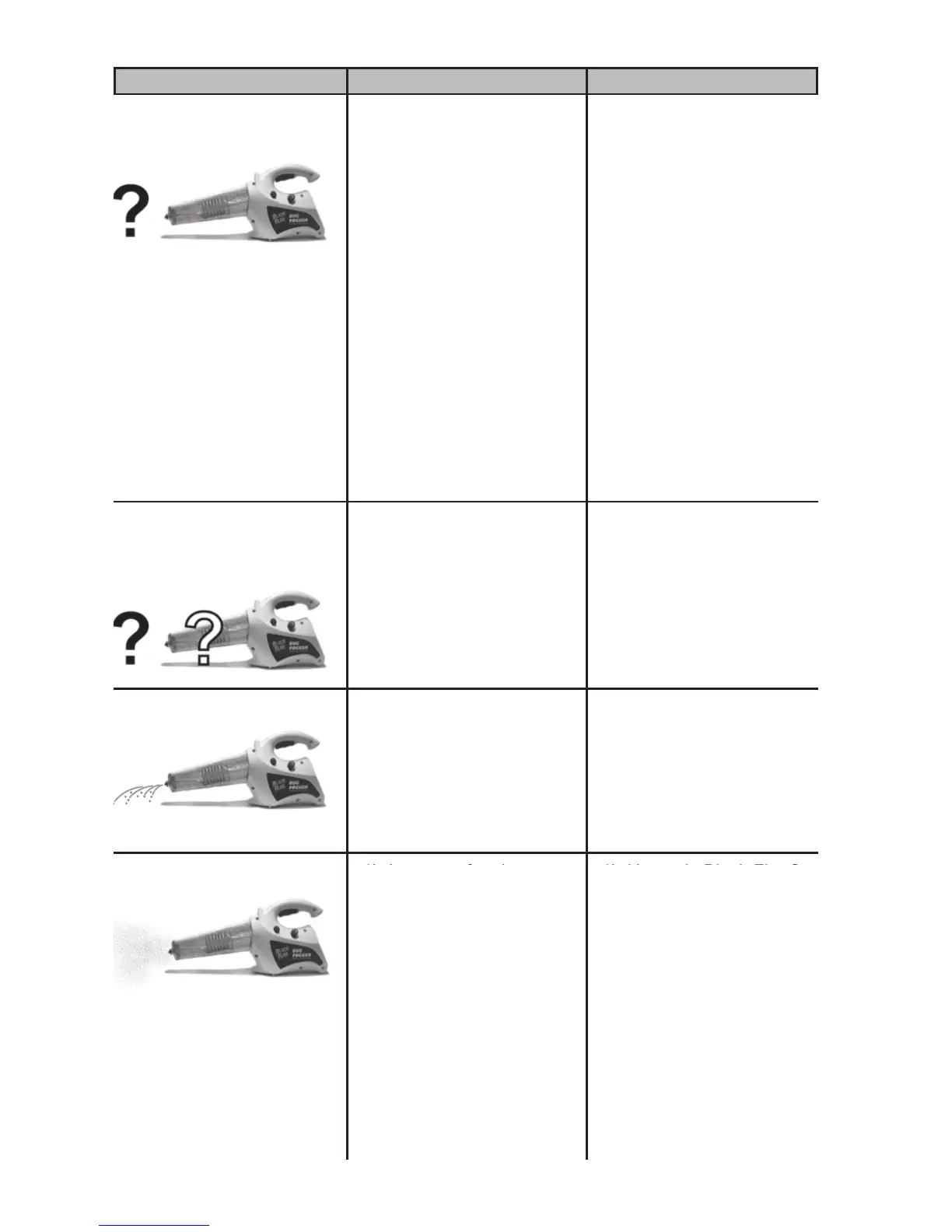
Trouble: (Symptom) Look For: (Probable Cause) Remedy: (Corrective Action)
No fog while until heats up
Burner is working
2) Pump is plugged or
inoperable.
2) Contact Customer
Service
at 1-800-311-9903.
3) Improper fogging
material.
3) Use only Black Flag®
Fogging Insecticide or
Burgess Bug Killer
Insect Fog.
1) Propane gas cylinder is
low or empty.
1) Replace the propane
cylinder.
No fog
Burner is not operating
properly
2) Propane tank is
attached improperly.
2) Screw in the propane
cylinder tightly.
3) Burner assembly fails
to light or will not stay
lit.
3) Check the igniter. (See
the next page under
“Unit doesn’t light”)
1) Nozzle is loose. 1) Tighten the nozzle
securely.
Dripping
2) Excessive insecticide
output.
2) Pump at a slower rate.
3) Not at proper operating
temperature.
3) Wait 10-15 seconds
before pumping.
1) Improper fogging
material.
1) Use only Black Flag®
Fogging Insecticide or
Burgess Bug Killer
Insect Fog.
Poor fog quality
2) If the fog is thin or
yellowish, the pumping
rate is too low.
2) Increase your pumping
rate.
3) If the fog is wet or
dripping, the pumping
rate is too high or the
unit has not reached its
proper operating
temperature.
3a) Make sure the unit has
been pre-heated for at
lease 2 minutes.
3b) Decrease your
pumping rate
1) If the fog is thin or
yellowish, the pumping
rate is too low.
1) Increase your pumping
rate.
2) If the fog is wet or
dripping, the pumping
rate is too high or the
unit has not reached its
proper operating
temperature.
2a) Make sure the unit has
been pre-heated for at
lease 2 minutes.
2b) Decrease your
pumping rate


 To Next Page