BLACKSTONEPRODUCTS.COM/SUPPORT
ENGLISH
| OWNER’S MANUALASSEMBLY GUIDEMODEL:
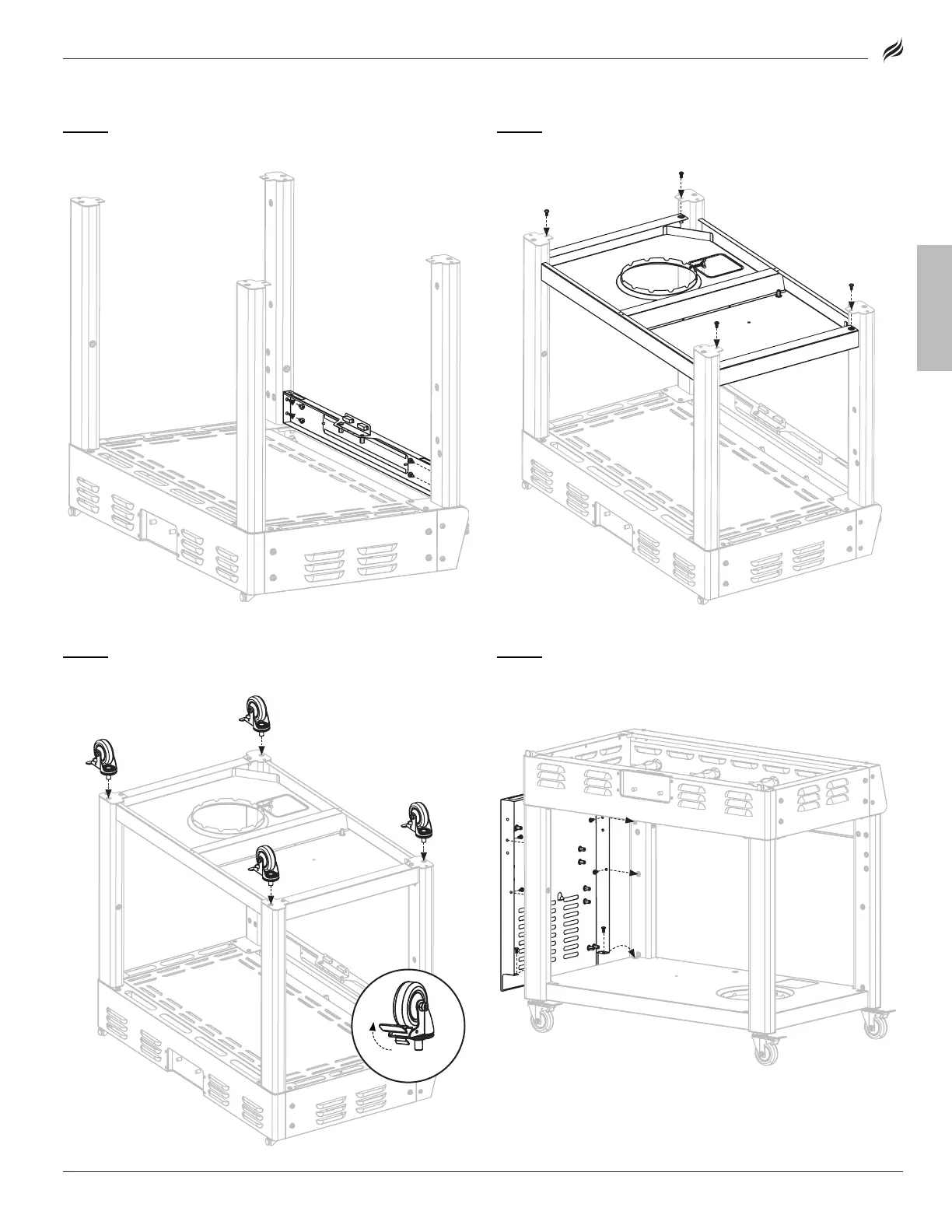
STEP 03
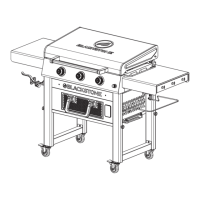
Use four (4) M6x12 screws [a.] to attach the logo panel to the
front legs.
STEP 04
Use four (4) M6x12 screws [a.] to attach the cart base
to the legs.
STEP 05
Screw the four (4) caster wheels into the legs. (Ensure that
the wheels are locked.)
STEP 06
Set the cart on its feet.
Use six (6) M6x12 screws [a.] to attach one (1) side panel to the right
side of the cart.




 To Next Page