Email and PIN messages
BlackBerry Wireless Handheld 7
Sending email and PIN messages
Send a message
1. Open the messages application. The Messages screen appears.
2. Click the trackwheel. A menu appears.
3. Select one of the following options:
• To send an email message, click Compose Email. The Select
Address screen appears.
• To send a PIN message, click Compose PIN. The Select
Address screen appears.
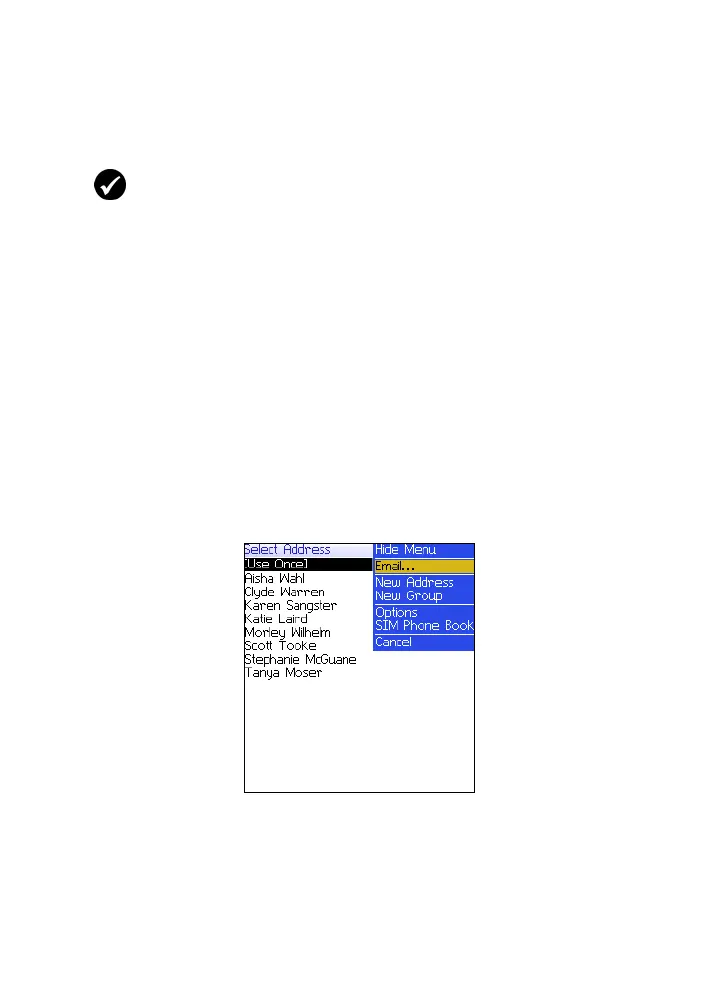
4. Click [Use Once]. A menu appears.
Select Address screen menu — Email item
5. Select one of the following options:
• To send an email message, click Email. The One Time Email
screen appears.
Prerequisite: To send messages, the following requirements must be met:
• The wireless coverage indicator must show a level of wireless coverage.
• GPRS must appear with the wireless coverage indicator on the Home
screen.



 To Next Page