EasyManua.ls Logo

Blackmagicdesign URSA Mini 4K - Autofocus Feature; Card Selection; Reset Function

Blackmagicdesign URSA Mini 4K
7 pages
Print Icon
To Next Page IconTo Next Page
To Previous Page IconTo Previous Page
Loading...
.
Geluid
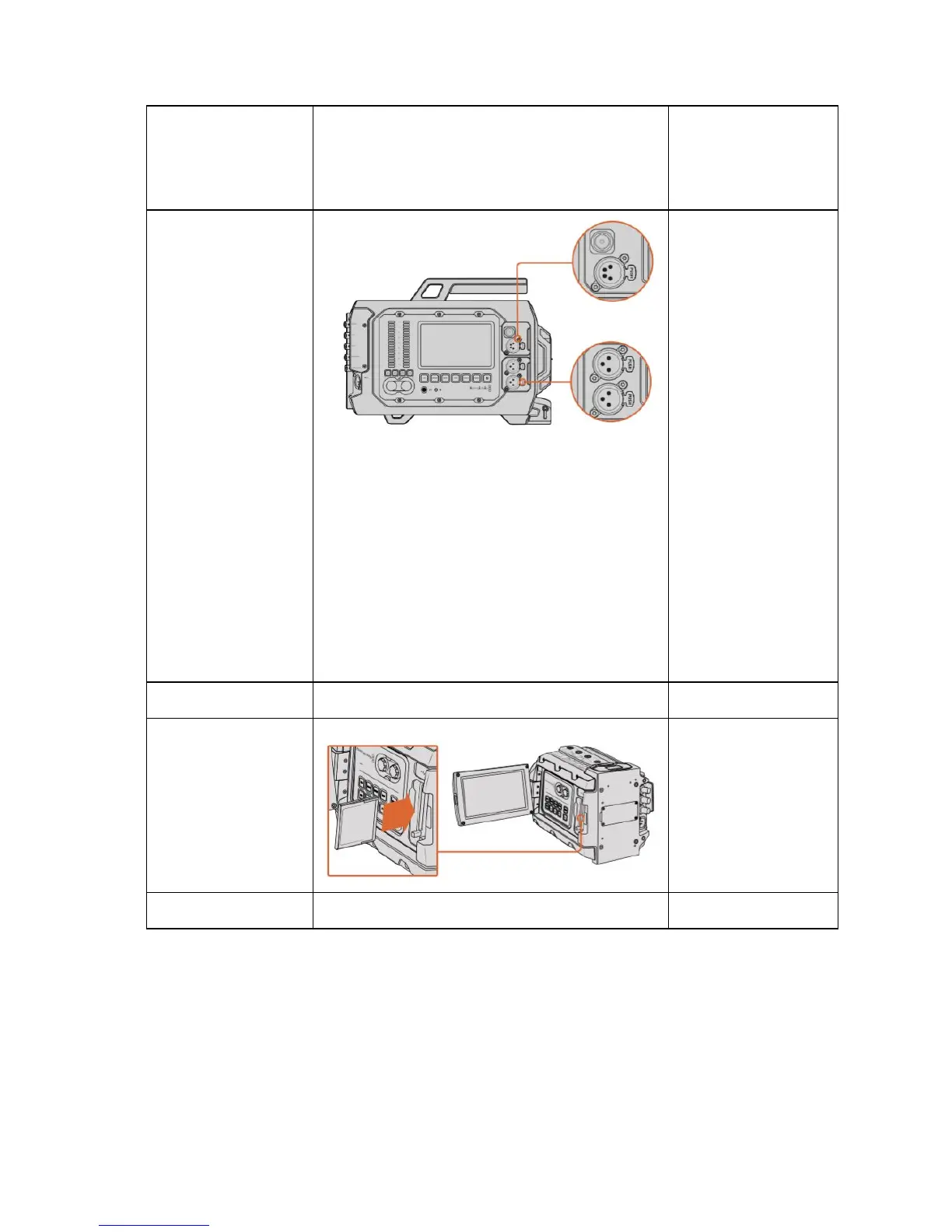
Use the balanced XLR
inputs to plug in
external analog audio
from professional
equipment such as
audio mixers, PA
systems or external
microphones. The XLR
connectors supply
phantom power so you
can use microphones
that aren’t self powered.
To enable phantom
power select ‘input
levels/mic low’ or ‘mic
high’ on the ‘audio’
settings touchscreen
menu. Scroll the menu
to reveal the ‘phantom
power’ setting and
select ‘on’. To disable
phantom power, select
‘off’.Phantom power is
active when ‘audio
input/inputs’ is selected.
Autofunctie beeld
Kaart selecteren
Reset

Related product manuals