urn " " to
START/+30SEC. " to confirm the temperature.
START/+30SEC. " to start preheating.When the
preheating temperature arrives, the buzzer will sound twice to remind you to
put the food into the oven. And the preheated temperature is displayed and flash.
Turn " " to adjust the cooking time. (The maximum setting time is 95 minutes.)
START/+30SEC. " key to start cooking.
The convection cooking can let you to cook the food as a traditional oven. Microwave is not
used. It is recommended that you should preheat the oven to the appropriate temperature
before placing the food in the oven.
Note:the temperature can be chosen from 100 to 425
the convection temperature.
select
6. Convection Cooking(With preheating funtion)
7. Convection Cooking( Without pre-heating function)
1) Press the " " once and "PL10" will flash.
2) Press " " or turn " " to select convection
function. Stop pressing/turning when "100" flash.
3) Press " START/+30SEC. " to confirm.
repeatedly
T
4)
5) Press the "
6) Press the "
7) Put the food into the oven and close the door.
8) Press the "
urn " " to
START/+30SEC. " to confirm the temperature.
(The maximum setting time is 95 minutes.)
START/+30SEC. " key to start cooking.
Note:the temperature can be chosen from 100 to 425
the convection temperature.
select
1) Press the " " once and "PL10" will flash.
3) Press " START/+30SEC. " to confirm.
T
4)
5) Press the "
6)Turn " " to adjust the cooking time.
7) Press the "
2) Press " " or turn " " to select convection
function. Stop pressing/turning when "100" flash.
repeatedly
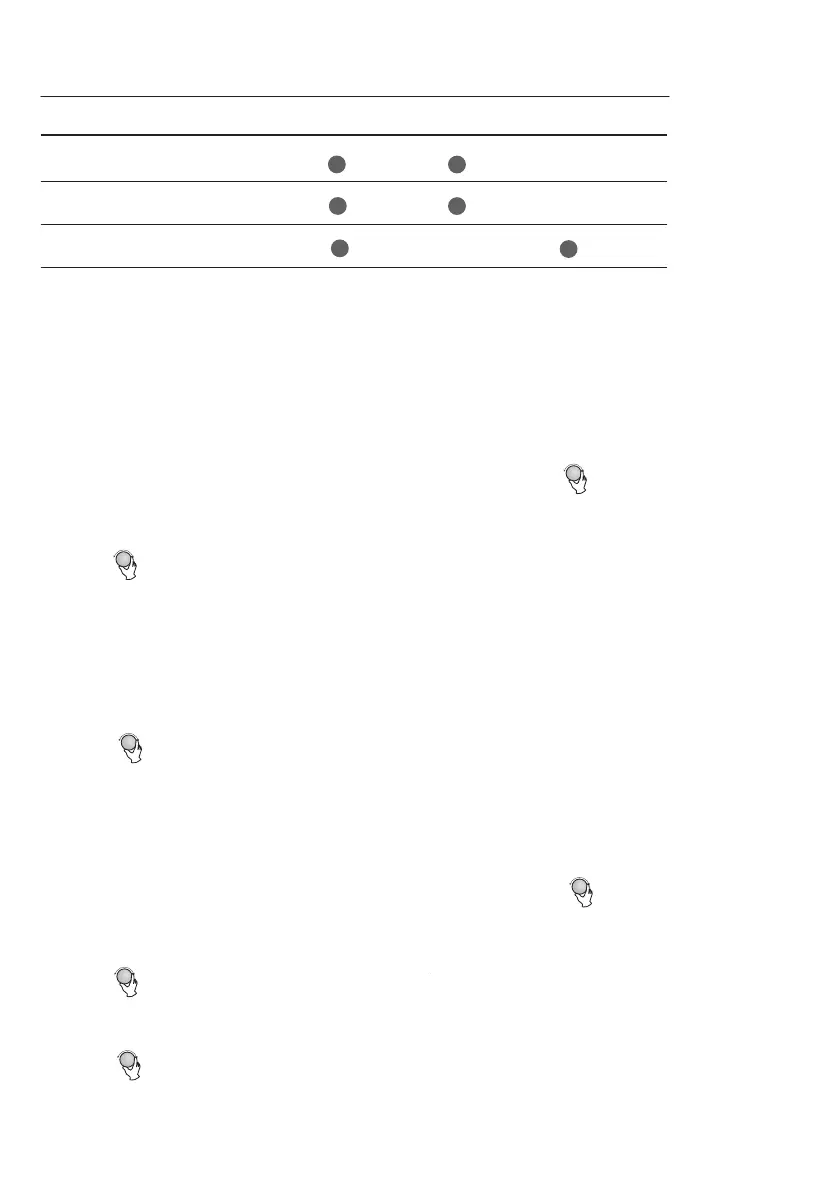
Note: Combination instructions
Microwave
Display
Convection
Function
Grill
Combi.1
Combi.2
Combi.3
C-1
G-2
G-3
℉ ℉
℉ ℉
MICRO./GRILL/CONVEC./COMBO
MICRO./GRILL/CONVEC./COMBO
MICRO./GRILL/CONVEC./COMBO
MICRO./GRILL/CONVEC./COMBO


 To Next Page