Page 6
ENGLISH
Page 6
SET UP & USE
OPERATION OF YOUR FAN
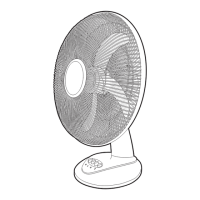
Take out the fan from the packing carton. Turn the fan upright and it is now ready
for use.
USING YOUR FAN
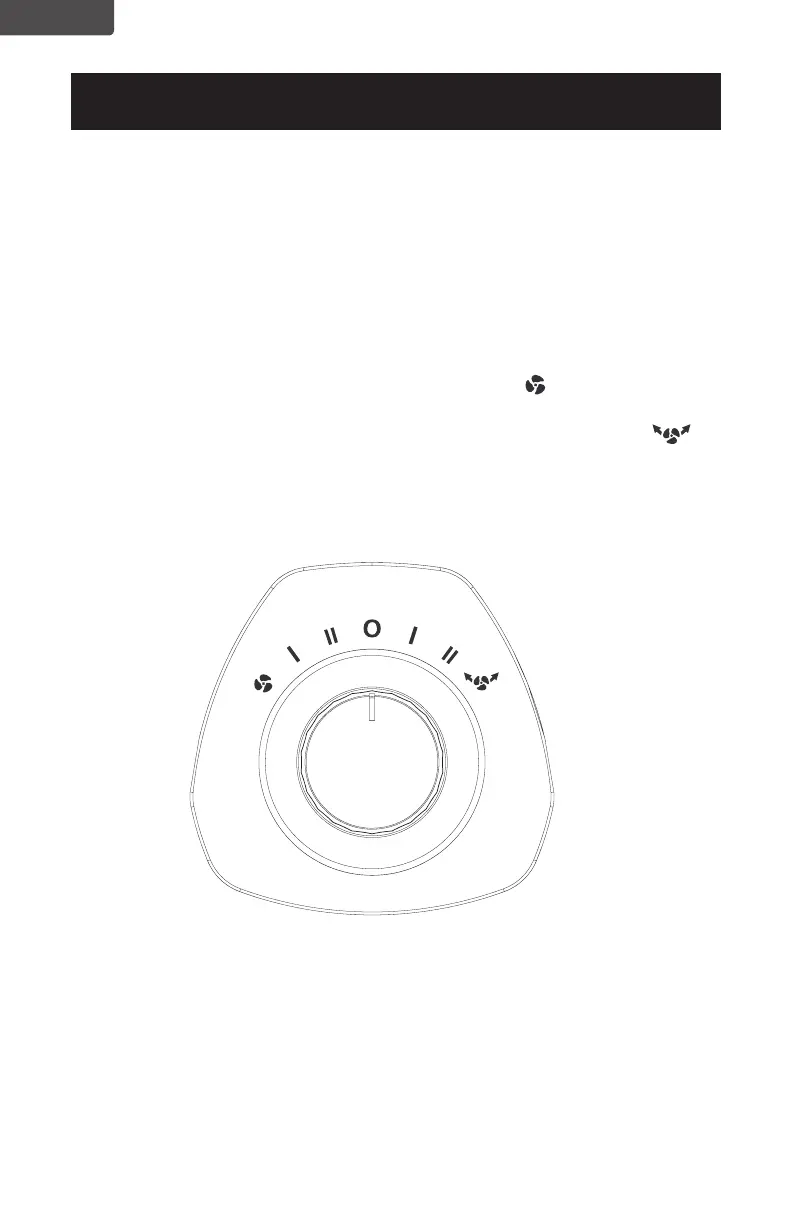
To turn the fan ON, turn the control knob left to select fan speeds or right to select
fan speeds with oscillation functions.
• Turn the Control Knob left to select the fan speed II (High Speed) or
I (Low Speed).
• Turn the Control Knob right to select a fan speed with oscillation
function II (High Speed) or I (Low Speed).
• Turn the Control Knob to O (OFF) to shut off the unit.


 To Next Page