Page 12 Page 13
SET UP & USE
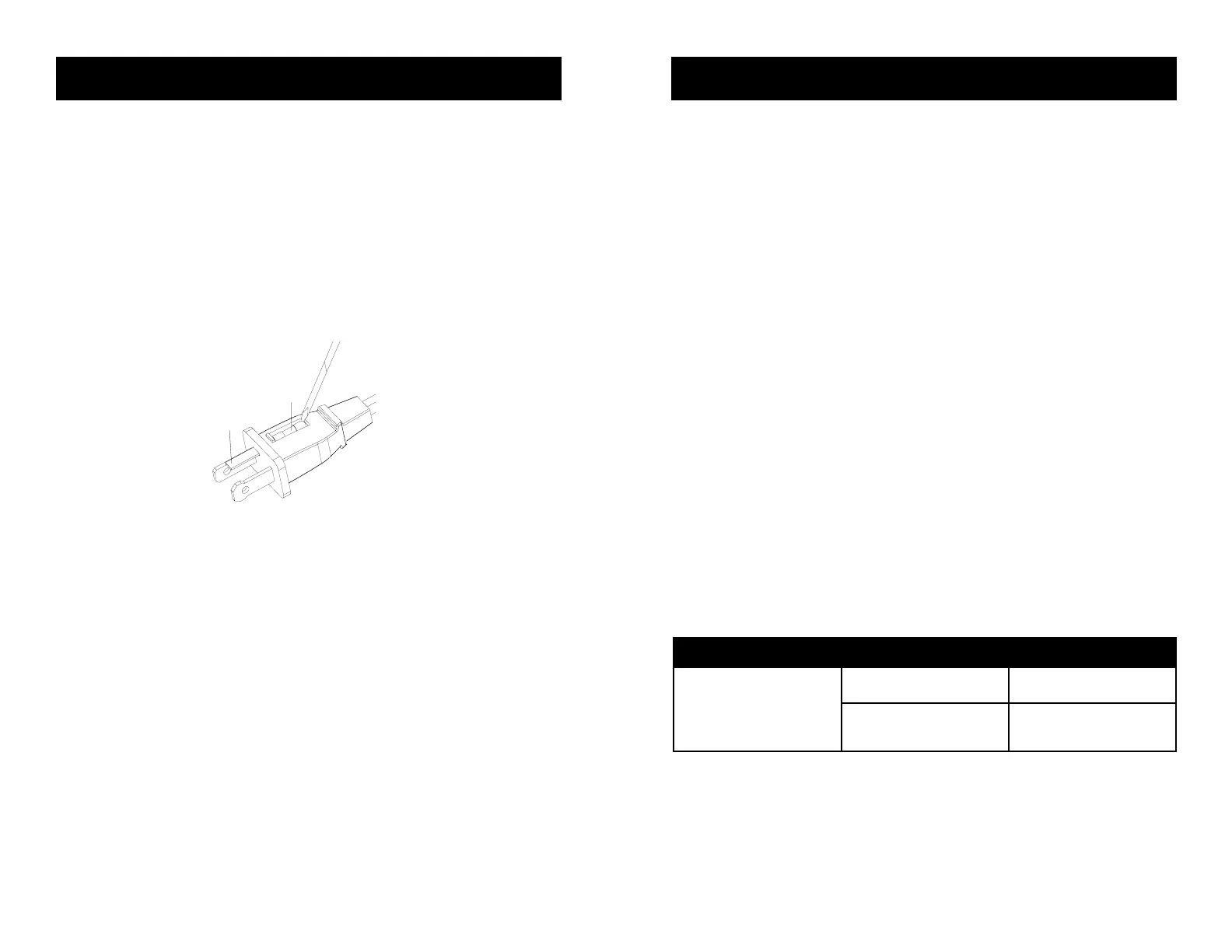
REPLACING THE FUSE
• Disconnect fan from power outlet by grabbing the plug at the end of the cord. Do
not unplug by pulling the cord itself
• Open fuse cover located in the side of the power cord plug by sliding it toward the
plug blades
• Remove fuse carefully by taking a small tool and slowly prying out one end. Once
you have one end out, slowly pry out the other end.
• To avoid the risk of re, replace only with similar 2.5 Amp, 125V fuse.
• Close fuse cover by sliding cover toward the top of the plug.
CAUTION: Do not attempt to replace the plug itself. Discard the product entirely if
the plug itself is damaged.
CLEANING AND MAINTENANCE
• Be sure to unplug from the electrical supply source before cleaning
• Plastic parts of the fan should be cleaned with mild soap and a damp cloth or
sponge. Rinse with clean water to remove any soapy lm residue.
• Be sure not to get water or any other liquid inside the motor.
TROUBLESHOOTING & WARRANTY
BEFORE YOU CALL FOR SERVICE
IF THE APPLIANCE FAILS TO OPERATE:
A) Check to make sure that the appliance is plugged in securely. If it is not, remove
the plug from the outlet, wait 10 seconds and plug it in again securely.
B) Check for a blown circuit fuse or a tripped main circuit breaker. If these seem to
be operating properly, test the outlet with another appliance.
IF NONE OF THE ABOVE SOLVES THE PROBLEM, CONTACT A QUALIFIED
TECHNICIAN. DO NOT TRY TO ADJUST OR REPAIR THE APPLIANCE YOURSELF.
IMPORTANT
DO NOT RETURN THIS PRODUCT TO THE STORE
If you have a problem with this product, please contact the
W Appliance Co. Customer Satisfaction Center at
844-299-0879 or service@equitybrands.com.
DATED PROOF OF PURCHASE, MODEL # AND SERIAL #
REQUIRED FOR WARRANTY SERVICE
TROUBLE POSSIBLE CAUSE POSSIBLE REMEDY
Appliance does not turn on
Appliance is not plugged in Check that appliance is
plugged into a working outlet
The fuse cover may be open Disconnect the plug from
outlet and close the cover of
the fuse.
Troubleshoot your problem by using the chart below. If the appliance still does not
work properly, contact W Appliance Co. customer service center or the nearest
authorized service center. Customers must never troubleshoot internal components.
SPECIFICATIONS
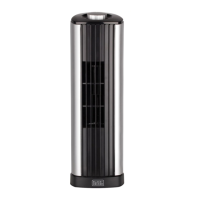
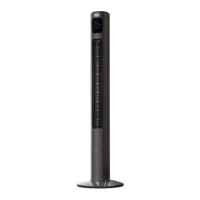
BFTR138
• Unit Dimensions (W x D x H):
12.4” x 12.4” x 38.2”
• Net Weight: Approx. 7.1 lb
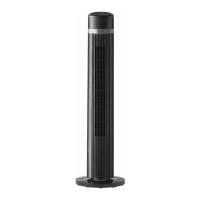
BFTR146
• Unit Dimensions (W x D x H):
12.4” x 12.4” x 46.2”
• Net Weight: Approx. 7.9 lb
Fuse
Fuse cover


 To Next Page