9
ENGLISH
(Original instructions)
• When the the ON/SPEED button is pressed, the NOR
mode indicator lights up red.
• Press the MODE button the required number of times to
set the MODE.
• NOR Mode (the NOR mode indicator lights up red.):You
can adjust the speed settings yourself at any time.
• NAT Mode (the NAT mode indicator lights up red.)
• If the HIGH speed is selected, the speed switches
between high-medium-slow-off.
• If you have selected MED speed, the speed switches
between medium-slow-off.
• In the LOW mode the speed switches between slow-off.
• SLP Mode( the SLP mode indicator lights up red.)
• If the HIGH speed is selected: the fan operates as in
“NAT mode” for first 30 minutes on the HIGH speed
setting. It then opreates for 30 minutes as in “NAT mode”
on the MED speed setting. For the remaining time, the
fan works as in “NAT mode” on the LOW speed setting.
• On the MED speed setting:the fan works as in “NAT
mode” for the first 30 minutes on the MED speed setting.
For the remaining time, the fan works as in “NAT mode”
on the LOW speed setting.
• If the LOW speed setting is selected: Switch between
slow speed and shutdown of the fan as in “NAT mode”.
Adjusting the angle of the fan
The angle of the fan can be adjusted up and down.
• Tilt the head of the fan to the desired angle.
Adjusting the height of the fan
• Loosen the screw at the top of the support tube by
turning it anti-clockwise.
• Lift the fan to the desired height.
• Tighten the screw at the top of the support tube by
turning it clockwise.
Cleaning and maintenance
Warning! Before cleaning and maintenance, switch the
appliance off and remove the plug from the socket.
Warning! Allow the unit to thoroughly cool down before
attempting to clean it.
• Do not immerse the appliance into liquid.
• Never use dilutent or benzene, chemical wiping cloths,
plastic brush or metal brush.
• The basketand pan can be washed in hot soapy water.
Rinse & dry thoroughly after cleaning.
• Use a damp cloth to wipe the outside of the body (1) and
the internal cavity.
• Keep the power cord, control panel clean and dry,
otherwise it may cause problems.
Caution: NEVER immerse the appliance in water or any
liquids. Make sure the appliance is thoroughly dried before
use.
Protecting the environment
Separate collection. This product must not be
disposed of with normal household waste.
Should you find one day that your Black+Decker product
needs replacement, or if it is of no further use to you, do not
dispose of it with other household waste. Make this product
available for separate collection.
• Black+Decker provides a facility for recycling
Black+Decker products once they have reached the end
of their working life. This service is provided free of
charge. To take advantage of this service please return
your product to any authorised repair agent who will
collect them on our behalf.
• You can check the location of your nearest authorised
repair agent by contacting your local Black+Decker
office at the address indicated in this manual.
Alternatively, a list of authorized Black+Decker repair
agents and full details of our after-sales service and
contact are available on the Internet at:
www.2helpU.com.
Mode
Mode Press Button
NOR = Normal Press ON/SPEED button 1 time
NAT = Natural Press MODE button 1 time
SLP = Sleep Press MODE button 2 times
NOR = Normal Press MODE button 3 times
Technical data
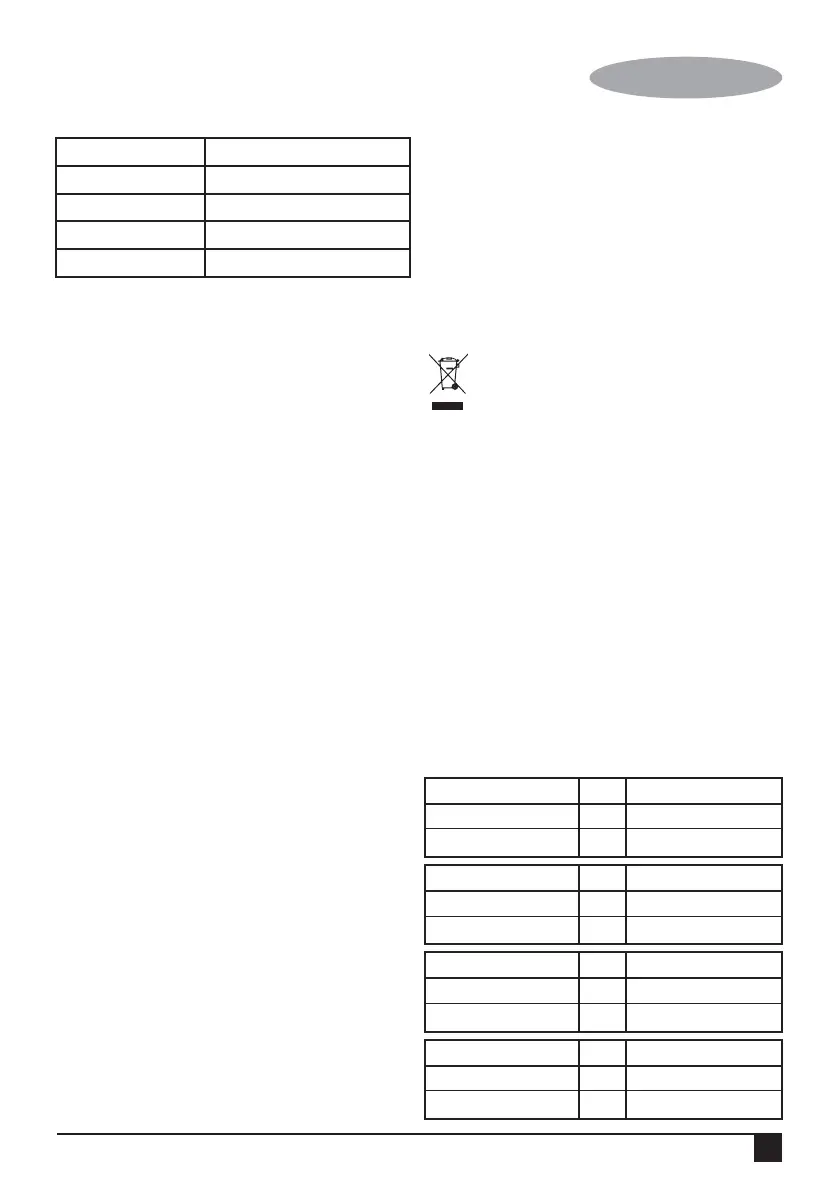
FD1620
Input voltage V
AC
220 - 240
Power input W 60
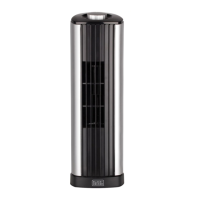
FW1620
Input voltage V
AC
220 - 240
Power input W 55
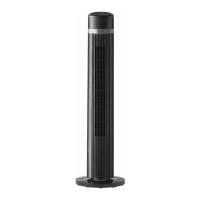
FS1620
Input voltage V
AC
220 - 240
Power input W 60
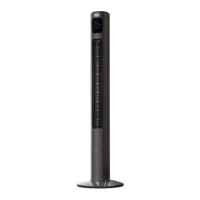
FS1620R
Input voltage V
AC
220 - 240
Power input W 60


 To Next Page