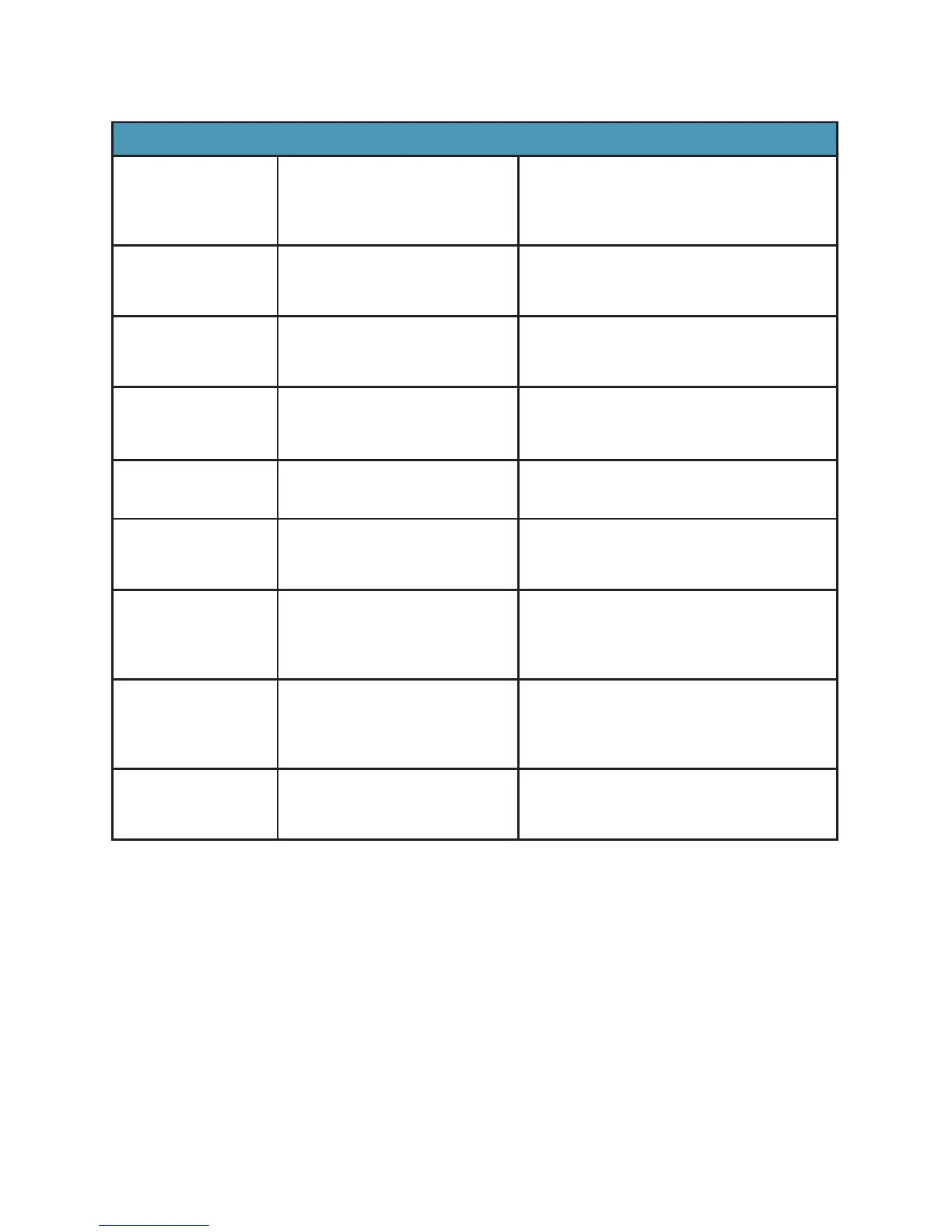
SPEED CHART
Function Food Type Speed Setting
Puree Fruits and Vegetables
Soups
Baby Food
Milkshakes
Speeds 1 - 5
Crumb Bread crumbs
Cereals
Cookies
Pulse to desired consistency
Mix Dressings
Batters
Dips
Speeds 1 – 3
Chop Salsa
Nuts
Vegetables
Pulse to speed 2 or
desired consistency
Ice Crush /
Frozen Blend
Ice (max 2 cups)
Frozen Fruits
Pulse to speed 5
Blend/
Smoothies
Smoothies
Fruits
Vegetables
Pulse to speed 5
Grind/Flours Rice
Corn
Oats
Grains
Speeds 1-3
Nut Butters Peanuts
Almonds
Walnuts
Cashews
Pulse until desired texture
reached
Personal
Jar Recipes
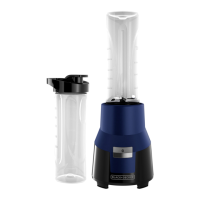
Half Recipe/ Use with
Personal Jar (not
included with all models)
Speeds 1 - 3
AUTO FUNCTIONS
This blender features 5 different AUTO functions, pre-programmed cycles
to deliver exceptional results for a wide variety of recipes. To use an AUTO
function:
1. Press AUTO. Once pressed, all buttons will blink
2. Press the button of the desired function as listed in the following chart:



 To Next Page