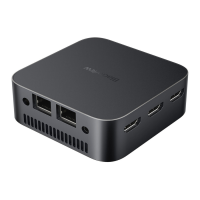
Packing List
Mini PC*I
User Manual*l
Mini PC copper fixing
screws*2
VESA Mounting Bracket*l
Power Adapter* 1
HDMI Cable*l
VESA Mounting Bracket
Screws* 2
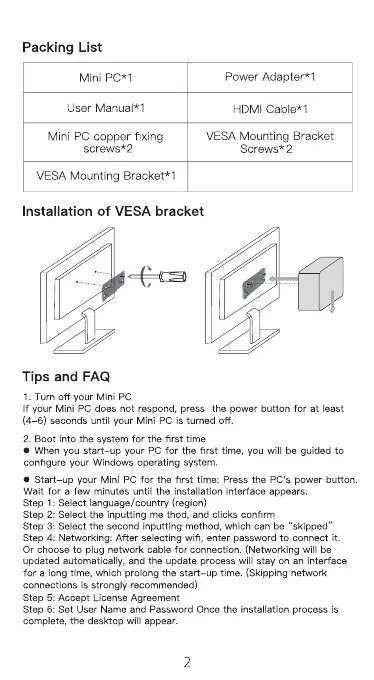
Installation of VESA bracket
Tips and FAQ
1. Turn off your Mini PC
If your Mini PC does not respond, press the power button for at least
(4-6) seconds until your Mini PC is turned off.
2. Boot into the system for the first time
When you start—up your PC for the first time, you will be guided to
configure •æur Windows operating system.
• Start—up your Mini PC for the first time: Press the PC's power button.
Wait for a few minutes until the installation interface appears.
Step 1: Select language/countn,' (region)
Step 2: Select the inputting me thod, and clicks confirm
Step 3: Select the second inputting method, which can be "skipped"
Step 4: Networking: After selecting Wifi, enter password to connect it.
Or choose to plug network cable for connection. (Networking Will be
updated automatically, and the update process will stay on an interface
for a long time, Which prolong the start—up time. (Skipping network
connections is strongly recommended)
Step 5: Accept License Agreement
Step 6: Set user Name and Password Once the installation process is
complete, the desktop will appear.
2


 To Next Page
 Loading...