4
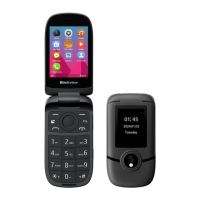
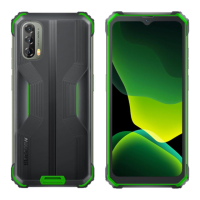
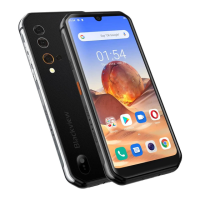
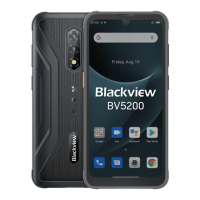
1. Receiver
2. Screen
3. Drop-down menu
4. Notifications
5. Answer the phone / call records
6. Applications
7. Number keys (used to enter numbers, letters, and strokes)
8. Long press to unlock
9. Main menu
10. Camera (shortcut key operable when unlocked)
11. Contacts
12. Power on/off, hand up the phone, click to wake up the screen (long press to
power on/press and hold to power off)
13. Internet
14. Long press to mute
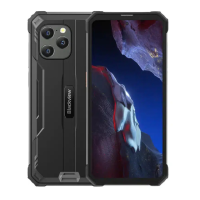
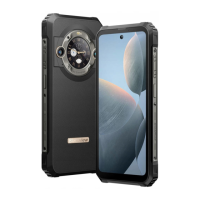
15. Camera
16. Speaker
17. – 20. Screw
21. Flashlight
22. Headphone jack
23. Flashlight (shortcut key operable when unlocked)
24. SIM 1
25. SIM 2
26. Memory card
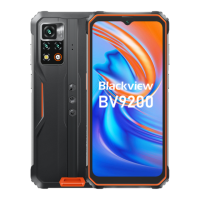
27. Volume up
28. Volume down
29. Type-C port
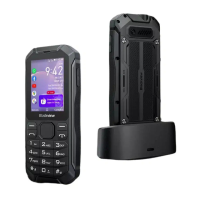
30. Charging contacts (suitable for external cradle charger)




 To Next Page