You can check what programs are coming to view buy using
the “EPG guide” go to the channel you want the information, and press “>”
on the remote. This takes you to the TV Guide.
Push OK, then push “F1 (red button on the remote) then select down to
“LIST” – for full EPG press right on selected channel.
You can set a “reminder” for a program to view later. Press the “GREEN”
button on the remote, and then select the program you wish to view later.
When the time of the selected program is reached, a message will inform
you that it is about to start, you can press OK and this will change the
viewing to this program and channel.
VOLUME CONTROL
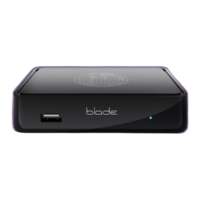
As well as being able to adjust the volume on the TV you can also adjust
the volume on the Blade receiver.
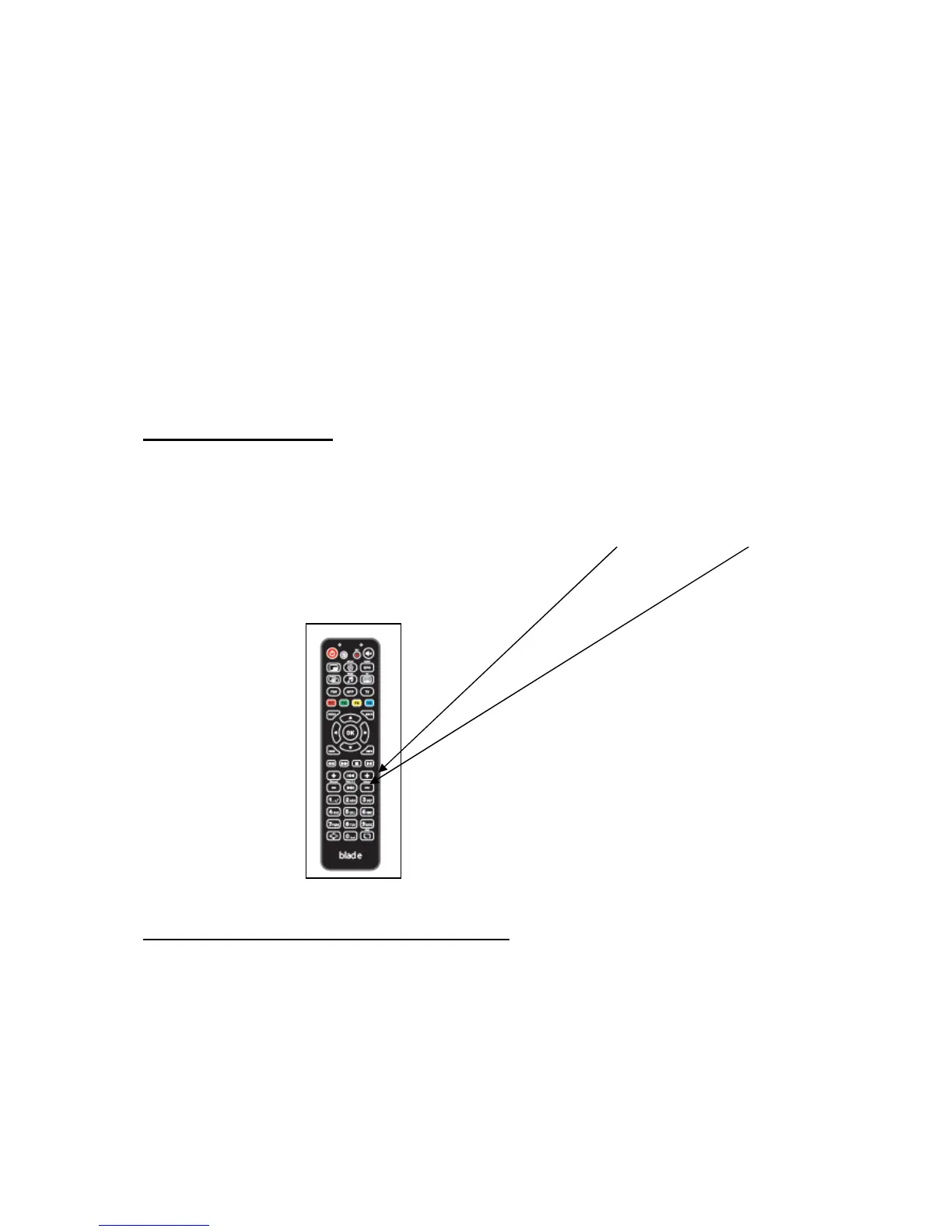
To increase or decrease the sound level, use the “volume +” or “volume – “
on the remote.
POSSIBLE LOW INTERNET SOLUTION
It is possible at peak times that your internet speed goes very low.
This receiver has the ability to still work down below 1meg. If you are
experiencing "buffering" press the menu button and you will see 3
options. ALL/ENGLISH/LOW SPEED if you select the low speed option


 To Next Page
 Loading...