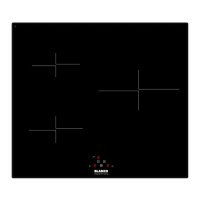
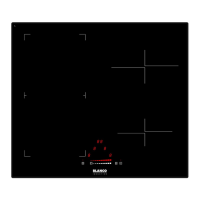
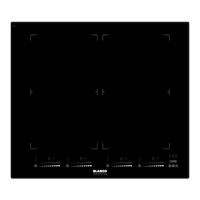
Turn On and Turn Off The Appliance
if the appliance is in Stand-By-Mode, it is put in Operating-Mode by pressing
the On/Off button at least 1 second. A buzzer signal indicates the
successful operation acoustically.
On all zones a '0' appears and all Decimal Point of the heater flashes (1
sec on, 1 sec off).
if there is no operation within 10 sec, the display of all zones will turn off.
if the displays are turned off, the zone will be set into Stand-By-Mode.
if is pressed more than 2 sec (in Operating-Mode), the appliance is
switched off and is set into the S-Mode again. The appliance can be turned
off by pressing at any time; even if other buttons are pressed
simultaneously.
if there is any residual heat on a zone, this will be indicated in the correspondent
heat setting Zone Display.
Select Zone
if a single zone is chosen with the corresponding Active/Deactive Zone
Button , the Decimal Point of the related Zone Display flashes. For the
selected zone, you can set the heat level between 1-9 by touching the
Heat Setting Buttons
or
.
The buttons must be pressed within 3 sec, otherwise the zone selection is
erased and heat setting dot will disappear (Decimal Point). if there is no
further operation within 10 sec, the zone falls back into the S-Mode.
The heat setting can always be changed by pressing
or
between
level 1-9.
Each button operation or each display change is indicated by a tone signal.


 To Next Page