26
1 button - unlatches the flip/
release panel
2 Volume control
3 Button - switches the radio and
mute function on/off
4 RDS button - switches RDS con-
venience function on/off (radio
data system).
Selects variable radio texts.
5 BND button (band), source se-
lection for radio mode,
selection of FM memory levels
and the wavebands MW and LW
(München CD51 does not fea-
ture MW and LW)
TS, starts the Travelstore func-
tion.
6 Display (display field)
7
button - indicates the time on
the display
DIS, change display contents
8 MENU button - selects the menu
for basic settings
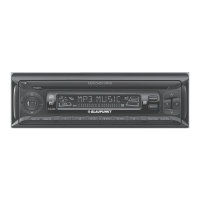
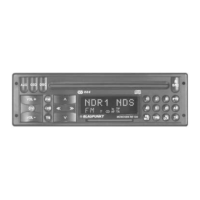
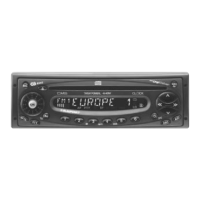
CONTROLS
9 button - opens the flip/release
panel
: Arrow-key block
; OK button - confirms menu en-
tries and starts the scan function
< X-BASS button to adjust and
switch X-BASS on/off
= AUDIO button (Audio) - adjusts
bass and treble, balance and
fader
> Key block 1 - 6
? TRAF button, switches traffic in-
formation standby on/off
@ CD•C button - selects between
CD, CD changer (if connected)
and AUX sources




 To Next Page