YouDOhavetowearthewristbandfortheSTEPS,DISTANCE&EXERCISETIMEtorecord;
theseareallbasedonmovement.
ForBESTRESULTS,thewristbandshouldbeworn24/7.
TargetGOALMETER
Duringyourinformationset‐up(ontheapp),youwillselectadailygoalbasedoncalories,
stepsORdistance.Tohelpyoutrackyourdailygoal,the%ofthe goalyouhaveachievedin
GOALmode.
WEARtheARC‐2.024/7
MONITORdailyactivityonyourwatch&app:estimatedcaloriesburned,steps,distanceand
exercise(activity)time
SYNCthewristbanddatatothefitnessapp
TRACKyourgoalsandprogress
BatteryConservationMode
Toconservethebattery,thedisplaywillbecomeinactiveafter5secondsandenterint o
POWERSAVEMODE.
Toactivatethescreen,simplydouble‐tapthecaseorpressanybuttonto'WAKEUP"the
wristband.
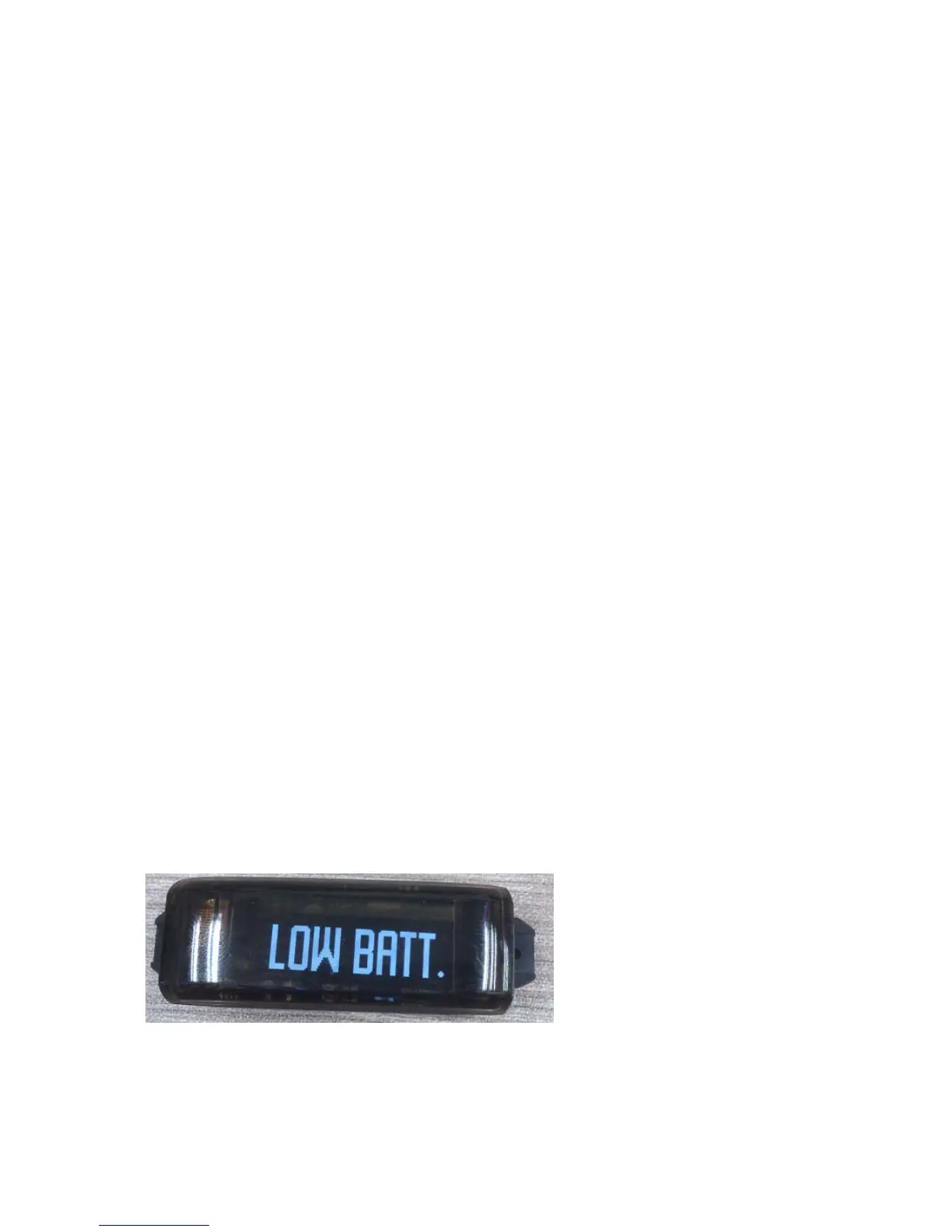
LowBatteryWarning
Signsoffailing/dyingbatteriesare:
‐ “LOWBATT.”appearsinthedisplaywhenyoupresstheswitchordoubletaptheArc‐2.0
Youractivitywi ll continuetorecordonyourwatchforalimitedtime,soitisimperativethat
youhavethebatterychargedtoavoidlosingyourstoredactivitydata.


 To Next Page
 Loading...
