Care and Maintenance
It is normal for your wireless device to get warm when you use it.
Use your wireless device and accessories with care in clean environment.
Keep the wireless device away from open flame or dusty environments.
Protect your device and accessories from water and vapor and keep them dry.
Do not drop, throw or bend your device.
Clean your device with a piece of damp and soft antistatic cloth.
Do not use any chemical agents (such as alcohol and benzene), chemical
detergents or powder to clean the device.
Do not leave your device or accessories in significantly high or low
temperature environments.
Use only manufacturer approved accessories and parts.
Contact an authorized service center in regard to device or accessories
abnormality
.
Do not dismantle or tamper with the device or accessories. Dismantling or
tampering will these items will void the product’s warranty.
Part 1. Getting to know the R536
1.1 Package Contents
• Blink R536 Mobile Hotspot
• QSG (Quick Start Guide)
• USB Power Adapter
• Carrying Pouch
• Li-ion 1,350mAh battery
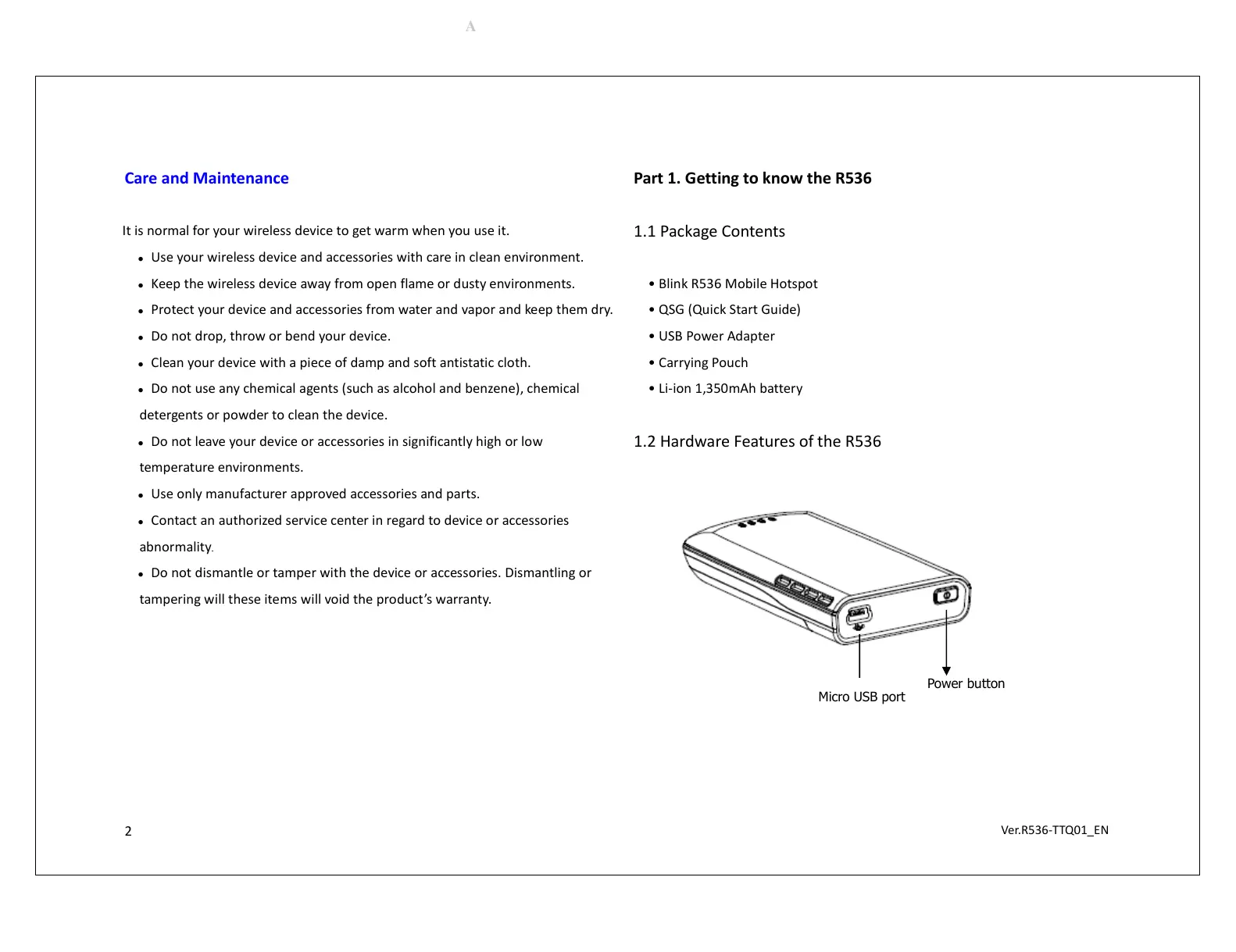
1.2 Hardware Features of the R536
Micro USB port
Power button


 To Next Page
 Loading...