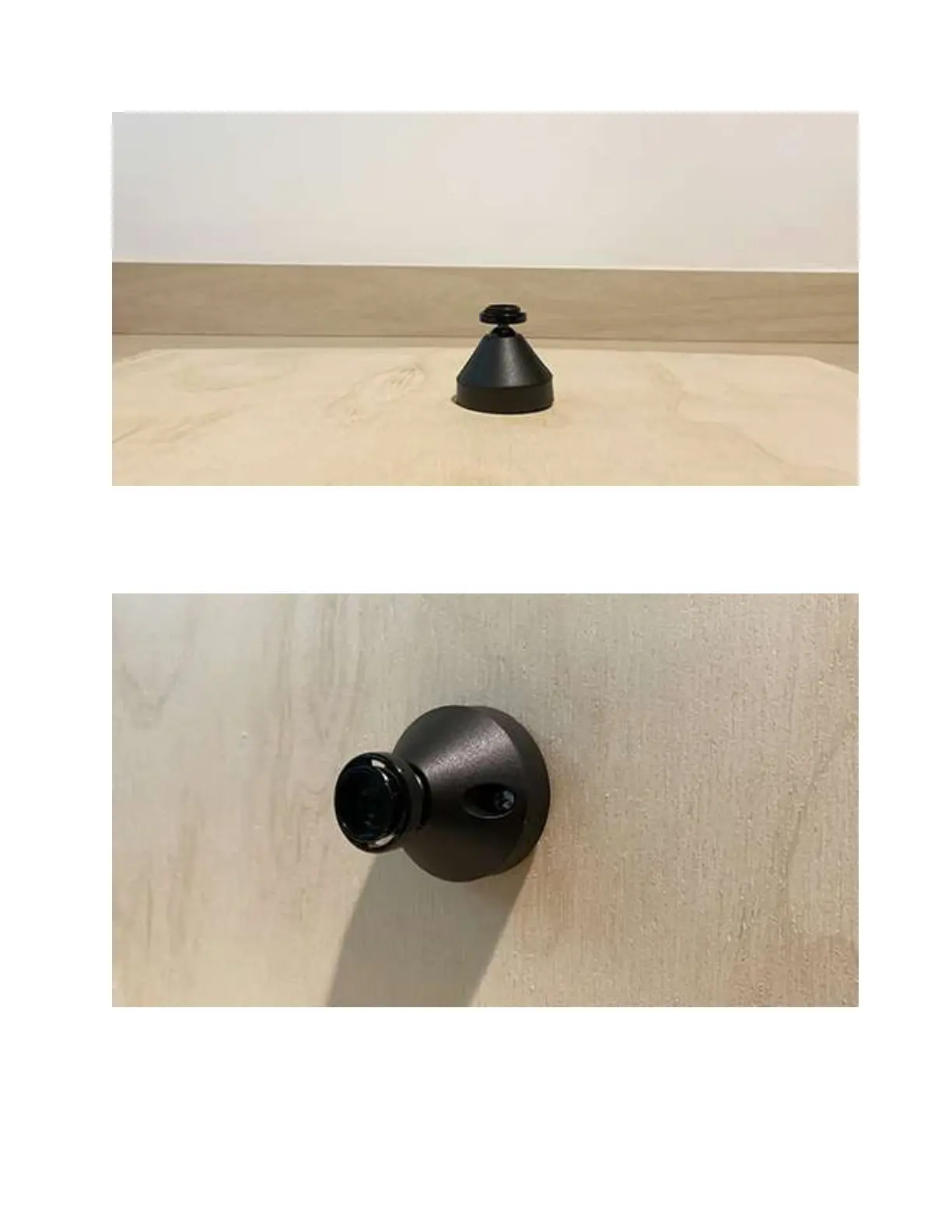
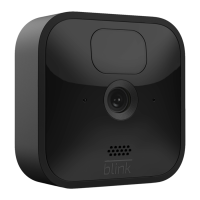
You’ll see that the screw holes line up on these two accessories. Next, use the two provided
screws to attach the mount at your desired location. Please note, use of the included screws for
the mount will create two holes in the surface of the wall.
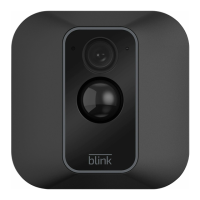
Once the mount (and optional mount riser) is securely in place, you will snap the camera onto the
mount. The circle portion of the mount will connect to the center circle on the back of the XT2
camera.


 To Next Page