3
Before operating your laser projector, please read the “Before you Begin” section and
“Notice” section of this user’s guide.
SETTING UP THE LASER PROJECTOR
1. Insert the USB power cord into a powered USB port or use the included wall adapter to
connect to an available electrical outlet.
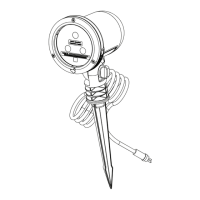
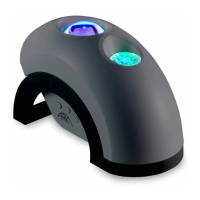
2. Place the Ark on a at solid surface and aim toward desired ceiling/wall.
3. Press the power button. The nebula and laser will gradually illuminate
and begin moving by default.
4. To adjust the illumination angle for walls, slide the unit down to the forward position.
5. To turn o the light, cycle through the power button modes until the unit turns o
completely. Remove the power plug from electrical outlet.
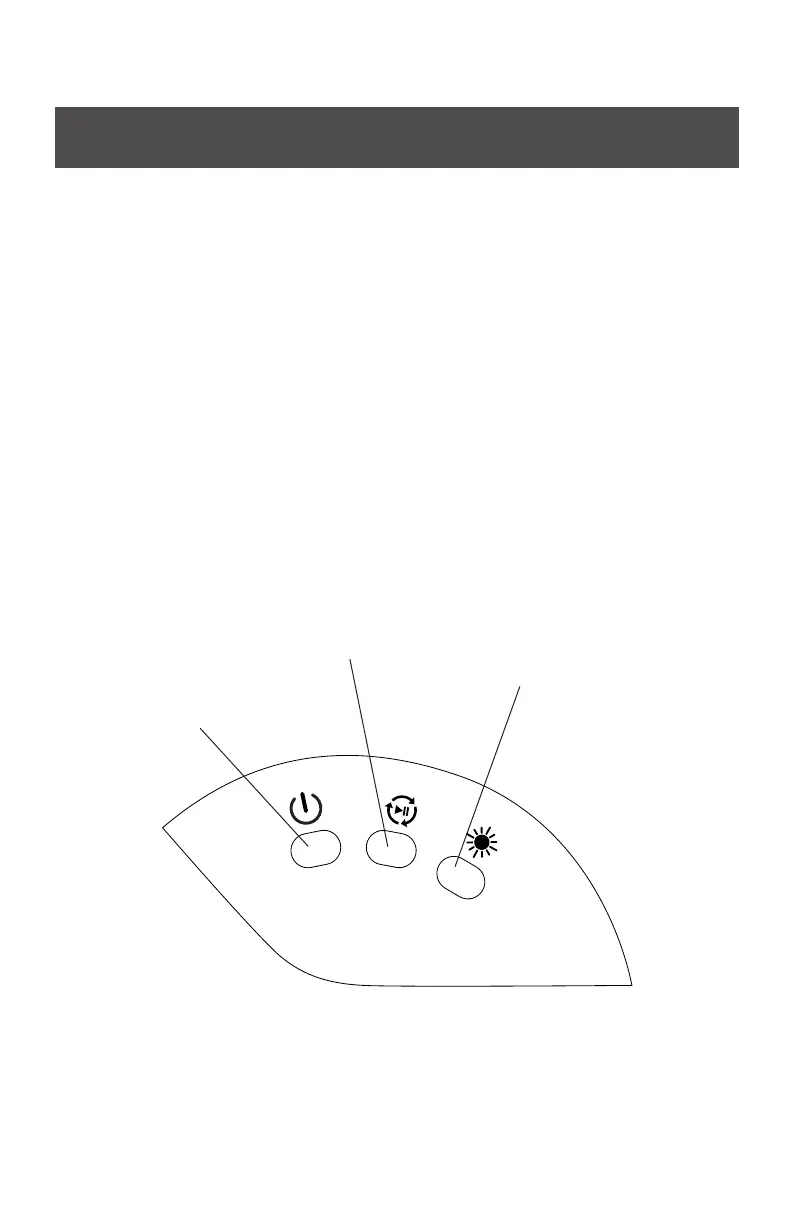
6. Use the following buttons to control lighting eects:
Button 1 (eects):
• Power on
• Pulse mode
• Laser only
• Cloud only
• Power o
Button 2 (rotation):
• Rotation o
• Rotation on
Button 3 (brightness):
• High
• Medium
• Low
DEFAULT SETTINGS
Once the laser projector is plugged in, it will enter the default mode where all eects are
on. Use the buttons to change the eect settings and brightness. This light has a built-in
timer that is designed to automatically shut o after 6 hours of operation.


 To Next Page