Step 1:
Step 2:
Press the power button
LED will flash once.
enters the Wi-
Step 3:
Launch the BloomSky
register the SKY1.
several minutes and upload wea
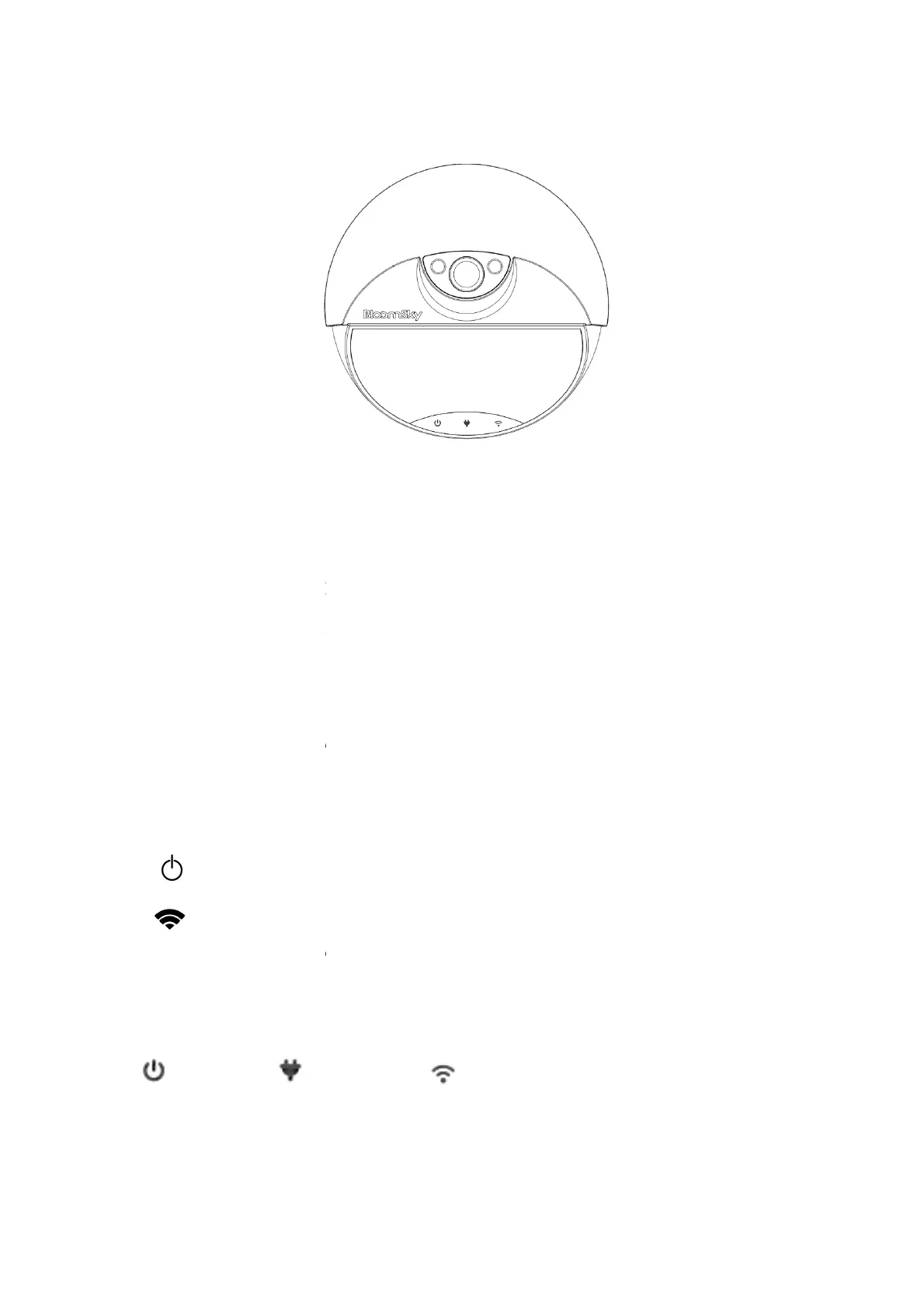
Key operation and LED indication:
Key:
Power Button:P
Network Button
record
when the device is powered on
LED:
: Power LED
Power LED
ower on the SKY1. Waiting for
he right red LED will begin to flash. That
and follow the on-screen instructions
SKY1 will connect to your Wi-
several minutes and upload wea
ther data and picture to BloomSk
Key operation and LED indication:
this button to power on/off the device.
Press this button more than 5
when the device is powered on
.
:Network LED
。
,the left green
every
up the Wi-Fi


 To Next Page
 Loading...
