BLU ADVANCE 4.0L - Quick Start Guide
Setting Up Your New Smartphone (Page 1 of 2)
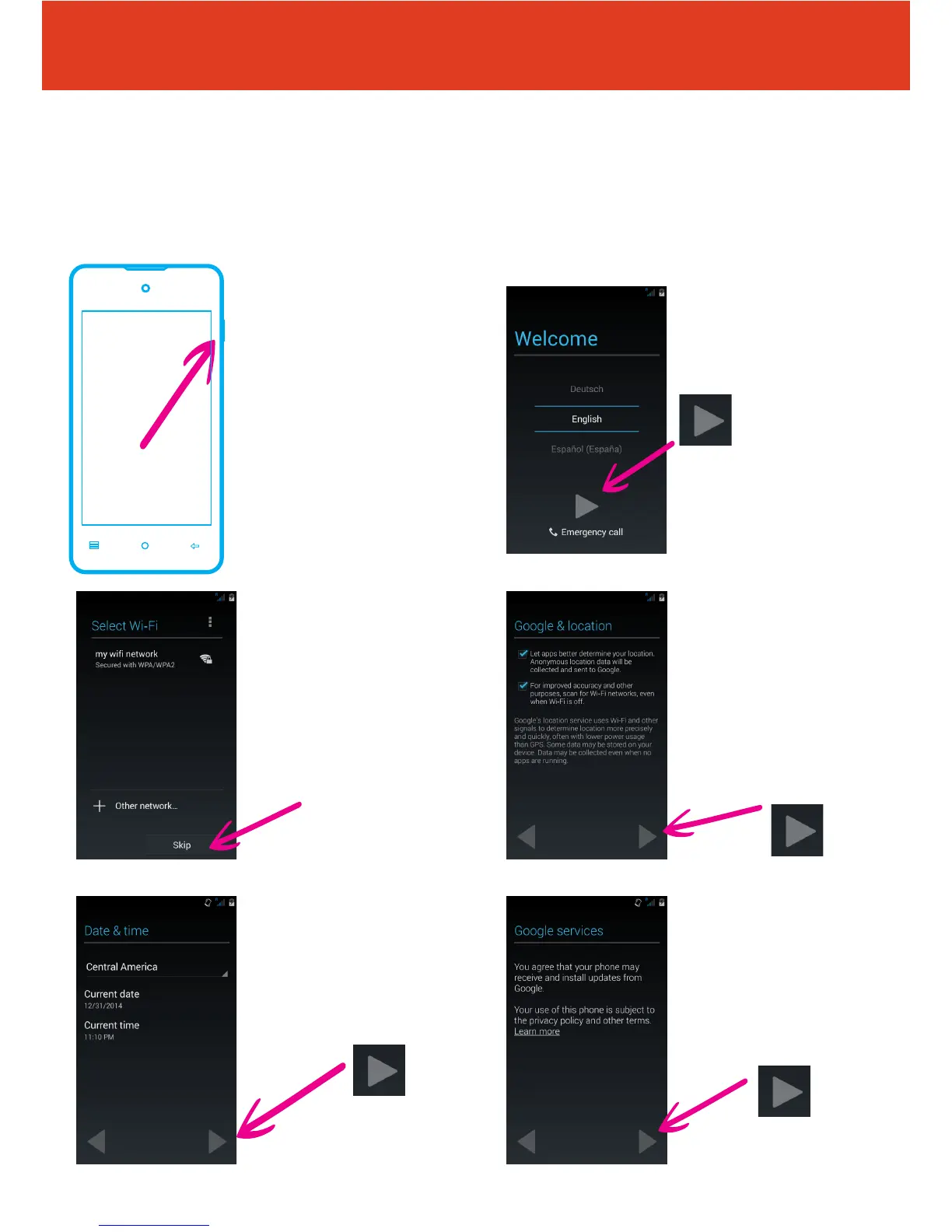
To get started with your smartphone, follow these steps:
2 First, select your
language from the
dropdown box, then tap
the arrow icon
4 Now choose whether
you want to turn on
location services by
tapping the tick boxes
Then tap the arrow to
continue
6 If you want read
through the privacy
statement, tap “Learn
more”. Once you are
happy with the statement
tap the right arrow to go
to the next step
3 Set up a wi
connection
(or skip this step and
set up later if wi isn’t
available)
5 You can now set up
the date and time. Tap the
country and choose your
location from the drop
down list. Then tap the
right arrow to go to the
next step
QS46Ver15DEC15
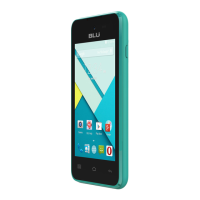
1 To turn the phone on
press and hold the power
button on the right hand
side of the phone


 To Next Page