Chapter 9 Firmware Upgrading Guide
9.1 Firmware Upgrading
9.1.1 Install USB driver
The maximum downloading speed can be up to 921600bit/s when using USB-Serial cable.
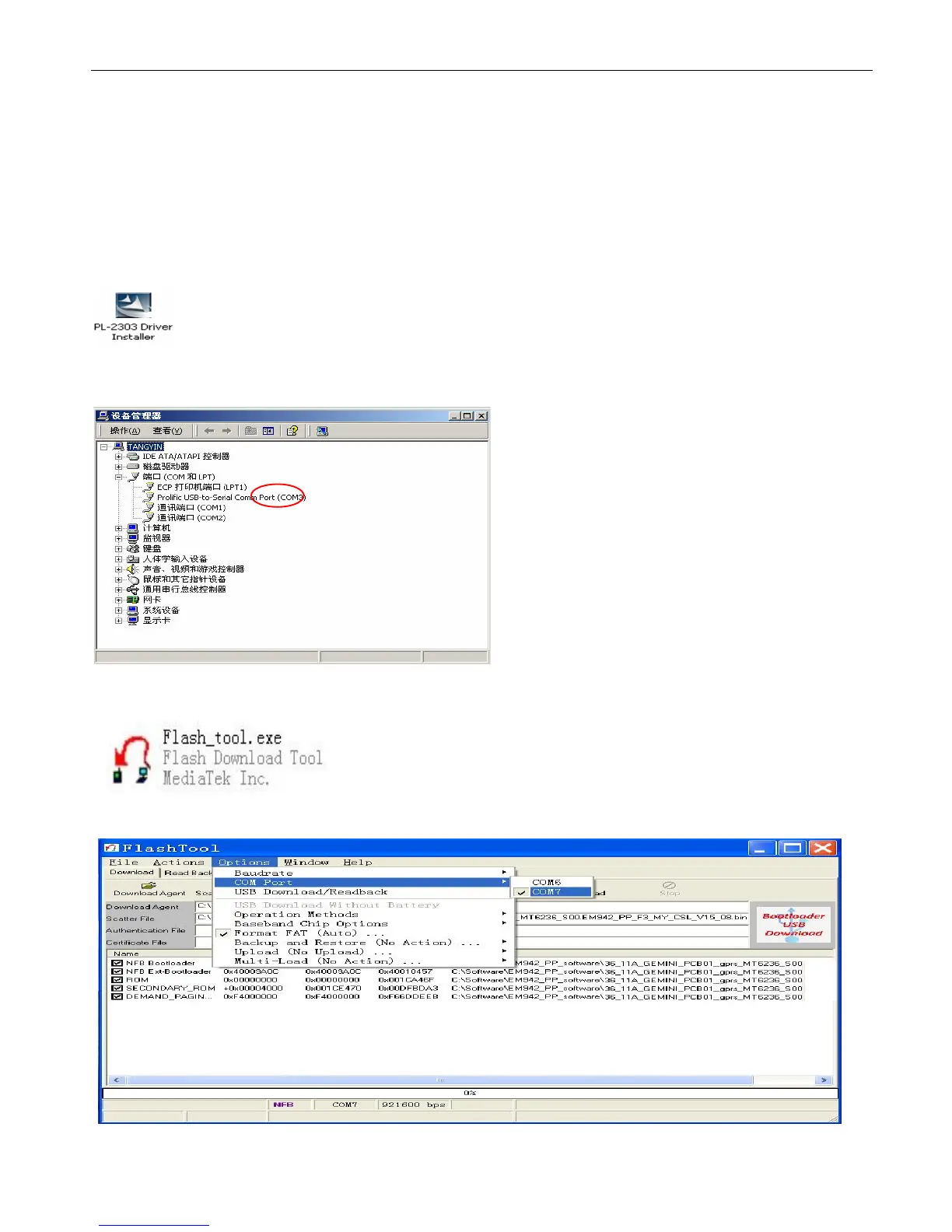
The driver need to be installed before using the USB cable.
Please keep the USB cable unplugged when installing the driver.
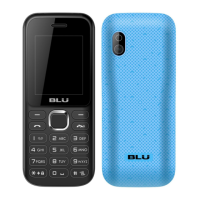
Plug the USB cable when installing is completed. And check device manager of the PC.
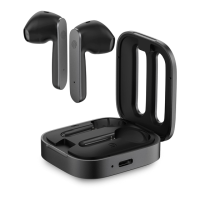
9.1.3 Please select “Options”-“COM port”-Choose the port which is same as the one in “Device Manager”.


 To Next Page