4
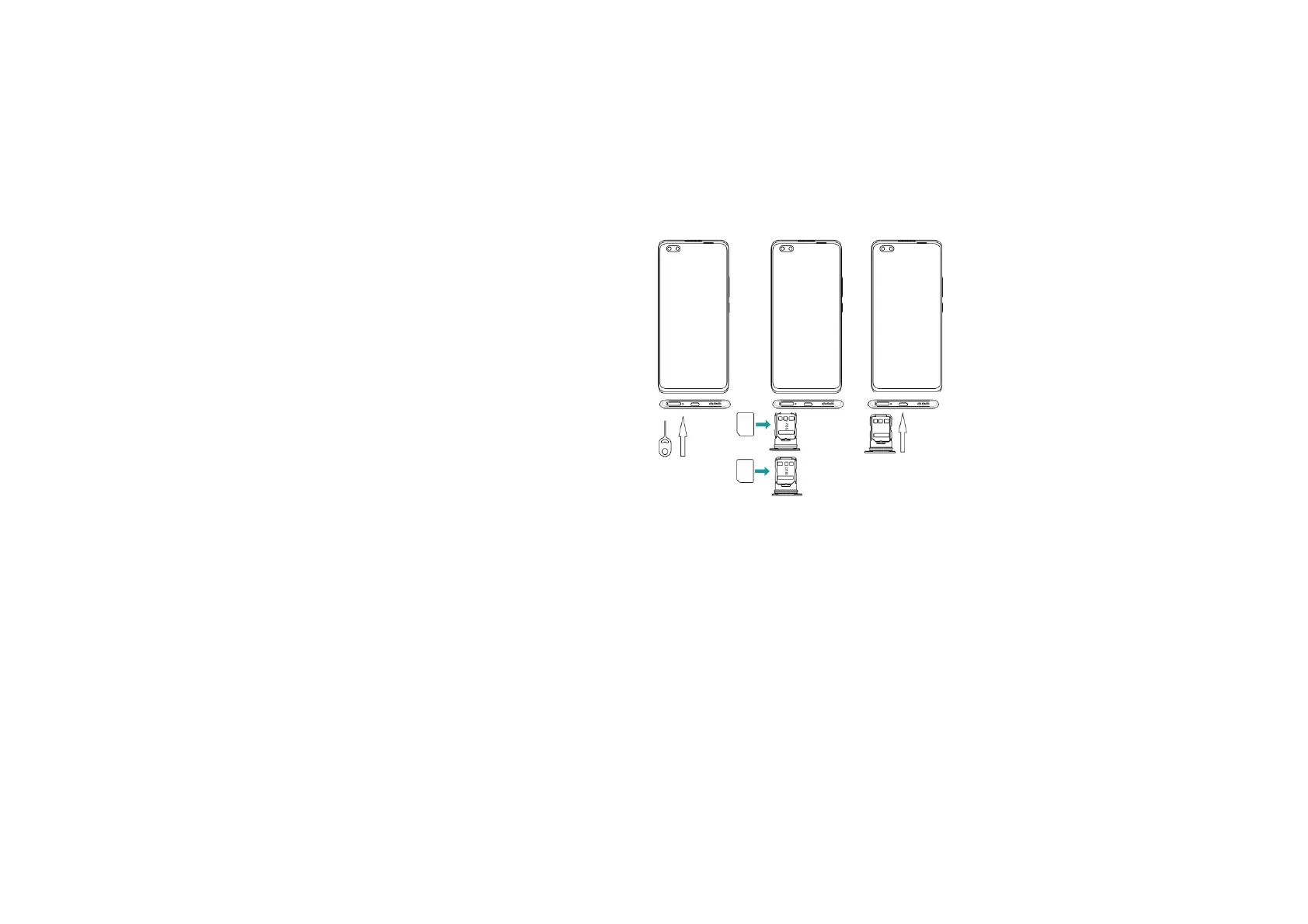
Insert the Micro SD card into the slot with the correct direction (See figure below), suggest switch off the phone when you insert Micro SD.
Note: Use only compatible memory cards with this device. Incompatible memory cards may damage the card or the device and corrupt the data stored in the card.
3.2 Charge the battery
During charging, the battery indicator on the phone is a thunder icon. If the device is switched off during charging, there will still be a charging indication on the screen that shows
the phone is being charged. If the device is overused when the battery is low, the charging icon might take some time to appear.
When the battery indicator on the screen display 'Battery is full', thunder icon will disappear, which means the completion of charging. If the phone is switched off during charging,
the screen will display ' Battery is full '. It generally takes 4 hours to charge the battery. During charging, the battery, the device and the charger will get hot. This is normal.
Unplug the charger from the AC electrical outlet and disconnect the wiring between the phone and the charger after charging. .
Cautions: Charge the phone in a well ventilated place in which the temperature is between -10℃ to +55℃. Use the charger provided by the manufacturer only. The use of
unconfirmed charger may lead to dangers and violate the manufacturer's warranty clause. If the temperature is too high or too low during charging, the device will automatically
send a warning and stop charging to avoid damage to the battery or any danger.
IV. Basic functions



 To Next Page