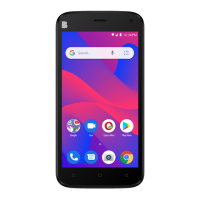
Need help?
Do you have a question about the Blu C6 2019 and is the answer not in the manual?
Observe all transportation laws and regulations.
Ensure phone is on and in service area. Tap phone key and dial emergency number.
Used to power on/off the device and to lock the screen.
Security feature that unlocks the device using the user's fingerprints.
Keep SIM card away from children. Contacts are fragile and easily damaged.
Steps for adding Google accounts and setting up fingerprint security.
 General
| Brand | Blu |
|---|---|
| Model | C6 2019 |
| Category | Cell Phone |
| Language | English |

 To Next Page